Sector(s)
Project Team
- Aditya Goyal: QA and SM
- Shishir Phadke: Frontend Developer
- Love Huria: Sr. Drupal Developer
- Azhar Khan: Sr. Drupal Developer
Our Client Revamps 80% of Its Website in Just 2 Sprints
Key Highlights:
- We revamped 80% of the website in two sprints
- Delivered high value items early
- Delivered more stories than committed to
- Enough flexibility to accommodate new requests
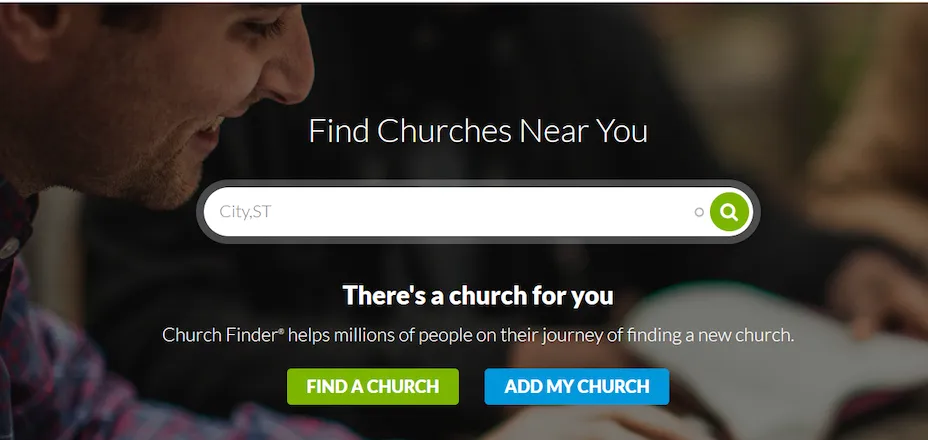
Our client is an online directory service that enables people based in the United States to find and review churches in their locality. It also allows pastors and church leaders to add their churches to the database, enabling more people to find them easily.
About the project
The Challenges
The client was looking to achieve the following goals with their site revamp project:
- Increase user engagement, reduce the bounce rate, to get visitors to view more pages per session and increase conversion of churches from free to paid levels.
- The old site had the complicated process of adding/claiming/editing a church profile. We improved the existing process with which the client was happy.
- We worked to integrate user reviews and 5-star ratings into the church profiles.
- The site was facing some minor performance issues as well, but these were not too significant, so they were not an immediate priority for the client.
Why Drupal was chosen
Drupal was deemed as the best solution because of the following reasons:
- The client's site was already built on Drupal. Using Drupal from the beginning brings in a solid foundation for the future iterations to be easily built upon.
- Drupal was so well suited for many of the project’s requirements because of its large community support, flexibility of integration with other systems and regular security updates.
- Drupal proved to be a great fit as the site was heavily content-based and required the use of church approvals, workflow etc.
Technical Specifications
Drupal version:
Key modules/theme/distribution used:
The Solution
Our team worked directly with the owner/CEO of the client to revamp the site. They had daily calls to keep the client as well as the team in sync.
The team used JIRA as their task management tool. They added all the tasks to JIRA as user stories, covering each task in as much detail as possible. The team then sliced the stories into different iterations.
Tasks for each web page were spread across 2-3 iterations. When assessing any page, the team would first identify which elements needed to be revamped. These elements were then organized by level of priority. The first iteration of each web page included all the elements that were considered highest priority.
Instead of spending time on revamping non-critical elements, the team focused on finishing the first iteration of each page first, so that they could deliver maximum value to the client. In some cases, wherever time permitted, they worked on the second iteration as well.
Overview of Modules used
-
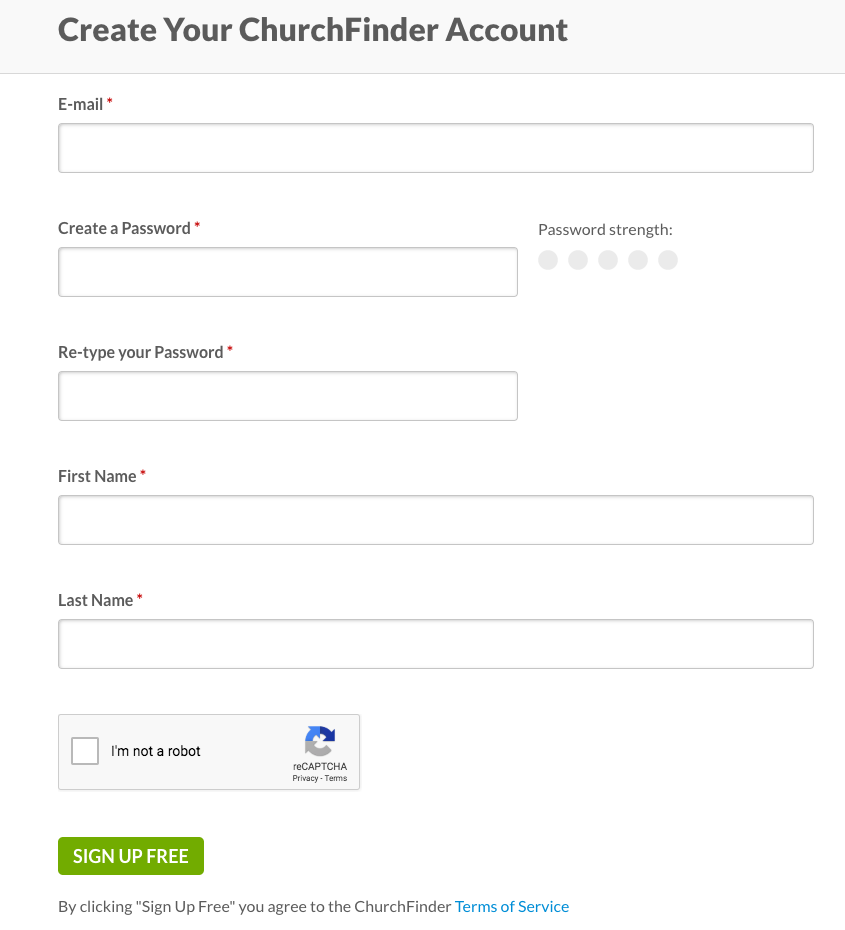
Multistep node form(MSNF)
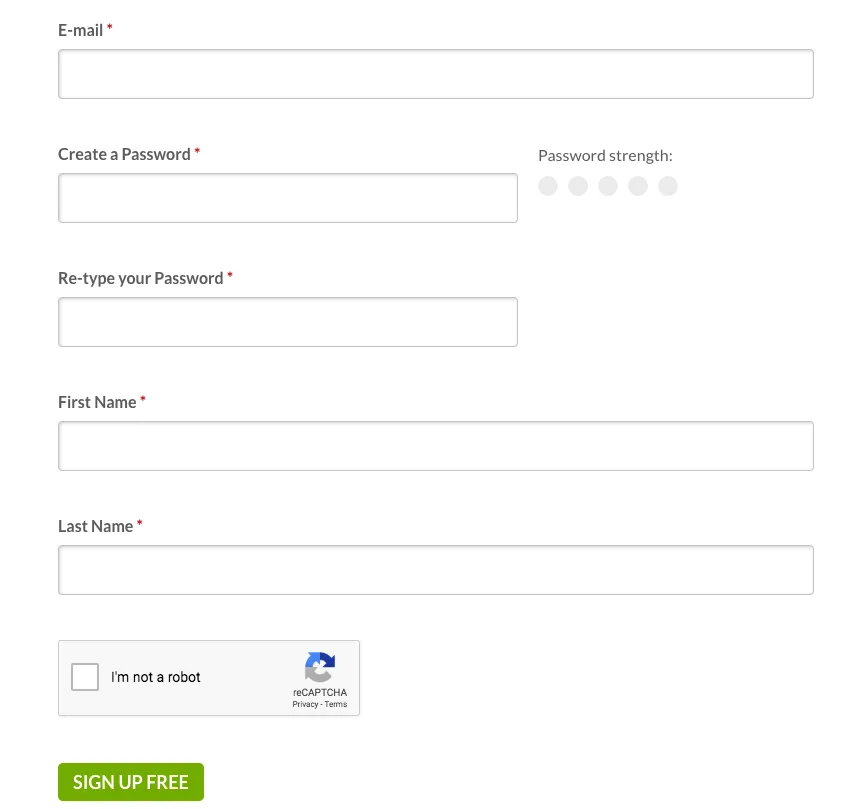
module helped us to create a multi step form for the registration process with some customisation. Registration was made easy and quick with a refreshing UI.
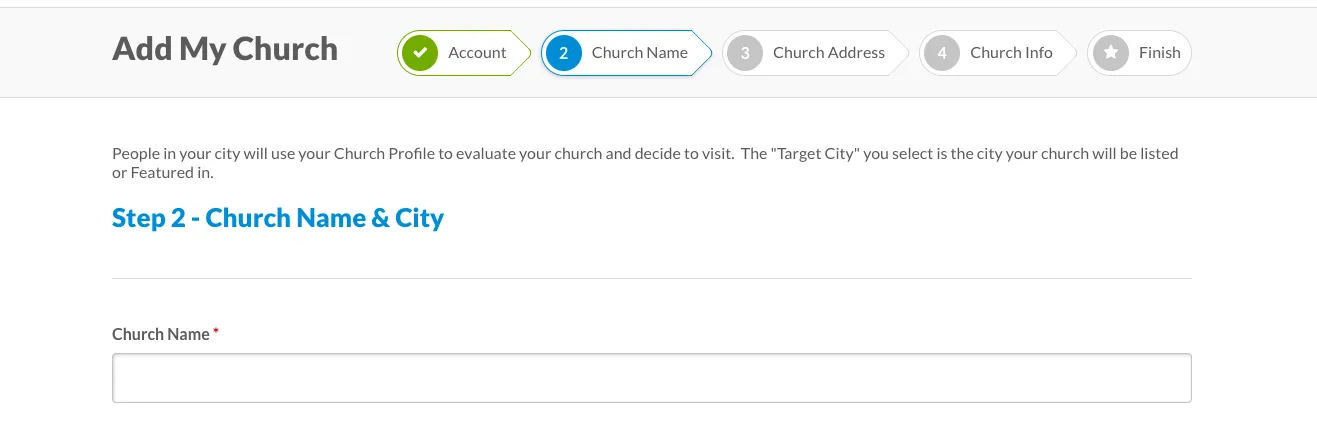
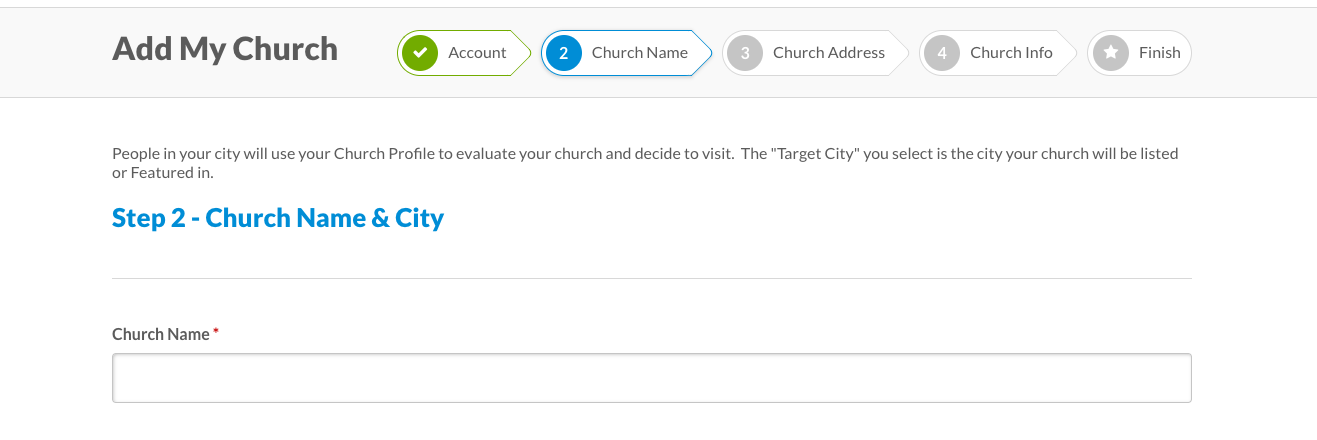
After registration it gives you the ability to add your own church. MSNF helped us achieve multi-step process “Add My Church”.
After completing all steps, it gives choice to the users to upgrade their account using Recurly with monthly/annually subscription.
-
Recurly Module
gives the ability to include built-in pages for users to view invoices, subscriptions, and to upgrade/downgrade their subscription level.
-
Recurly Roles
module works in conjunction with the Recurly module to add/remove a role(s) from a user account depending on the status of a recurly subscription. The module responds to ping backs from Recurly regarding the status of new or existing subscriptions making it easy to create a subscriber role on your site and have people be added/removed from that role as necessary.
-
Features Module
allowed us to easily export the configuration from one environment to another (For instance, what modules needs to enabled or set as dependencies etc). This module heavily helped in making deployments easier and more robust.
-
Reply
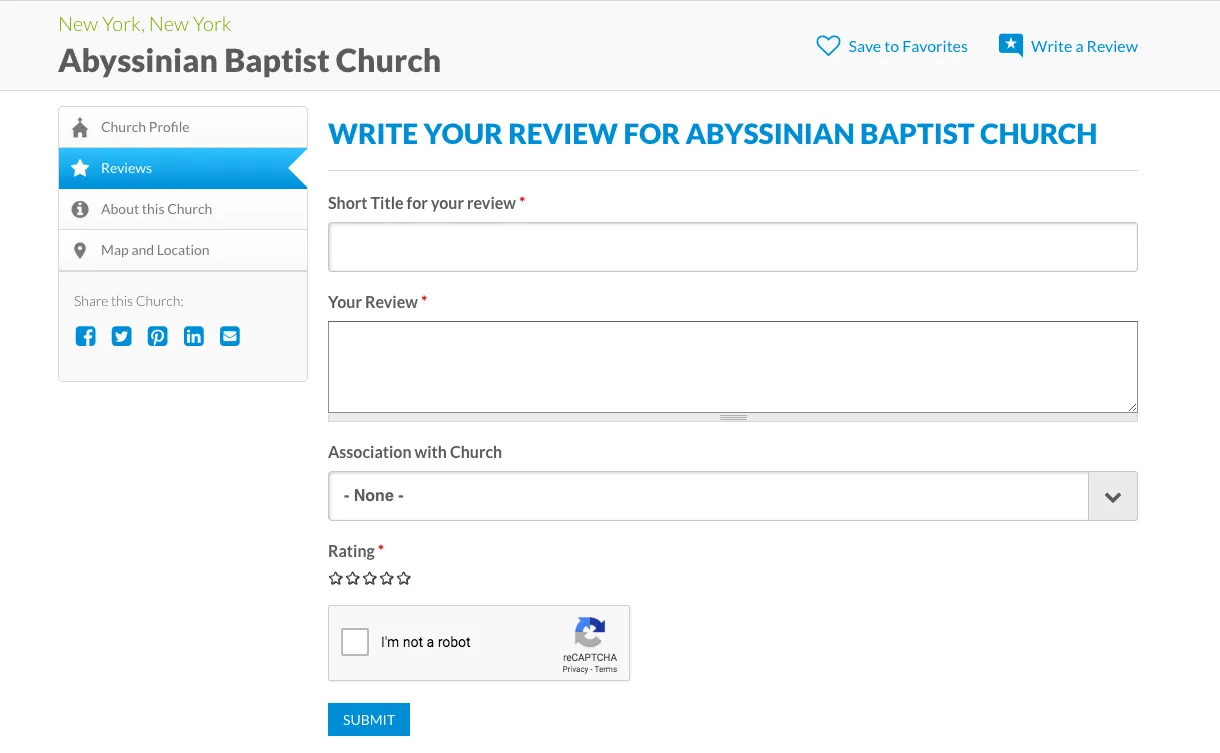
module worked as a placeholder for user reviews. Reply is basically a fieldable entity so you can create a 'review', 'comment', 'forum post' or whatever you like by creating bundles and attaching fields to them. Such bundles can be attached to any fieldable entity by 'reply field' and Five star module was used with this.
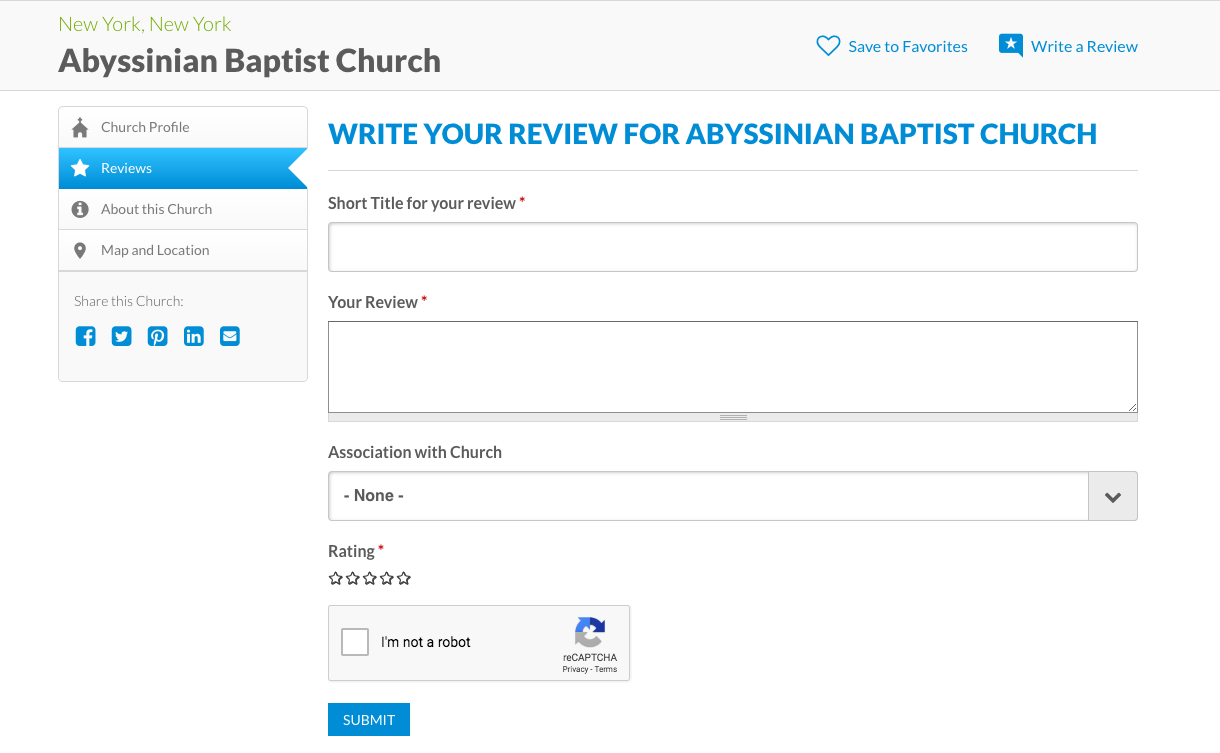
Themes and the technical information:
Client's Custom Theme based on AdaptiveTheme (Based on 7.x-3.x release) (Which was used as both Front and Admin themes)
SCSS Information:
- Compass sass used sitewide for CSS Authoring
- Component wise structure of stylesheets using sass-globbing
- BEM methodology used in SCSS
- Custom 12 column grid system
- 'Lato' and 'PT Serif' used as fonts for typograph (Google Fonts Api)
- Custom font-icons using Icomoon app.
- Scripts used:
- JQuery
- JQuery Once
- JQuery Easing (v1.3)
- JQuery Colorbox
- Magnific Popup JS
- Modernizr JS
- Slick JS
- HTML5Shiv
- Hammer JS
- Custom PhotoGallery JS created which combines Magnific Popup with Slick library
Analytics and Tracking: Google Analytics, New Relic
Hosting: Pantheon
WebServer: Nginx, Varnish
Business Benefits
-
Time saved:
In just two sprints (four weeks spread across two months), the team revamped almost 80% of the site.
-
Value delivered:
Thanks to this approach, the team was able to complete high value tasks early, and was able to deliver more stories than they had committed to in each sprint.
-
High degree of flexibility:
The team was flexible enough to accommodate new requests whenever they came in.