Sector(s)
Team Members
Project Team
The site was built by two developers (@kostajh and @jayroberts), system administration provided by @robert.a.weeks, theming by @frankyonnetti, and project management by @DavidMinton and @stephenpashby.
Visit the site
Visit the siteOrganizations Involved
Community contributions
Our team submitted two bug fixes to Private Message, both of which were committed, and committed numerous improvements and bug fixes to the Salesforce Suite 7.x-2.x branch, which we continue to maintain.
Please note: This case study is about a limited access site. We ask Drupal.org users to not attempt to register to join the site.
IPIHD (International Partnership for Innovative Healthcare Delivery) Access is an online social network built on Drupal 7 that brings together innovators, industry leaders, and global organizations to share best practices, facilitate e-learning, and encourage a culture of mutual support in the field of global healthcare.
About the project
The main goal of IPIHD Access is to provide a platform to bring together global health care innovators with global stakeholders. By bringing these two communities together, the aim is to help increase global access to affordable and high-quality healthcare by helping innovators meet business goals to scale and replicate their business models.
Global healthcare innovators have repeatedly identified the need to connect with other innovators and global stakeholders in a meaningful way. IPIHD Access was built to serve these stakeholders and facilitate dialogue and sharing of information.
Private social network
While Facebook, LinkedIn, ResearchGate and other online networks were identified by IPIHD as useful resources to facilitate communication between innovators, industry leaders and organizations in global healthcare, IPIHD wanted to build a closed social network to narrow the focus of discussion, and provide a smaller pool of participants to boost the quality of exchanges and information.
The node access system in Drupal 7 made implementing a closed site even simpler than in Drupal 6. A small custom module that implemented hook_node_access_records() and hook_node_grants(), along with some form modifications, makes it easy for IPIHD admins to specify which content is publicly viewable (like the Registration form and About page), while all other content is accessible to authenticated users only by default.
Facebook-like Features
We implemented several Facebook-like features for the IPIHD Access site:
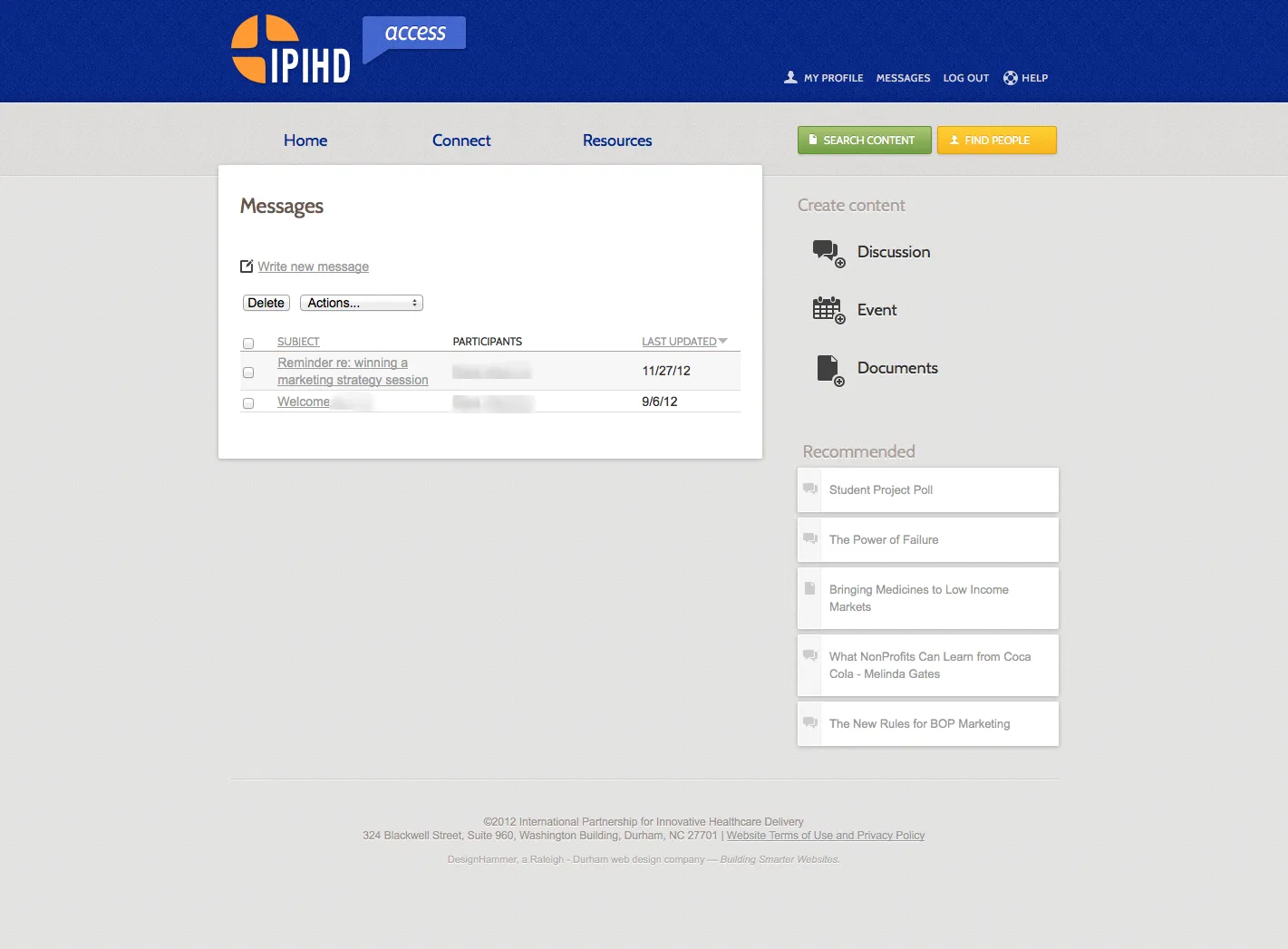
- Private messages were implemented using the excellent Private Message module. Instead of sending the full text of a private message to the user, we only send a link to the message to encourage the user to log in to IPIHD Access.
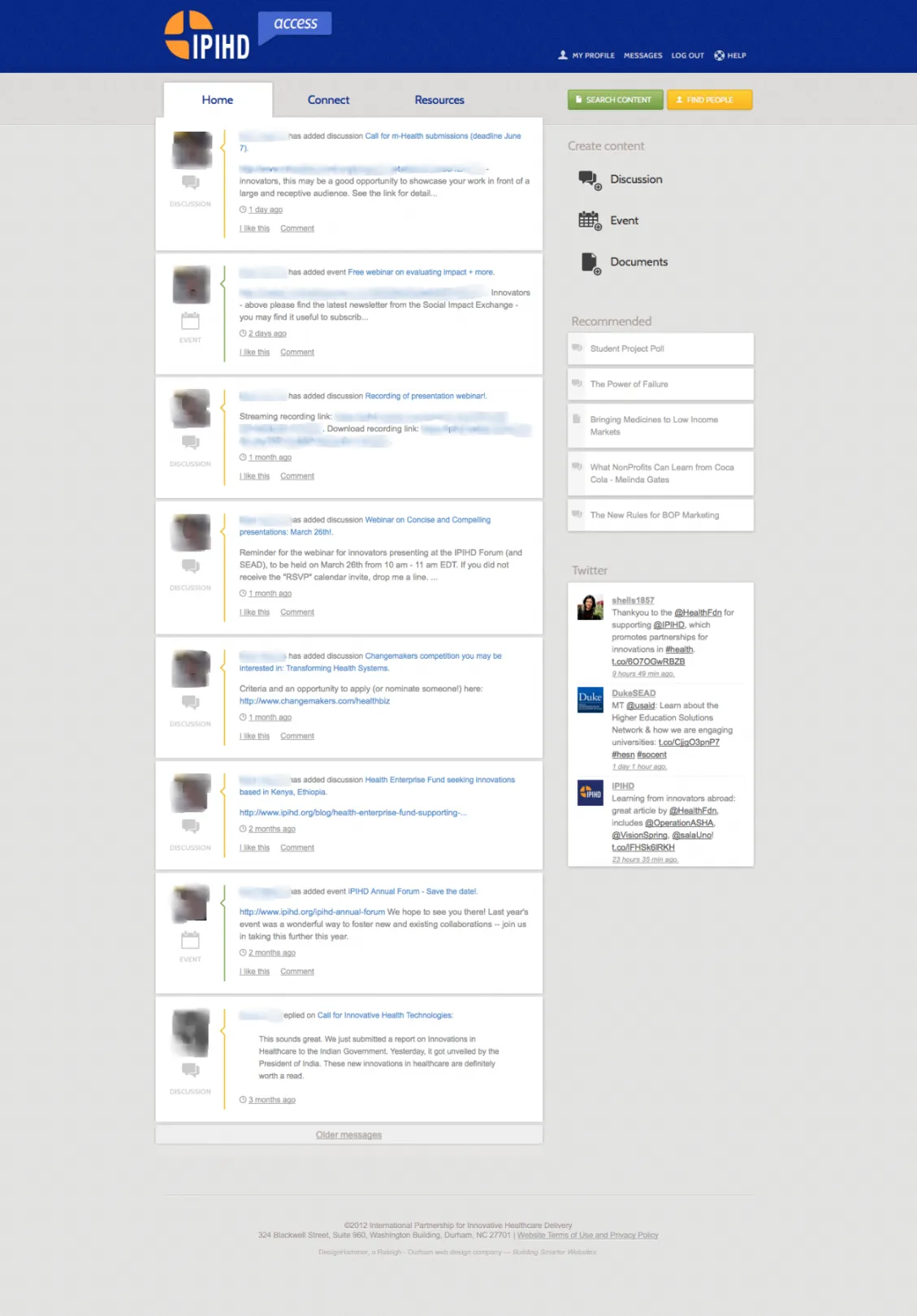
- Activity stream was built with the Heartbeat module with the main configuration in Rules, and some modifications to activity stream posts using preprocess, presave and template info hooks for Heartbeat.
- “Liking” content was implemented using the Flag module.
On the site, users can post discussions, events, or documents, each of which allow for threaded comments. In addition, there are Views that generate listings of this content for easy browsing by users.
Groups can also be created which users can join. Groups are powered by the Organic Groups module. Using OG was a difficult decision. When the site was developed, 7.x-2.x was very unstable, and the 7.x-1.x branch also had major issues. Because all of the website’s groups were open to any authenticated user who desired to join them, there was a strong argument to create an “Organic Groups Lite” feature using Flags, References and Views. But because eventually we knew that private groups would be desired, we opted to build with Organic Groups 7.x-1.x.
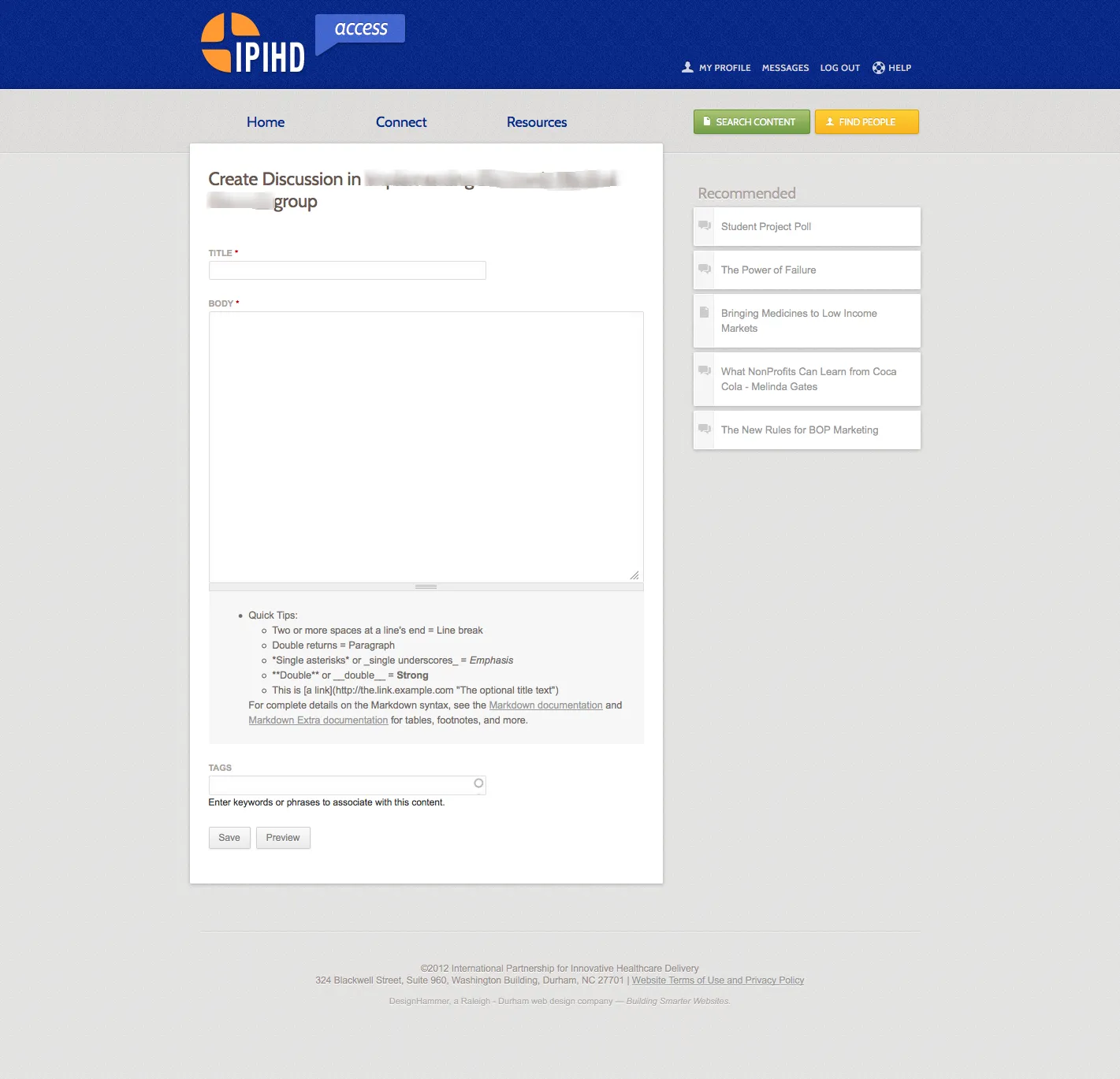
Just like Facebook, there is no WYSIWYG. Instead there is Markdown support using the Markdown module. While this was a bit of a leap for some users, it has worked out fairly well overall. To simplify the UI, custom code removes a lot of the extra markup that Drupal provides around formatting tips or selecting a different text format.
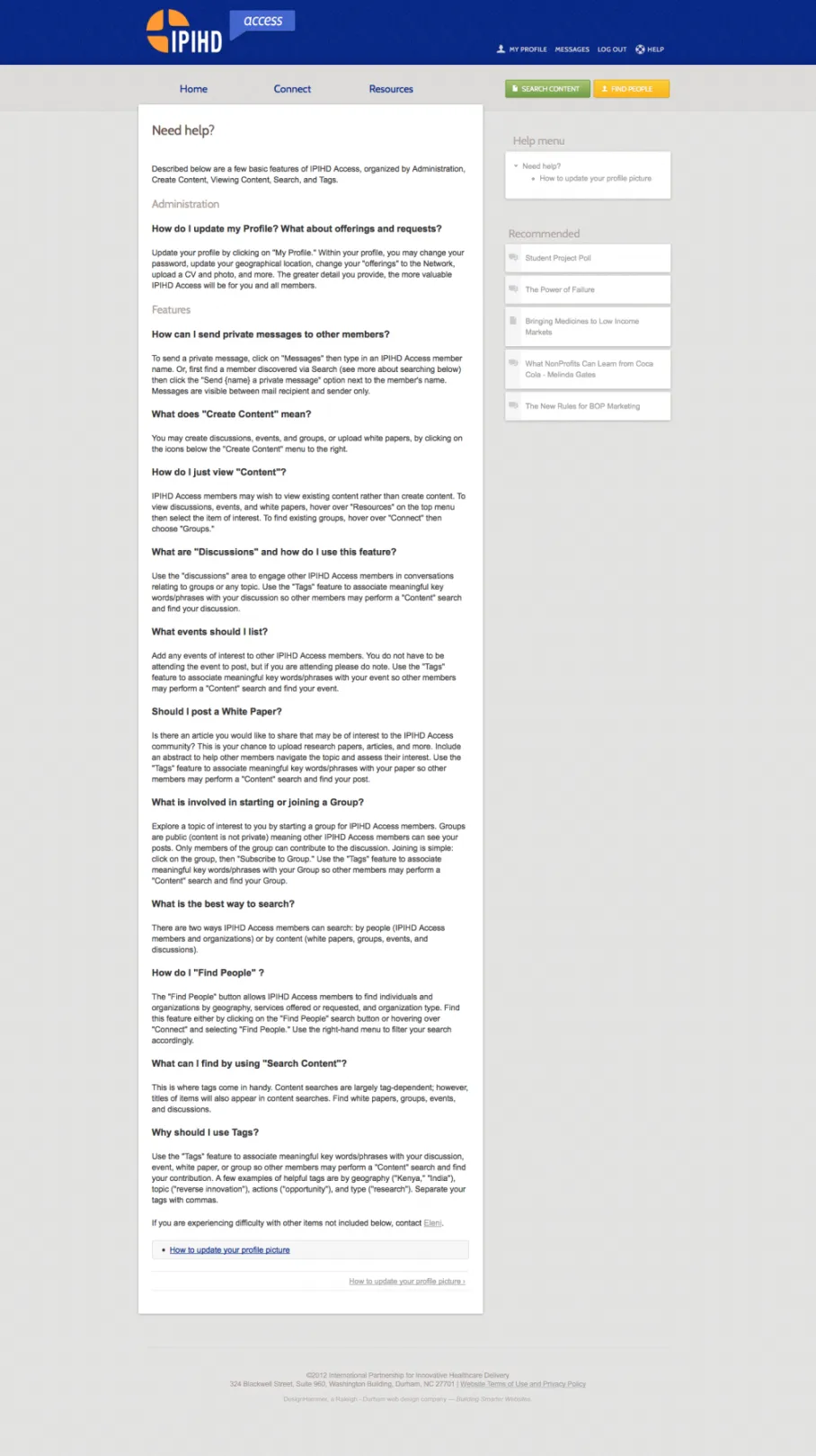
A “Help” node that is maintained by IPIHD admins provides answers to common questions users have about how to change their profile photo, find people, etc.
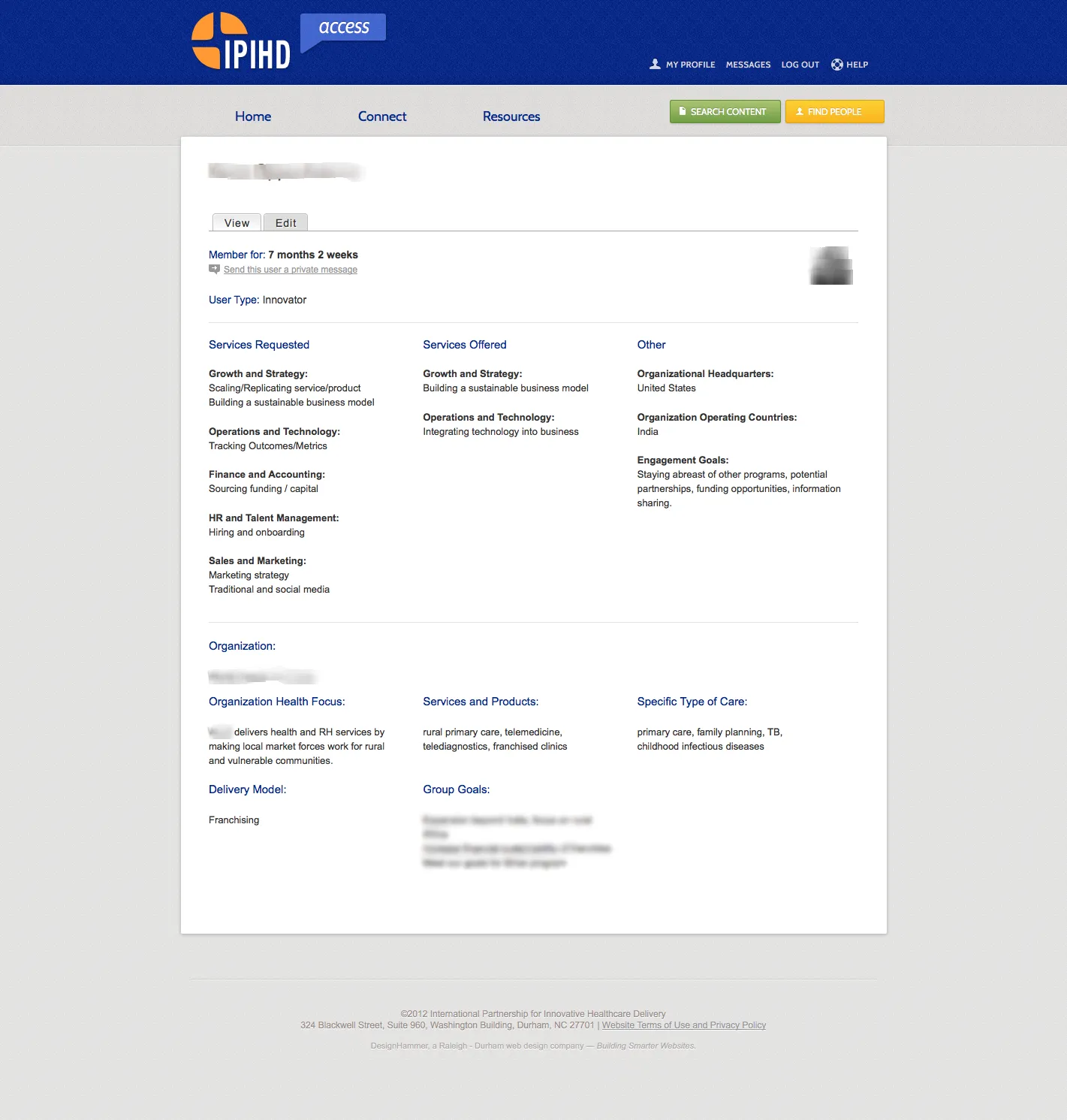
The Profile2 module provides an advanced user profile that captures detailed information for each user and their organization.
One of the ways we encourage users to return to the site is by providing a weekly email with a summary of site activity. A custom module leverages the Mail System and Echo modules to provide a beautifully formatted HTML email. The IPIHD admins schedule which day and hour the digest will go out, and when that day and time arrives, our code sorts through all the posts over the last week and generates a nicely formatted string with the node title, user’s name, the type of content posted, as well as a list of new users and organizations who have joined the site and what services they offer or are seeking.
Advanced Searching
Search is an important feature for IPIHD Access. The main goal of the site is to bring people together, while the activity stream feature is useful to get a sense of what is happening currently, the site’s search functionality makes it easy to look across all site postings to find services and people relevant to the user.
Instead of using Drupal’s core search, we implemented the Search API module with the Search API DB back-end, and the Search API Page module. We needed the ability to provide advanced search and filtering for multiple entities: Profile2, Node, and User entities. Unfortunately displaying multiple entities in a single search interface (without the option of using Solr) turned out to be quite complicated. So instead we built two search pages, “Find People” and “Search Content”.
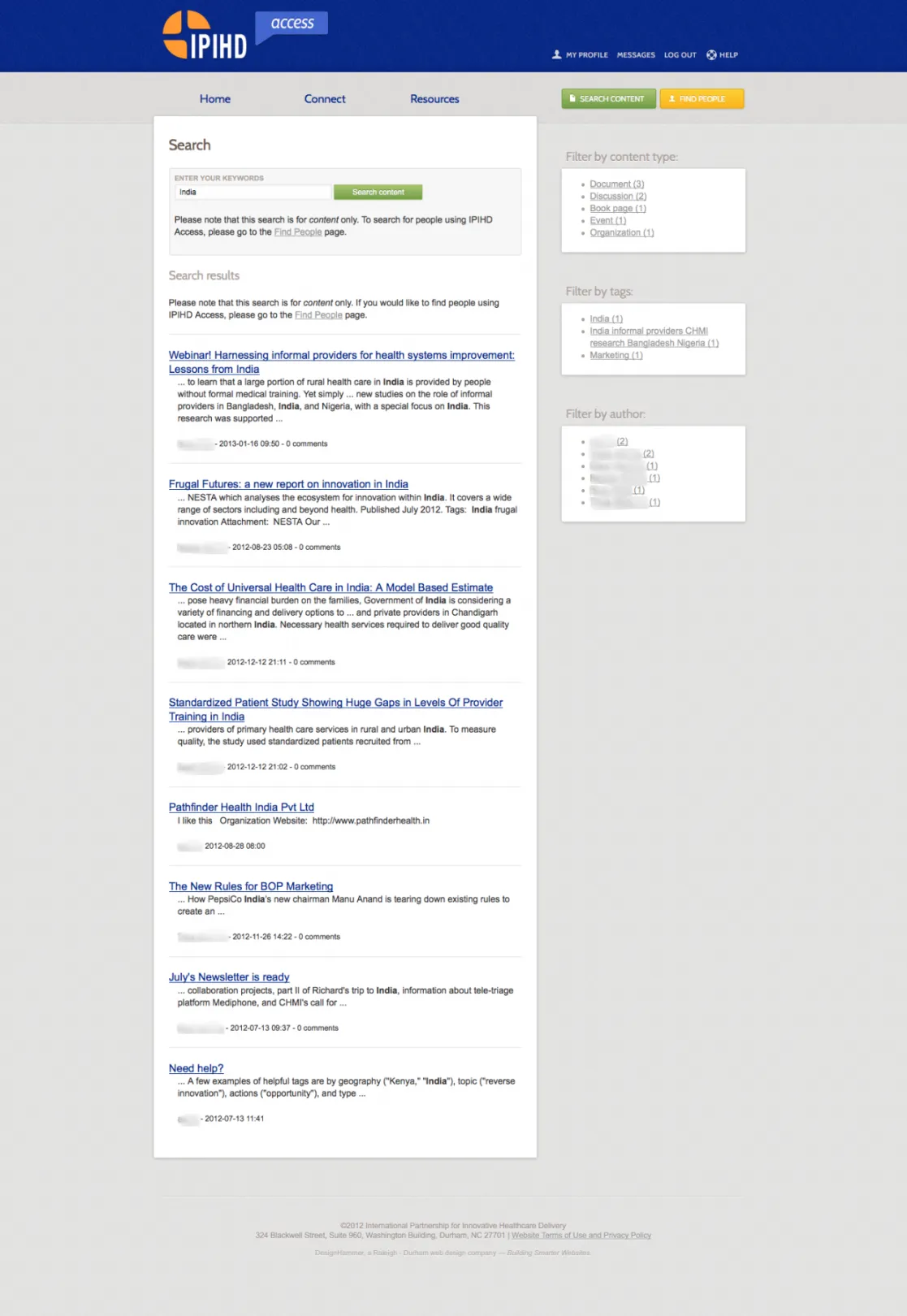
“Search Content” does a keyword search on Node entities and provides search facets by content type, tags, and author.
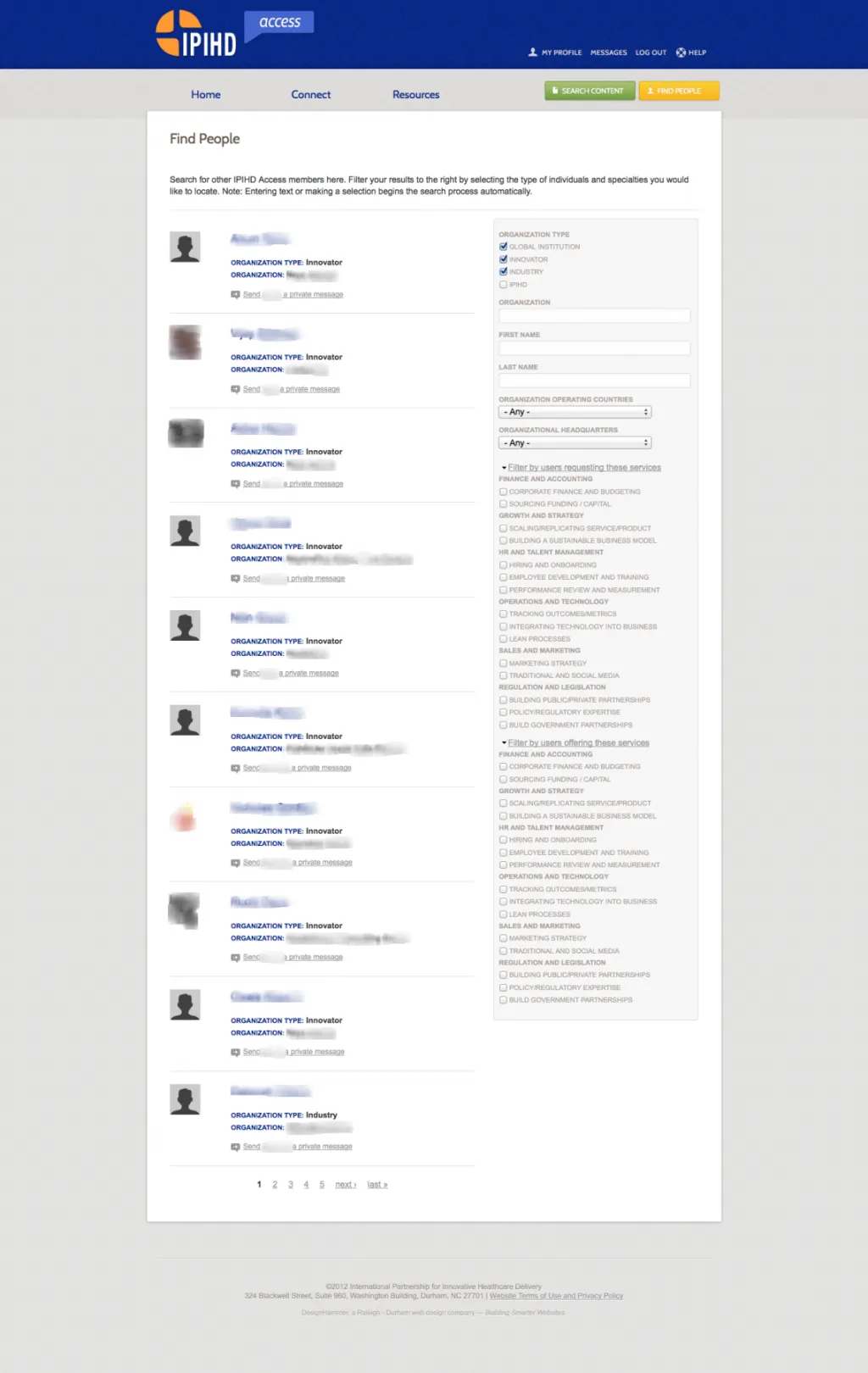
“Find People” is much more powerful. The people search is actually a View with exposed filters. The view results show a user’s profile photo, their name, organization type, organization, and a link to quickly send the user a private message. The search facets on the right side allow the user to quickly narrow down the search results by organization type or name, a person’s name, countries that an organization operates in, and perhaps most importantly, by users requesting or offering different services. Custom code nests some of the filters within fieldsets to make the search interface a bit easier to use.
User on-boarding
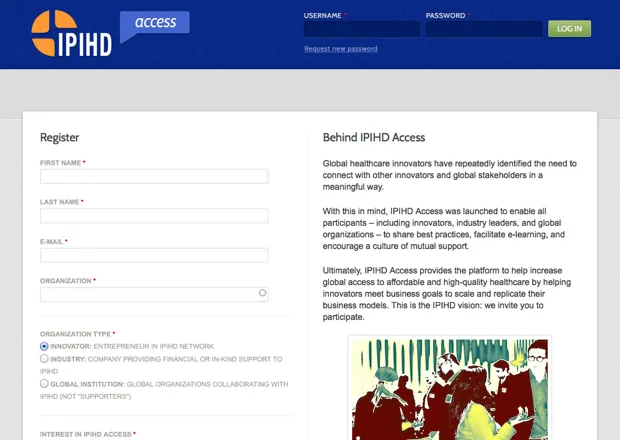
One reason the “Find People” feature is so useful is because user profiles are quite detailed and contain a lot of information to filter on and search. The main reason there is so much detail is because of the user on-boarding process. Because this is an invite-only social network, we can expect more of the users who are filling out the registration form. That’s why instead of a typical “First name”, “Last name” and e-mail address form, our registration form contains most of the information that we need to complete a user’s profile.
In-depth Salesforce integration
Once the user fills out the registration form (built using Webform), they are sent a confirmation email but no user account is created. Instead, our custom registration module takes the Webform submission and sends the data as an upsert to Salesforce. A Lead is created by default, or a Lead/Contact is updated if that is found instead. If the export fails for whatever reason, we store the error response in a hidden field in the Webform submission; and if it succeeds then the Contact/Lead ID is stored in a hidden field, which makes it easy for IPIHD admins to compare data from form submission to Lead/Contact data.
Once an IPIHD admin has reviewed the new Lead or Contact in Salesforce, they can check a “Sync with Drupal” box in the Lead/Contact object in Salesforce. The next time the Salesforce Import module checks if there are updates from Salesforce, it will pull down the data for this new record, and create a Drupal user and Profile2 entity with all the data from Salesforce; the user role is assigned based on the user’s organization type (Innovator, Industry, or Global Organization). From there onwards, any updates made to a Drupal user’s profile are synced with Salesforce and vice versa.
The Salesforce integration was built using the 7.x-2.x branch of the Drupal Salesforce Suite. Numerous improvements and bug fixes were contributed to the Salesforce module by our team (@kostajh is one of the maintainers for the 6.x-2.x, 7.x-2.x and 7.x-3.x branches) over the course of the project. We developed a custom module to handle odds and ends not covered by the 7.x-2.x project, like ensuring that User and Profile2 entities sync with the same Contact/Lead object.
Agile development
The project was developed using agile methodology, so instead of building 20 features and shipping them at launch, we opted to have a planning, development and testing cycle that allowed us to build a few features at a time, gather feedback from users, then iterate and continue into the next cycle of development. There are many planned features for IPIHD Access – showing lists of recommended content based on a users’ likes, display a users’ tweets, follow a user, allowing for private groups functionality – but instead of assuming that the user base would want all of this, the focus is on bringing features online gradually, gathering feedback, and then asking users what they would like to see next. This has allowed us to build a site that much more closely matches what users actually want than what we as developers or product managers think they want.
Development environments
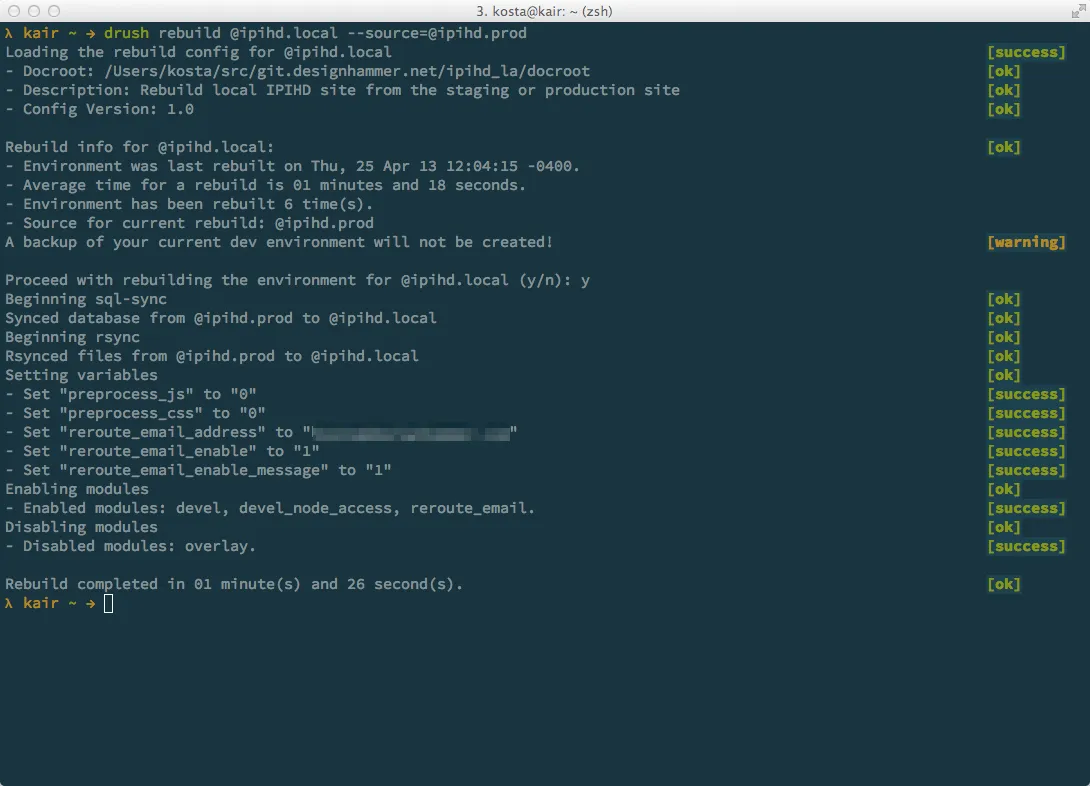
To facilitate local development, we created a rebuild script (see Drush Rebuild) that reliably and quickly refreshes a local development environment. A developer, themer or QA tester can run the command drush rebuild @ipihd.local --source@ipihd.prod at the start of the development of a feature and be confident that they have (1) the latest DB data from the production site with user data sanitized, (2) caching switched off in the local environment, (3) all the files/images rsynced, (4) re-routing of emails set to the current user’s email. We also use per-environment settings files (local.settings.php, staging.settings.php, and production.settings.php) to manage some of the environment specific settings.
Having one command to do all of this greatly simplifies the process for a developer to get started on a new feature.
Design
Using colors already established in the IPIHD style guide, we created a theme that allowed the main content to be the focus of the activity stream. The white background comes forward as the surrounding elements with color fall back and are less distracting. Using the primary dark blue for the top banner helps the eye to establish an anchor point for the page and to provide strong branding.
To build out the design, we used Zen 5.x as our base-theme, along with the Sass/Compass CSS framework provided by Zen. A key component of the base-theme is Zen Grids, which is a set of Compass mix-ins used to help build complex layouts.
Why Drupal was chosen
Drupal 7 offers the most stable, extensible platform for building a full-featured social network that integrates seamlessly with Salesforce.
Technical Specifications
Key modules/theme/distribution used:
Organic Groups was chosen to provide a framework for future work with groups functionality.
Search API was selected to provide more options for querying multiple entities and providing faceted search.
Heartbeat provides the core activity stream functionality, while Profile2, Private Message, and Comment Notify provide other core features for the social networking aspects of the site.
Echo, MailSystem, and Mailmime are used along with a custom module to generate the weekly digest emails.