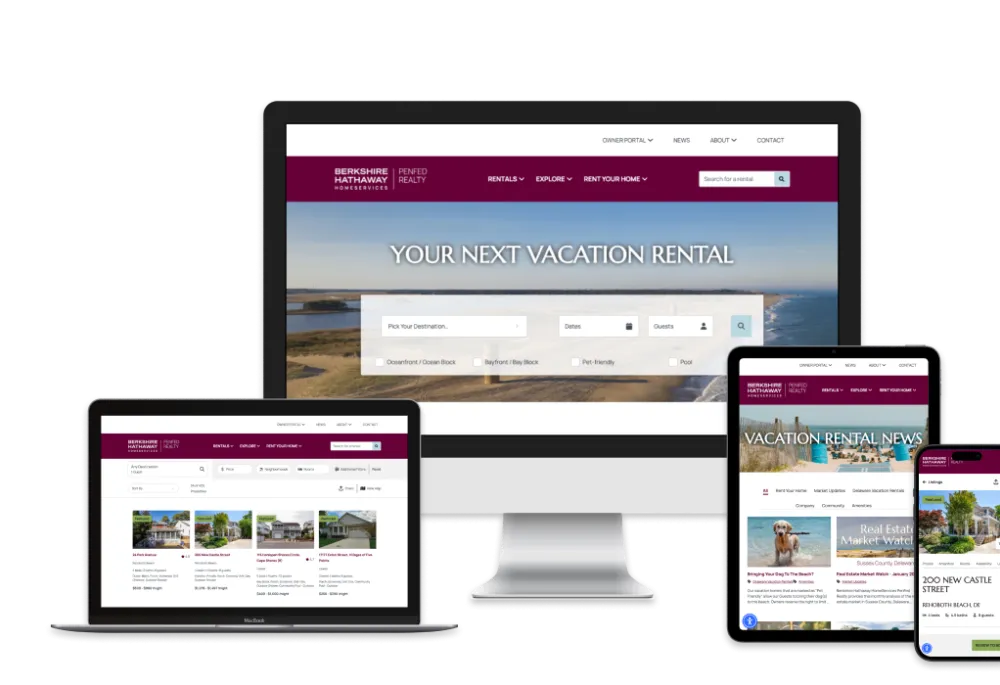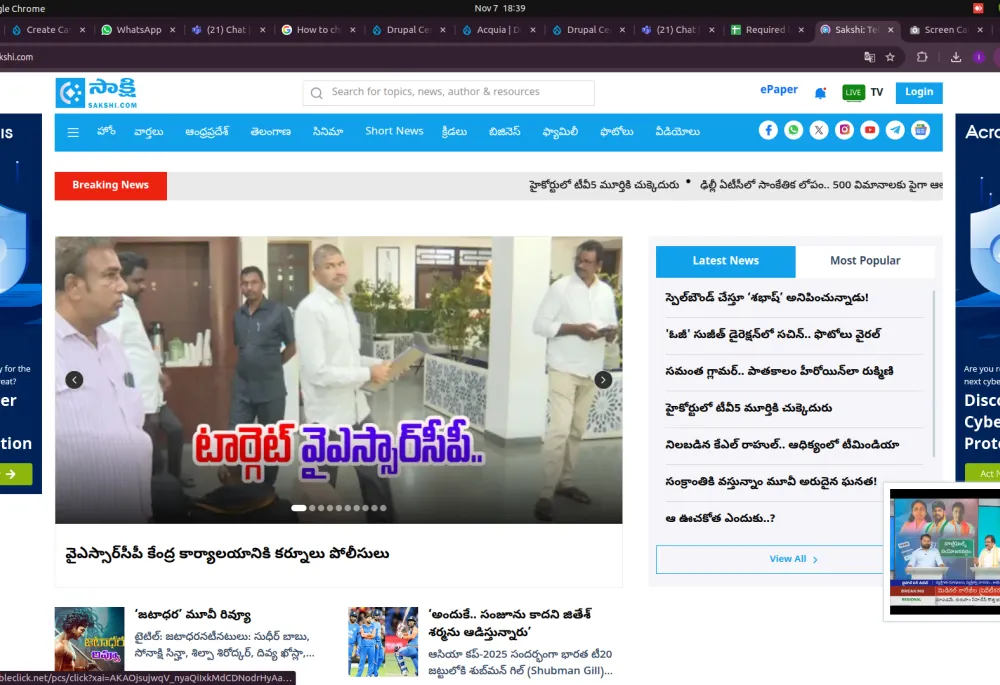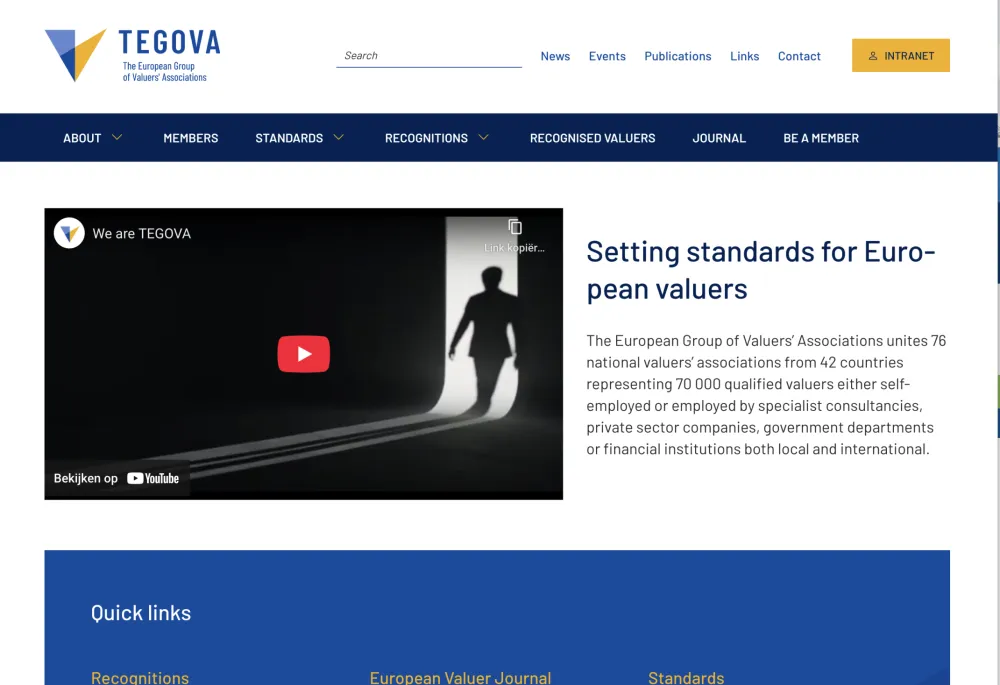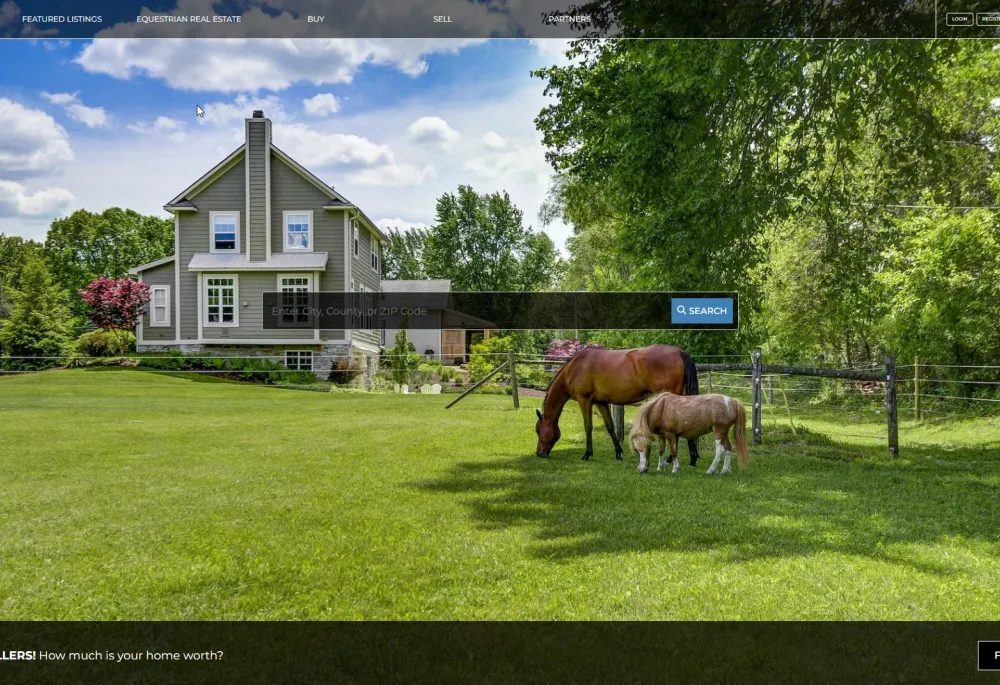
Visit the site
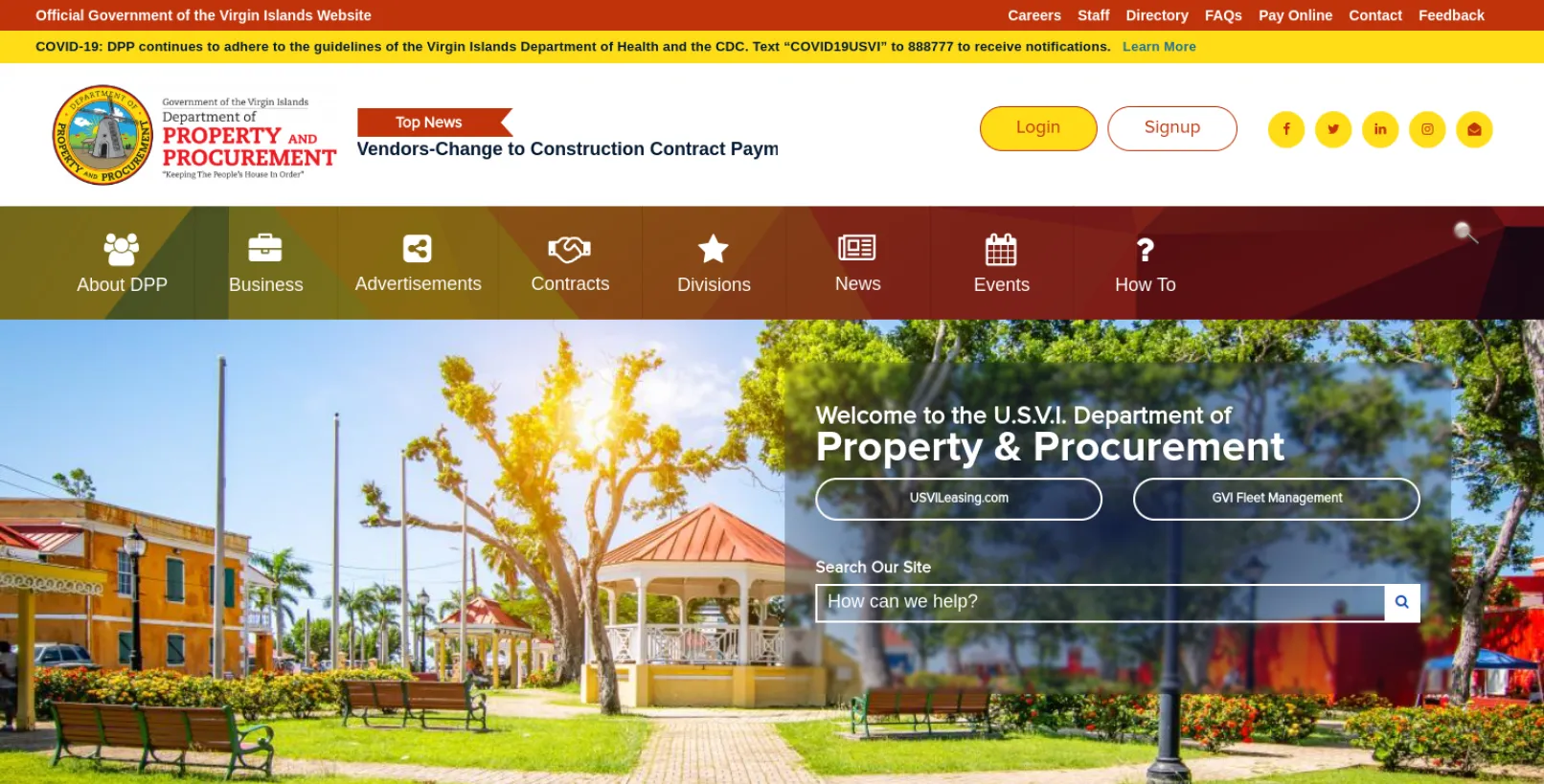
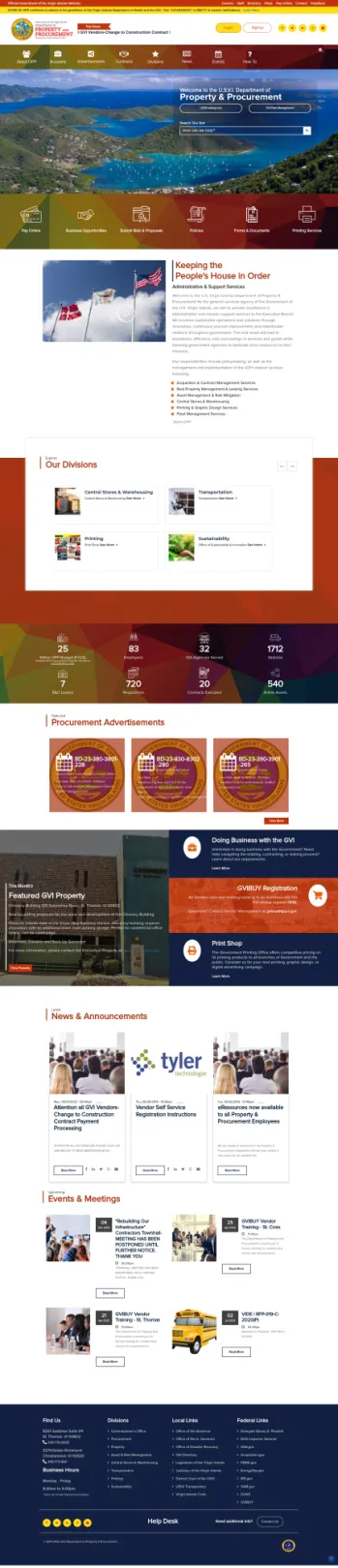
Visit the siteU.S. Virgin Islands Department of Property & Procurement! This is the primary service agency for the Government of the U.S. Virgin Islands, dedicated to delivering top-notch administrative and mission support services to the Executive Branch. Their vision revolves around establishing sustainable operations and creative solutions, driven by innovation, continuous process enhancement, and strong relationships with stakeholders across the government. Ultimately, this will result in excellence, effectiveness, and cost savings in the delivery of services and goods, thereby enabling government agencies to allocate more resources to their core missions.
Their duties encompass policy development, as well as overseeing and executing shared services for the Government of the U.S. Virgin Islands, which includes:
- Managing Acquisition & Contracts
- Handling Real Property Leasing and Management
- Ensuring Asset Management and Risk Mitigation
- Operating Central Stores and Warehousing
- Offering Printing and Graphic Design Services
- Managing the Government Fleet
About the project
Migrating a website from Drupal 6 to Drupal 7 can be a complex but essential process to take advantage of the newer features and improved security. In this comprehensive guide, we will explore the steps involved in a migration project that includes contributed and custom modules, the migration of images and files, and the use of layout builders and views to create listing and individual pages.
Understanding the Scope of the Migration
Before embarking on the migration project, it's crucial to understand the scope and complexity of your Drupal 6 website. This involves:
Module Assessment: Identify all contributed and custom modules used on the Drupal 6 website. Determine if these modules have Drupal 7 equivalents, need to be updated, or require custom development for the migration.
Content Analysis: Review the content structure of your website, including content types, taxonomies, and custom fields. Ensure that the data can be mapped to Drupal 7 structures.
File and Image Assets: Assess the types of files and images used on the website and plan for their migration.
Layout and Design: Determine the layout and design components used in Drupal 6 and how they can be translated into Drupal 7, possibly using layout builders.
Step 1: Module Migration
Update Contributed Modules: Start by updating contributed modules to their Drupal 7 versions. If a module doesn't have a direct upgrade path, you may need to explore alternatives or custom solutions.
Custom Module Migration: For custom modules, you'll need to rewrite them for Drupal 7 compatibility. This can be a significant task, involving PHP code, database schema, and configurations. Ensure that your custom modules align with the Drupal 7 architecture.
Step 2: Data Migration
Content Migration: Utilize the Drupal 7 Migrate module to move content from Drupal 6 to Drupal 7. Write custom migration scripts for content types, fields, and taxonomies. Map the fields and structures from Drupal 6 to Drupal 7 appropriately.
Image and File Migration: To migrate images and files, you can use a combination of contributed modules like 'Migrate File' and 'Migrate Image' along with custom scripts. Here is an example of migration code:
This code migrates files and images from the Drupal 6 directory to the Drupal 7 public files directory, updating content references as necessary.
Step 3: Layout Builder and Views
Layout Builder: In Drupal 7, you can use contributed modules like Panels or Display Suite to create customized layouts for your content types and pages. Layout Builder provides a visual interface to arrange fields and other content elements.
Views: Use the Views module to create listing and individual pages. You can define the content to be displayed, configure filters, and sort criteria to create dynamic, customizable listings. Views can be integrated into your Layout Builder configurations.
Testing and Quality Assurance
After completing the migration, thorough testing is essential to ensure that all content, functionality, and design have been successfully migrated. Pay particular attention to:
1. Data Integrity: Verify that content and images/files are correctly migrated.
2. Functionality: Ensure that custom and contributed modules work as expected in the new Drupal 7 environment.
3. Layout and Design: Confirm that your layouts and views render correctly and that design elements match the original site.
4. Performance: Check for any performance issues caused by the migration.
Conclusion
Migrating a website from Drupal 6 to Drupal 7, involving contributed and custom modules, image and file migration, and the use of layout builders and views, is a complex process that requires careful planning and execution. The steps outlined in this guide should serve as a roadmap for a successful migration project. It's important to allocate sufficient time and resources to ensure a smooth transition while maintaining data integrity and preserving the user experience. Additionally, consider seeking assistance from Drupal experts or developers experienced in complex migrations to make the process more efficient and error-free.
Why Drupal was chosen
Why Choose Drupal:
Drupal is a highly versatile and popular content management system (CMS) that offers several compelling reasons for users and organizations to choose it. Here are some key advantages of using Drupal:
- Flexibility and Customization: Drupal is known for its flexibility and extensibility. It allows you to build a wide range of websites, from simple blogs to complex e-commerce platforms and enterprise-level web applications. Its modular architecture and thousands of available modules and themes make it highly customizable to suit your specific needs.
- Open Source: Drupal is an open-source CMS, which means it's free to use, and the source code is readily available for anyone to modify and extend. This openness fosters a vibrant community of developers and contributors who continually improve and expand the platform.
- Security: Drupal has a robust security infrastructure, and the community is proactive in identifying and patching vulnerabilities. This makes it a solid choice for websites that require a high level of security, such as government sites, healthcare portals, and financial institutions.
- Scalability: Drupal is scalable, making it suitable for small businesses as well as large enterprises. It can handle high traffic loads and complex content structures with ease. Websites like WhiteHouse.gov and The Economist rely on Drupal for their online presence, showcasing its scalability.
- Content Management: Drupal excels in content management. It provides a user-friendly interface for content editors, allowing them to create, edit, and organize content efficiently. Content types can be customized, and Drupal's taxonomy system makes categorization and organization straightforward.
- SEO-Friendly: Drupal's architecture is designed with search engine optimization (SEO) in mind. It provides clean URLs, customizable metadata, and responsive design capabilities, helping your website rank well in search engine results.
- Community and Support: Drupal has a large and active community of developers and users. This means you can find support, documentation, and resources easily. There are forums, mailing lists, and local user groups where you can seek help or collaborate on projects.
- Multilingual Capabilities: Drupal supports multilingual websites, allowing you to create content in multiple languages and reach a global audience.
- Integration and API Support: Drupal can seamlessly integrate with third-party applications, services, and APIs. This makes it a suitable choice for building complex systems that need to interact with other software.
- Continuous Improvement: Drupal is continually evolving and improving. New versions are regularly released with enhanced features, security updates, and performance improvements.
In summary, Drupal is a powerful and flexible CMS with a strong focus on security, scalability, and customization. Its open-source nature, large community, and extensive module library make it an appealing choice for a wide range of web development projects. However, the choice of CMS ultimately depends on the specific requirements and goals of your project.
Technical Specifications
Drupal version: