Sector(s)
Project Team
Project Manager
Victoria Marcos
Business Analyst
Swapna Pawan
Solutions Architect
Colin McClure (https://www.drupal.org/u/colinmcclure)
Tech Lead
Paulo Gomes (https://www.drupal.org/u/pauloamgomes)
Backend Developers
Daniel Martinez (https://www.drupal.org/u/damato)
Diego Tejera (https://www.drupal.org/u/di3gopa)
Ariel Arjona (https://www.drupal.org/u/aarjona)
Irving Sanchez (https://www.drupal.org/u/irving-jair)
Frontend Developer
Andrei Zvonkov (https://www.drupal.org/u/zetagraph)
Quality Assurance
Robin Price
Visit the site
Visit the siteOrganizations Involved
Community contributions
Solutions Architect
Colin McClure (https://www.drupal.org/u/colinmcclure)
Tech Lead
Paulo Gomes (https://www.drupal.org/u/pauloamgomes)
Backend Developers
Daniel Martinez (https://www.drupal.org/u/damato)
Diego Tejera (https://www.drupal.org/u/di3gopa)
Ariel Arjona (https://www.drupal.org/u/aarjona)
Irving Sanchez (https://www.drupal.org/u/irving-jair)
Frontend Developer
Andrei Zvonkov (https://www.drupal.org/u/zetagraph)
BMI Research is a research firm that provides macroeconomic, industry and financial market analysis. They approached Appnovation to replace their existing media publishing solution (based on Alfresco).
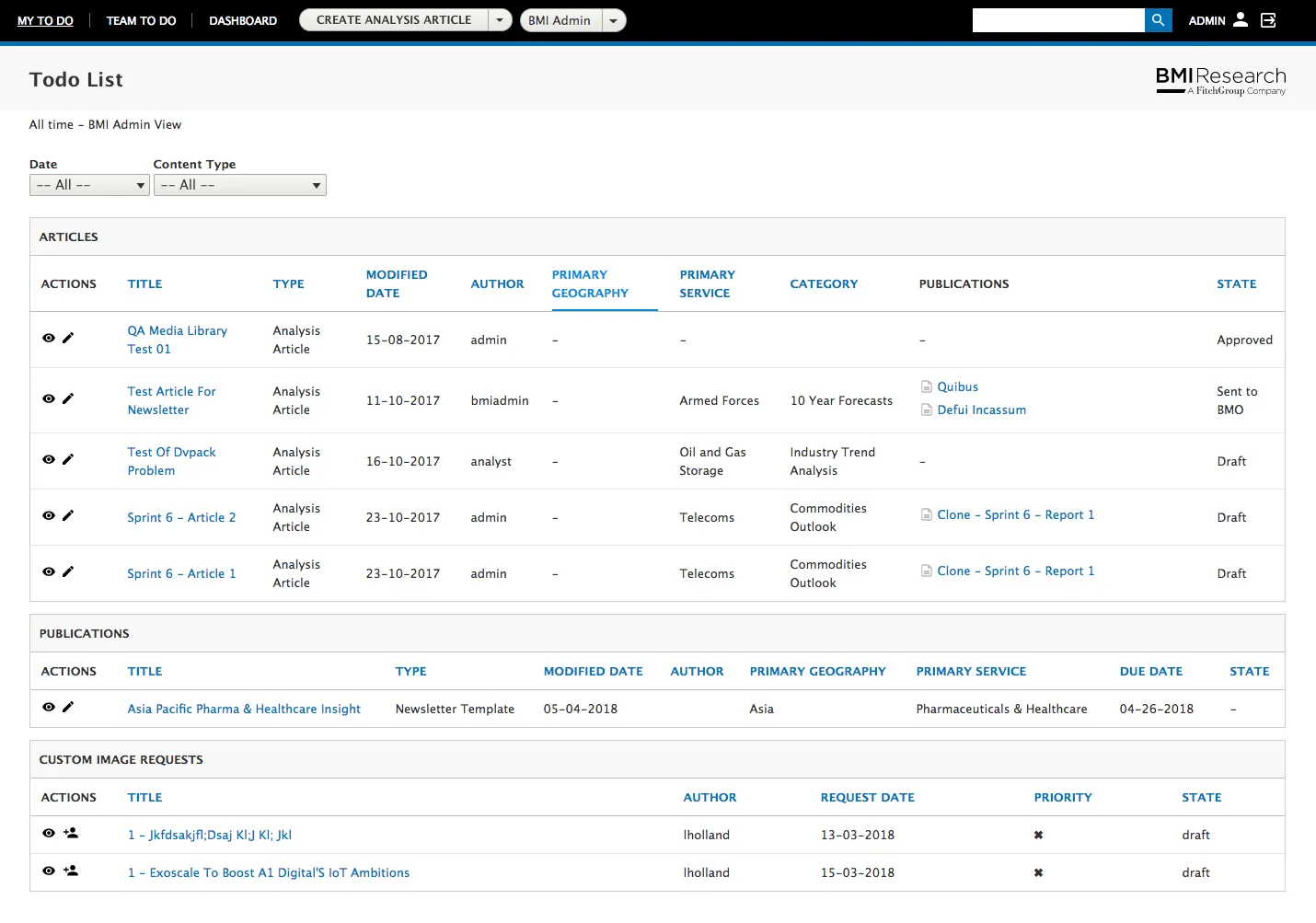
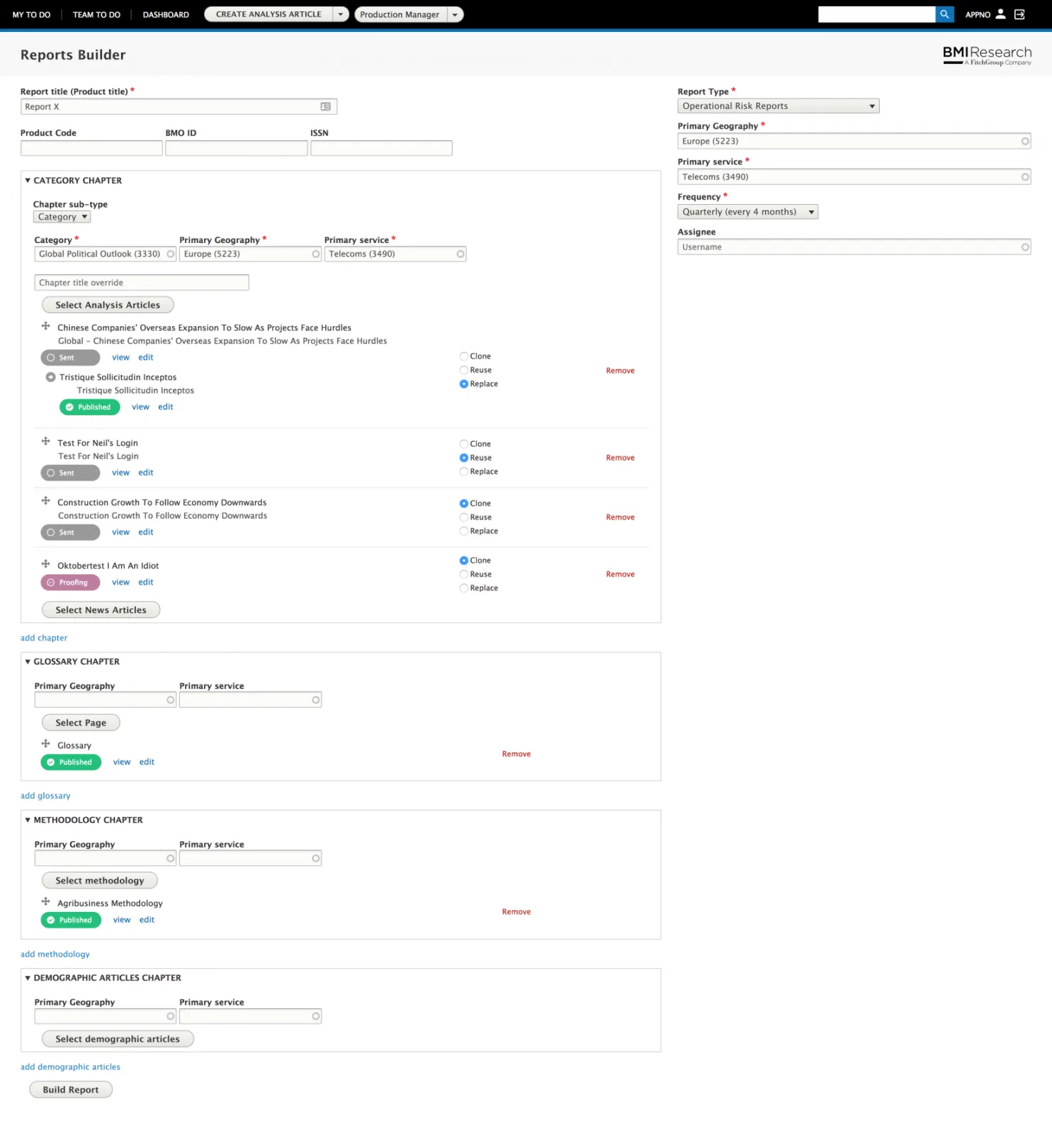
The BMI Drupal 8 project consisted of an internal Media Publishing platform, used by near 200 analysts around the world to write macroeconomic, industry and financial market analysis in form of complex reports, published in both Web and PDF formats. Appnovation was engaged to deliver a new, streamlined and organized Media Publishing platform for BMI. After a thorough discovery process, undertaken to determine the best digital solution, the scope of work deliverables were completed and tabled. With the client's approval, the Appnovation team set about implementing, from scratch, a brand-new Media Publishing platform.
Thanks to the expertise of the Drupal development team, the platform delivered was one which allowed BMI analysts to write, build and publish complex reports in both web and PDF formats, something which they had not previously been able to do.
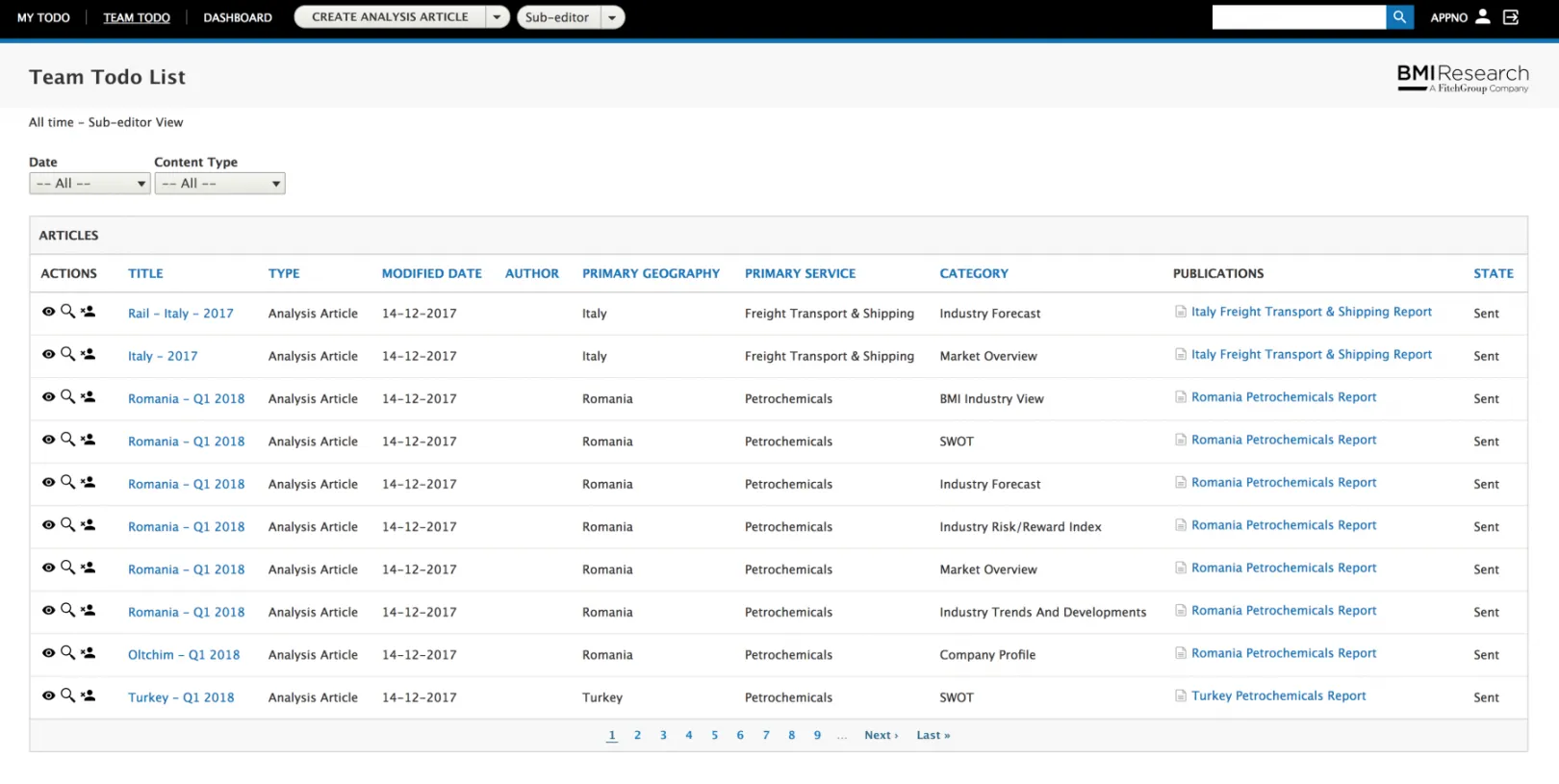
Due to the efficient functionality selected and included by the development team, this platform was able to accommodate the include the full report life cycle in the form of a workflow, where different roles (e.g. analysts, sub-editors, production) were and are able to participate and contribute.
The new platform was also fully integrated with BMI's legacy systems, with Appnovation further engaged to provide maintenance and support for the new site. To ensure no data or informational flow was jeopardised, Appnovation's team also migrated all reports and corresponding articles from the last two years.
About the project
Main Goals and Requirements
Replace the previous solution (Alfresco/MS Word based) with a web only solution
Provide a better editorial experience for all users (e.g. analysts, sub-editors, etc..)
Produce professional and high definition PDFs
Migrate contents from the previous platform (~10G of Word and Alfresco documents)
Outcomes
We were able to reach the goals in the defined time and to provide a solution that improved BMI on their daily activities.
Why Drupal was chosen
The combination of Drupal 8 capabilities as a Content Management System with the Symphony based framework, results in a unique and powerful tool. This fits perfectly for any company, as it did for BMI Research, looking to build a platform where contents and users have a critical role. Moreover, Drupal provides OOB critical features (e.g. revisioning, workflows, moderation of contents, roles and permissions) that can be extended with the thousands of available contributed modules.

Technical Specifications
Drupal version:
Key modules/theme/distribution used:
- Admin Tools
- Allowed Formats
- Content Locker
- CKEditor Color Button
- CKEditor 4 Table Selection
- Config Suite
- Default Content (Deprecated)
- Devel
- Diff
- Entity Browser
- Google Analytics
- LDAP Active Directory/LDAP for Cloud Service Providers
- Media entity
- Memcache Enhanced
- Menu Per Role
- Node Edit Protection
- Page Manager
- Paragraphs
- Queue UI
- Search API
- Search API Autocomplete
- Search api solr BIAS
- Simple hierarchical select
- Twig Tweak
- Views Bulk Operations (D8)
Custom theme (Seven based) - we wanted to minimize the effort on building a new admin theme, and since the portal is only for internal use and most of the pages are build using common admin elements (form elements, tables, blocks, etc..) the most sensible option was to extend the existing admin core theme.
Admin Toolbar combined with Toolbar themes - the admin toolbar in our opinion provides a better user experience for accessing the multiple admin areas of the portal, and when combined with the toolbar themes module we can tweak some visual aspects and result in a better-looking navigation bar.
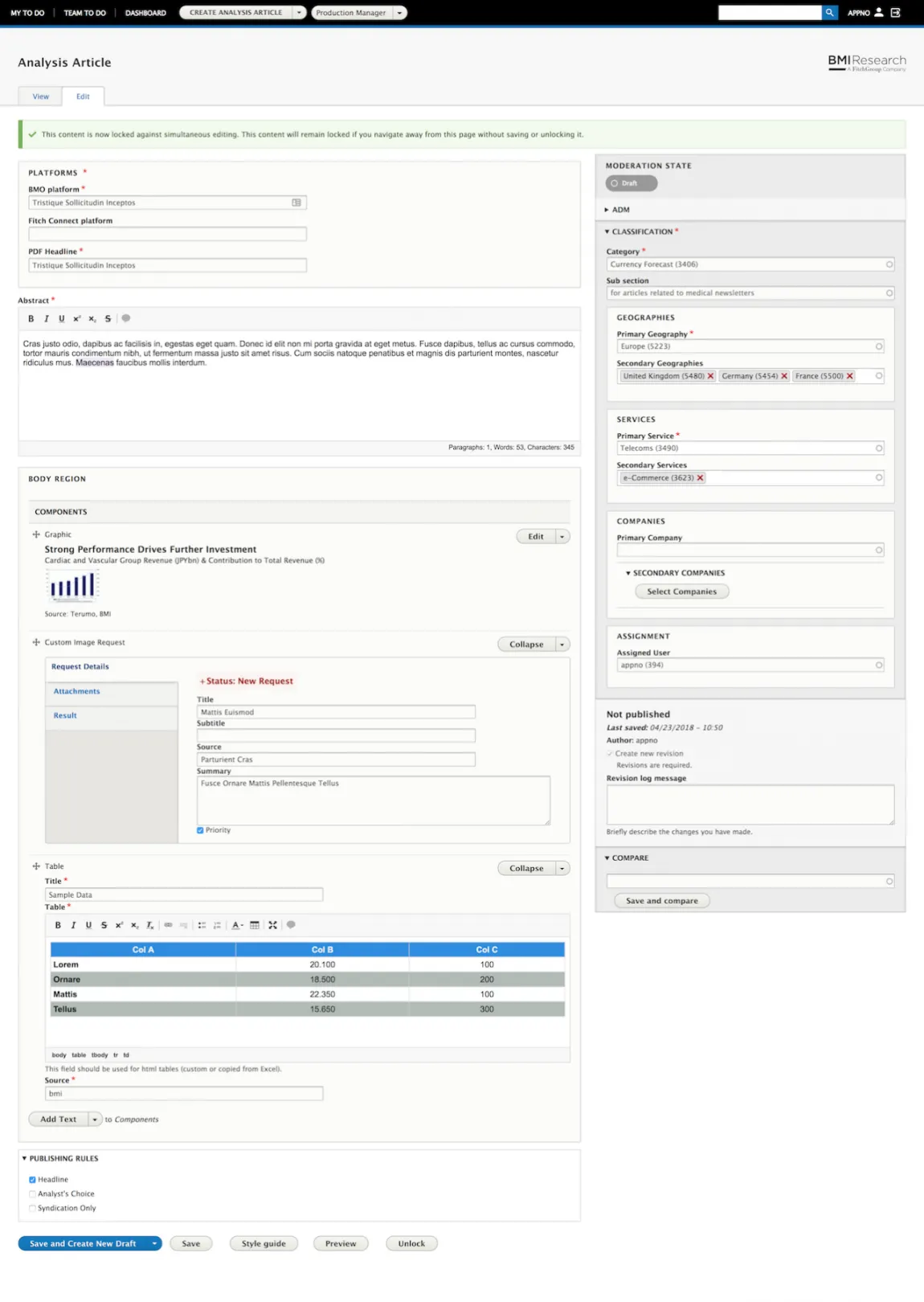
Allowed Formats - we have several formats, mostly because we are using paragraphs with different purposes (abstract text, body text, table, etc..). The allowed formats extend the CKEditor fields by providing the option to restrict them to a particular format.
Content Lock - that module provides a time-based protection for the contents that are being edited, so if we have a user editing a particular content, that content will be locked and a message will be presented to other users when they try to edit it. That is critical when we have many roles that may need to edit the same content.
Auto Save Form - writing articles/reports can be a long process, as users need to incorporate sections of text, graphics, charts, tables, etc.. And nobody likes to lose the work that was doing (closed the browser my mistake, got out of power, etc..), so our solution for that problem was based on the Auto Save Form module, as it automatically saves (pre-configured time) the contents and asks the user if he wants to recover from the latest saved version.
CKEditor modules - CKEditor is a powerful WYSIWYG editor, and it can be improved with a large number of Addons that are available in the community. Usually, those add-ons are integrated on Drupal with modules that work as a bridge between the CKEditor and the addon. We used word count to give the users an idea of the number of words, paragraphs or chars,
Color Button to provide access to a pre-determined palette of colors to use in the text or tables and Table Selection to provide better handling of tables, by providing the possibility to select a row, column or a cell range. We also build our own CKEditor addons as it was required to match some of the requirements.
Config Split - we used Configuration Split to define a set of configurations that are active only in a particular environment, for example, we want to have devel/kint modules enabled only on local, or have Google Analytics enabled only on production. The module provides a UI to configure the split settings and extends Drush commands in a way they can understand the active configurations when exporting/importing configurations.
Default Content - during the development phase is very common to have defined a set of vocabularies/terms, menu links or also node contents that will not change. Instead of being recreating those contents in every environment we can use
Default Content module to export them as JSON files and therefore import them. There are functionalities that are still lacking, like the possibility to update already imported contents, however, that can be solved for example by removing the affected entities (in a hook update) before re-importing.
Devel - this is a must-have module during the development phase that provides some handy tools, like exploring an entity attributes, generate content, or access the routes.
Diff - extends the entity revision page by providing a compare functionality between two different revisions.
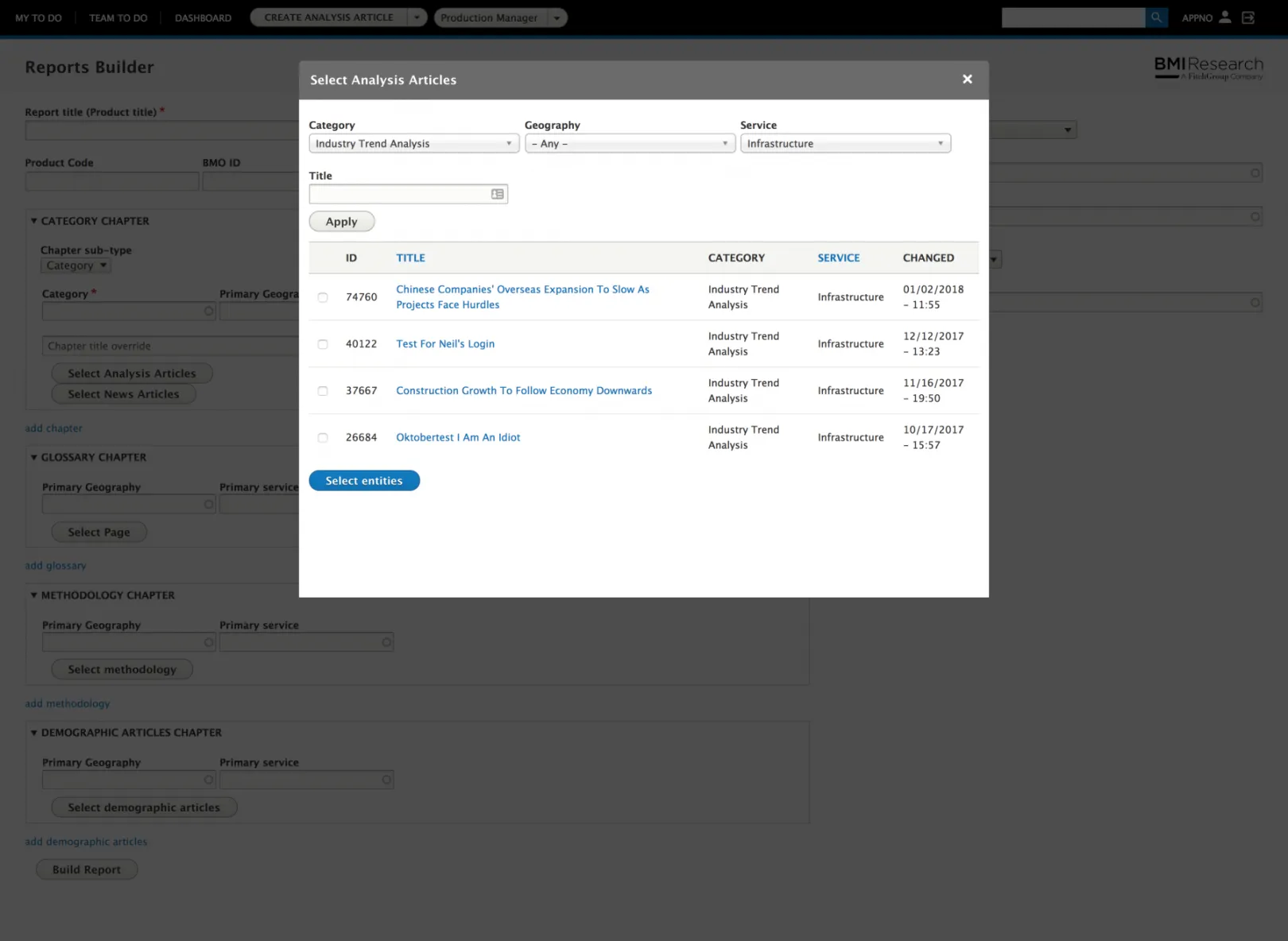
Entity Browser - drupal provides some basic mechanisms to reference content, like using a select form element or an autocomplete, however when we have thousands of contents and we need to search using some filters (e.g. reference articles from a particular geography) those options are not enough. The Entity Browser solves that by providing a bridge between the referencing field and the views module. So we can build a view that will provide the filters we need and therefore can be accessed from the referencing field in an iframe/modal.
LDAP - the BMI users are in Active Directory, so we used the LDAP modules to provide authentication and user role mapping (AD Groups to Drupal Roles).
Media Entity and Media Entity Browser - All the media assets are being handled in form of Media Entities (e.g. Graphic, External Chart, etc..), using the Media Entity Browser we built a simple but effective mechanism to users access the proper media elements.
Memcache - this another standard module that is relevant on large scale Drupal, it provides in-memory cache instead of database cache and improves globally the performance.
Menu per Role - we have some menu entries that should be available only to some roles, that module provides the ability to configure those roles on the menu interface.
Node Edit Protection - sometimes when editing a content we can click on the menu or hit the reload page, that module provides an alert message asking the user if he really wants to leave the page.
Page Manager and Panels - for building custom pages that have different layouts and variations (e.g. based on the user role). Using that module we were able to provide on the same path different kinds of information based on the user role.
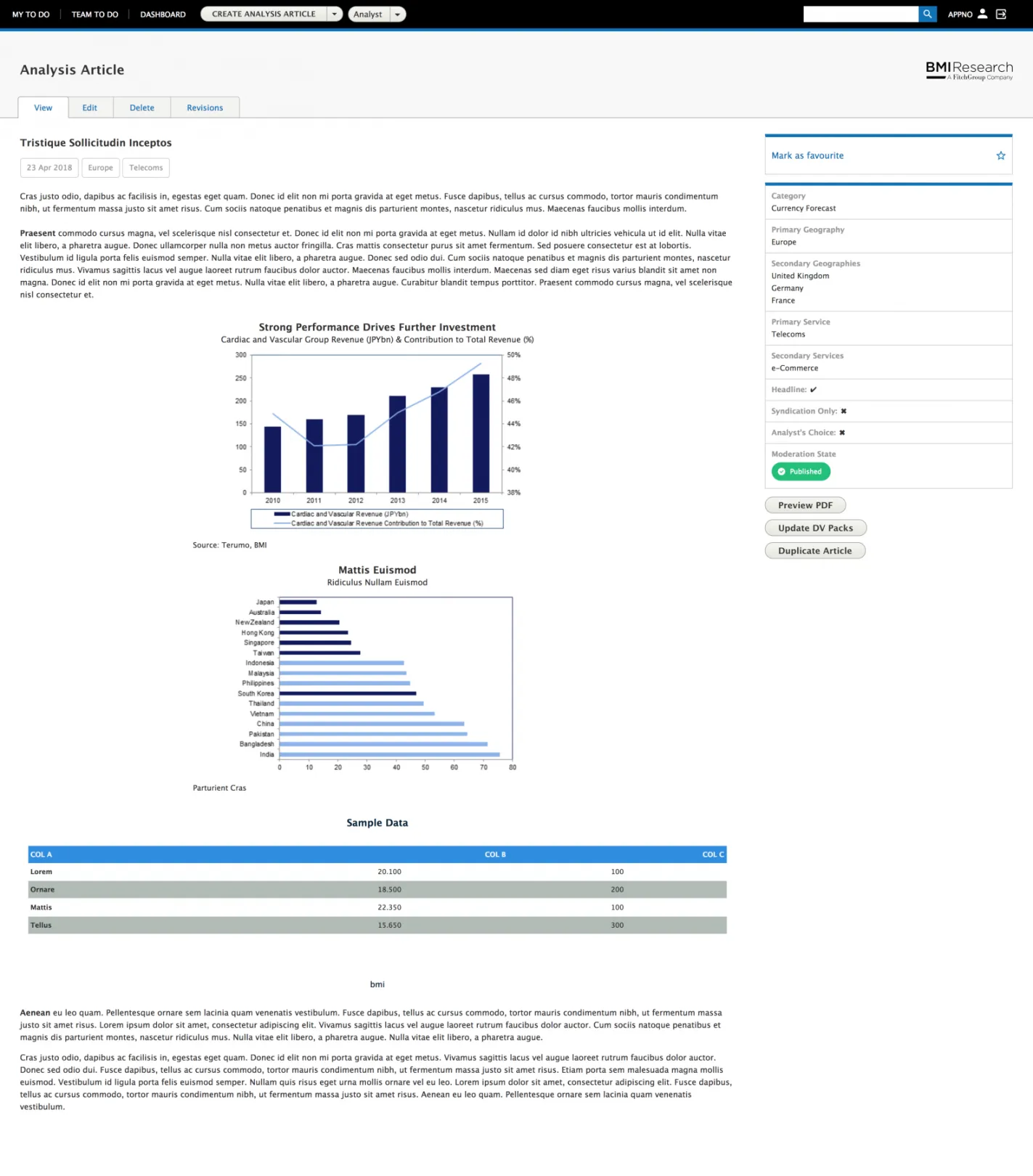
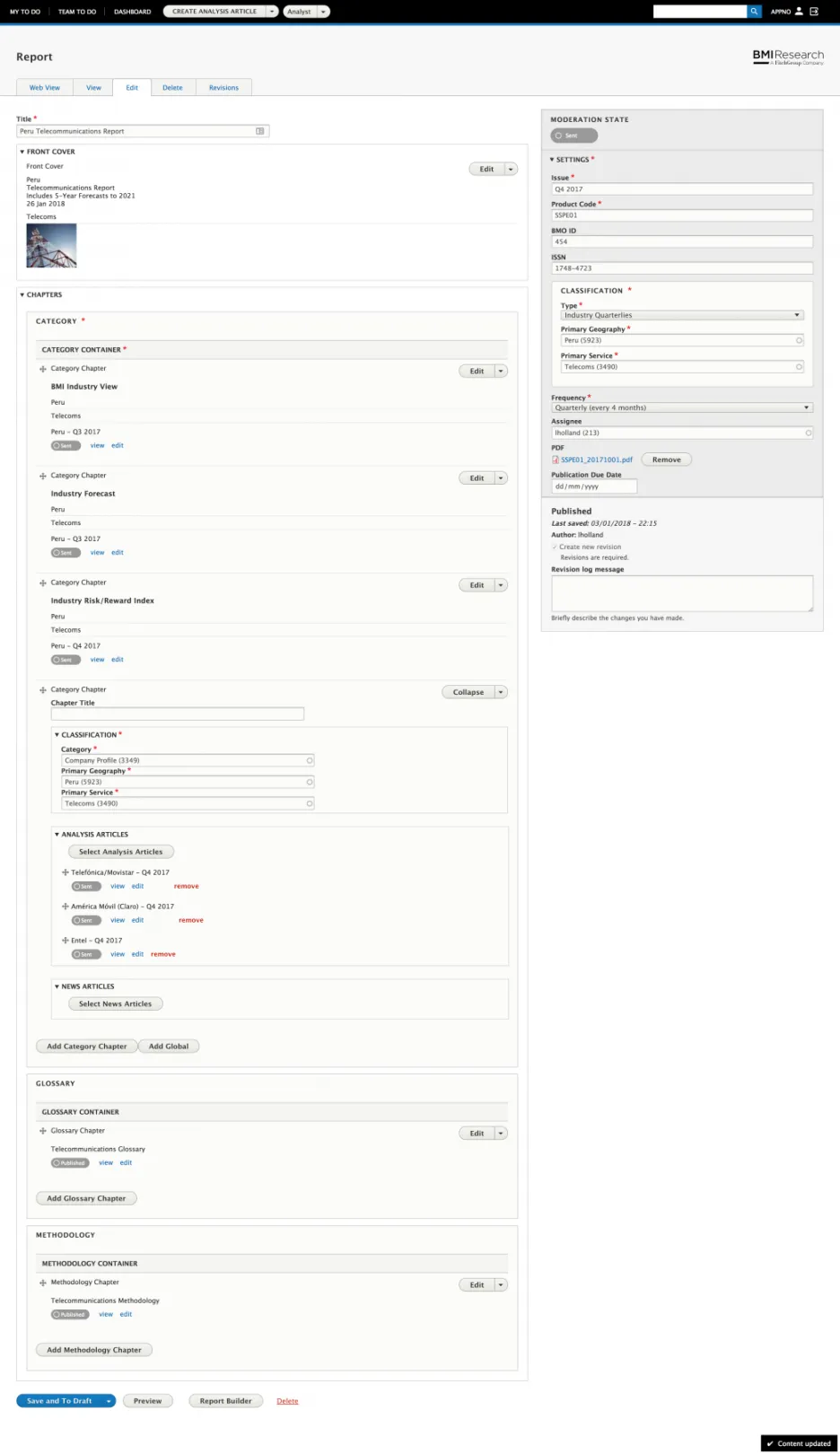
Paragraphs - our editorial process is entirely based on the concept of small and different pieces of information (e.g. swot table, normal table, text, headings, graphics, charts, etc..) and Paragraph module provides us exactly what we need to leverage those pieces. Moreover, by using display modes and different templates we could easily change the aspect of the contents (e.g. a table can have different presentations, if it's being rendered in the portal, for a PDF or other 3rd party).
Queue UI - we used queues for most of the heavy tasks, that module provides a simple UI that exposes the state of those queues.
Search modules: Search API, Search API autocomplete, Search API Solr - For leveraging search on any Drupal website the Search API is a mandatory module and we combined with Apache Solr so we can have an advanced search with multiple filters and contents being indexed based on some criteria.
Simple Hierarchy Select - Some of the vocabularies we have are organized in a multilevel structure, that module provides a simple and effective mechanism to navigate through any vocabulary tree.
Twig Tweak - the twig engine was a nice addition to Drupal 8, however, some handy functions are missing (e.g. inject a block or an entity directly on a template). That module provides a bunch of handy twig extensions/filters.
Ultimate Cron - another must-have for when we need to handle multiple cron jobs, it provides an improved cron interface and the ability to run the jobs individually.
Views Bulk Operations - usually referenced as VBO, provides the ability to do batch operations on pages/blocks generated by views.
Along with the core and contributed modules we implemented some custom modules, mostly to integrate with legacy solutions and other 3rd parties like the PDF cloud solution DocRaptor.