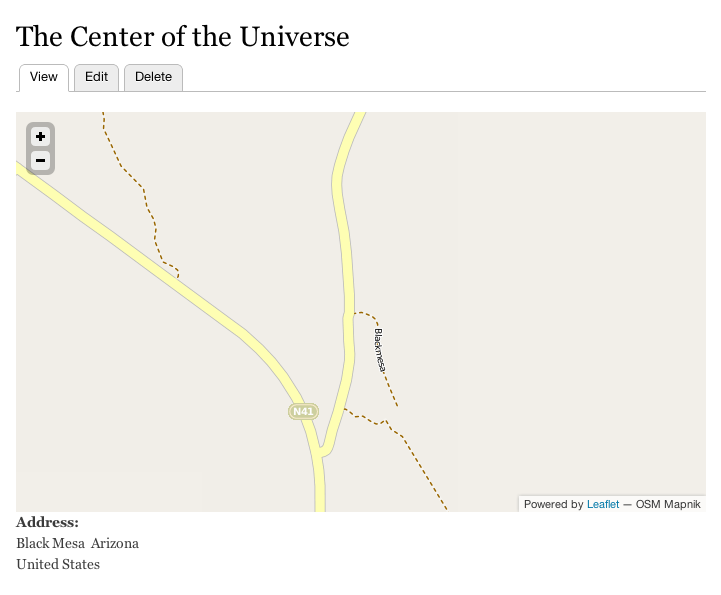
This is a feature module that is something I find myself reusing extremely often. It introduces a custom block type via bean of 'Leafbean'. Using an addressfield, one can enter an address that will be geocoded into a rendered leaflet map. This is a very simple example of a way to use bean and leaflet together in a way that is very powerful. It's very handy for brochure sites, contact forms, etc.
Multiple locations:
So you want to your bean to show multiple locations? Wow this got even more powerful didn't it! Just change the cardinality in field settings to 'unlimited' and then enter multiple addresses. In the geofield settings, make sure that it's set up to geocode multiple addresses discreetly ( I'll fill in the exact setting here when i get to it).
Custom Leaflet Map
This module comes bundled with a custom example map that it enables and uses. You can use this as an example module for providing your own leaflet map. Currently one of the easiest ways to customize the display of a leaflet map is in code. You can actually use almost the entire Leaflet API if you like. Read more on using the leaflet module at http://drupal.org/project/leaflet
For panels lovers, see the sister module 'Leafpane' which does the same thing with a fieldable panel pane instead of a custom block type.
Customizing the Geocoder
So if your site will be serving more than 2400 requests/day when geocoding this map youll want to change the geocoding service in the geocoder settings to yahoo or yandex from google. Note that the geocoding will happen only when the custom block is saved, so you gotta be doin somethin crazy for that to happen. I've actually hit that ceiling before with the geocoder module but it was with bulk geocoding of thousands of entities. Doubt you'll get to that level with this module, but just sayin'
P.S. I was originally going to call this 'Beanlet' but discovered that that is a despicable racial slur. It sounds cute, but you'd be surprised how us humans can make a cute word a terrible thing.