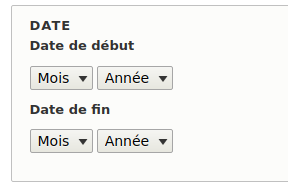
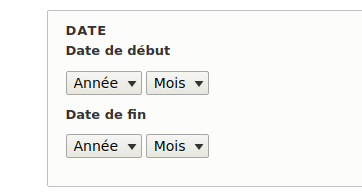
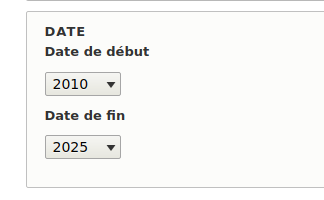
Month Year Range
Provide the form widget to fill in the month and year range or year range only . This is just a change to the display form, so that the user doesn't need to enter too much content.
This module not stored time data. The storage of time is provided by the core.
Installation
Install the module as every other module.
Usage
Enable the Month Year Range module.
Create a Date Range field, select Date Range as field type.
To select Month Year range, go to your content type's Form Display Settings(Manage form display) and select Month Year Range as Date Range filed's WIDGET.
Short name
month_year_range
Supporting organizations