Mermaid Diagram Field
Features
This module adds two things to a Drupal site.
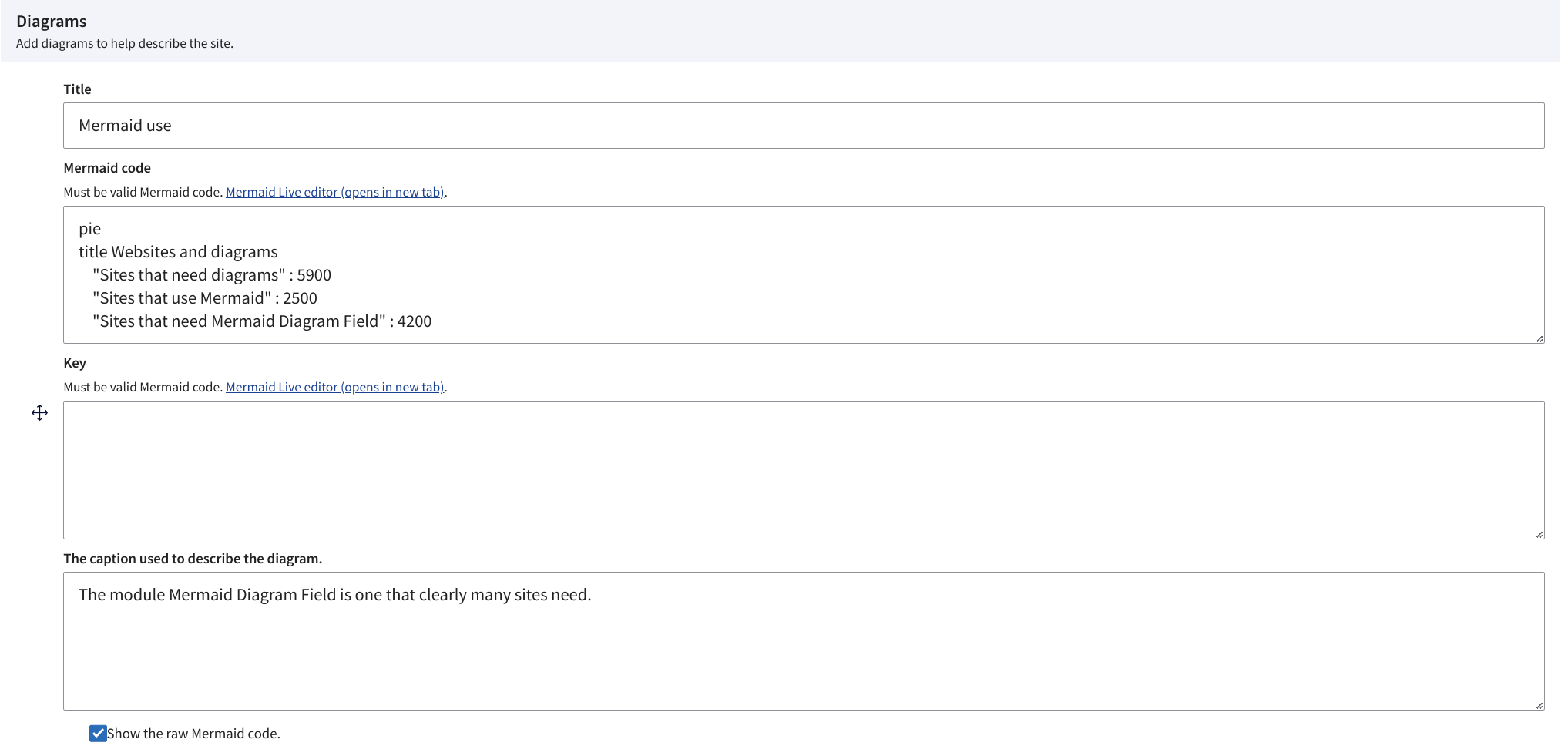
- A field for adding and rendering Mermaid diagrams with the following subfields:
- Title - a heading for the diagram
- Diagram - this is the actual Mermaid diagram code to be rendered.
- Caption - a caption for the diagram that should assist with A11y.
- Key - An optional key to describe the parts of the diagram. This is optional because some mermaid diagrams make their own key, so this one is not needed.
- Show code - checking this box will cause the code of the mermaid and key to be output into a description box for copy and pasting.
- A twig template for rendering mermaid diagrams in code. [ '#theme' => 'mermaid_diagram', '#preface' => (optional) Anything to be rendered beforehand. '#title' => [required] The title of the diagram. '#mermaid' => [required] Mermaid code for the diagram. '#caption' => [required] A message that describes the diagram. '#key' => (optional) Mermaid code for a key for the diagram. '#postface' => (optional) Anything to be rendered after the diagram. '#show_code' => boolean to cause the source code to be visible for copy and pasting a diagram. '#attached' => ['library' => ['mermaid_diagram_field/diagram']], ],
Similar projects
- Workflows field diagram : This provides a field formatter to display workflow states.
- Mermaid Integration: Simply brings in the Mermaid JS library.
- Workflows Diagram: Displays core workflows as a Mermaid diagram in a more light approach than Content Model Documentation does.
Mermaid support
- Mermaid.live This is a great online tool for creating or editing Mermaid diagrams. Explore the examples.
- Mermaid tutorials and more
FAQs
How does the 'key' property work?
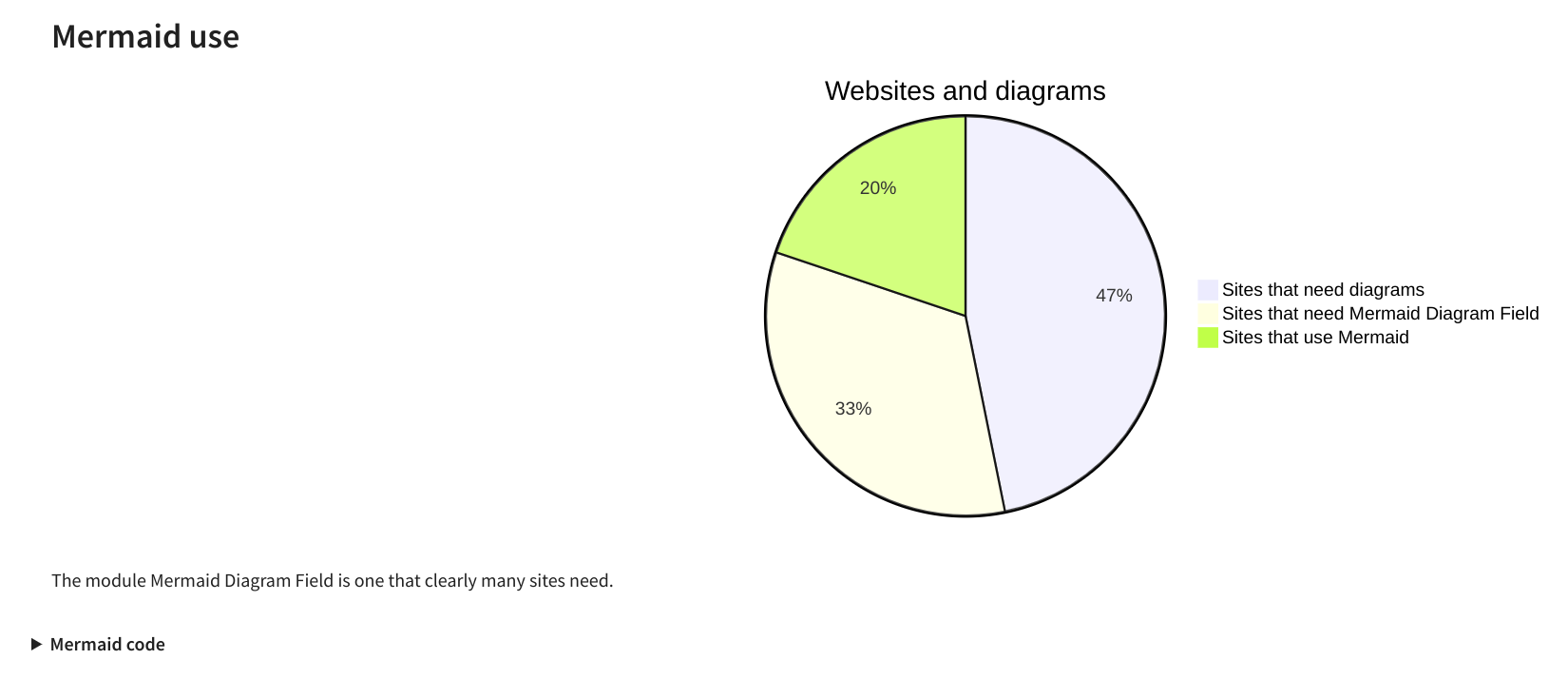
The key property is another spot for Mermaid code. However it is usually used to add a simple Mermaid that shows the meaning of the shapes used. Keep in mind that some Mermaid types like 'pie' automatically create their own key, so you don't need to provide a key. While types like a flowchart do not, so providing a key for those can be very helpful.
sample key :
flowchart LR
subgraph "Entity types"
circle(("Content"))
doubleSidedRectangle[["Media"]]
hexagon{{"Paragraph"}}
rectangle["Taxonomy term"]
end
Short name
mermaid_diagram_field
Supporting organizations