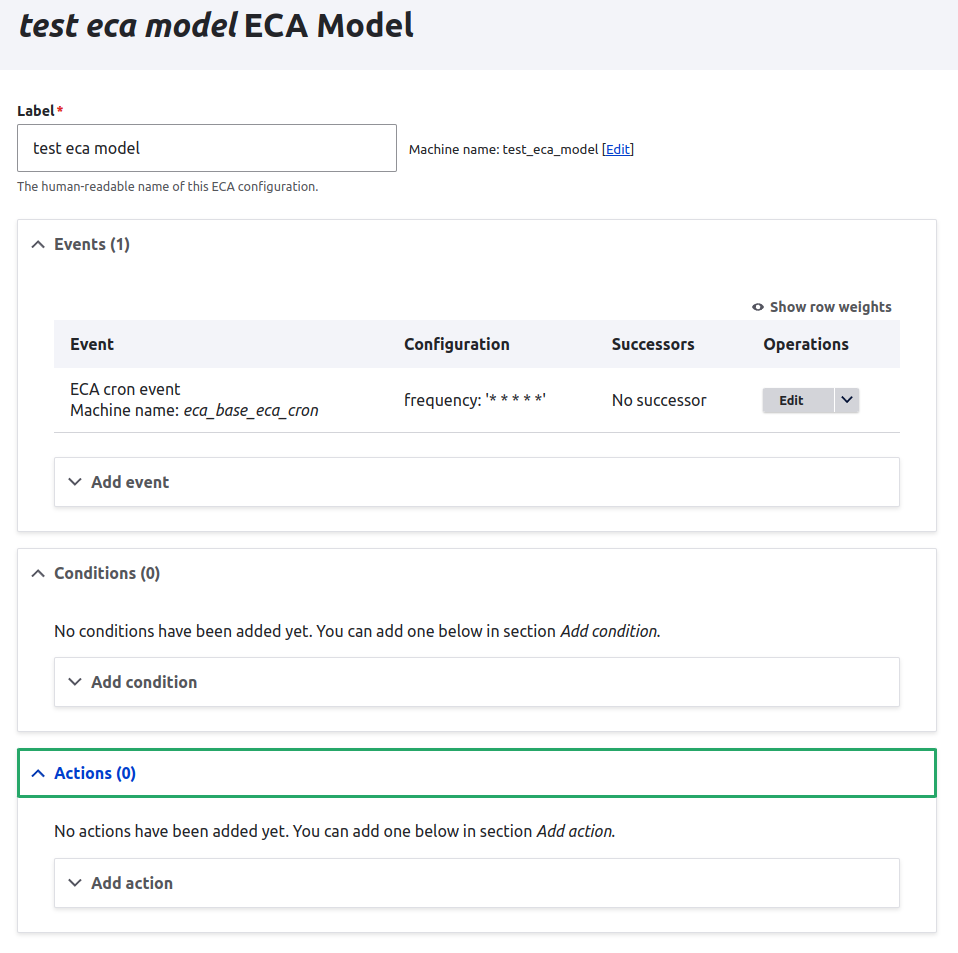
A modeller for ECA solely built on top of Drupal core and ECA core.
Important notes
- Please do not use this modeller unless you have no other option. Better modellers are available and can be found on the project page of ECA. Once there is a better modeller available that is usable for screen readers, support of this module will considered to be dropped entirely.
- Please do not see this as a Rules UI equivalent. This is a completely different mechanic because ECA is not an equivalent to Rules (see usage section).
This is a very basic low-level modeller tool
Important note: This modeller may be sufficient for creating very simple processes. But usually with ECA, complex processes will be created, where this modeller falls short. In general, using a more powerful modeller such as BPMN.io is recommended to be used instead of this one.
The Classic modeller directly exposes the structure of an ECA configuration, and does not add its own structures on top of it. Therefore this solution can be seen as a "low-level" modelling tool, that may fit well for creating simple execution chains. This makes it also suitable as a fallback, just in case something is wrong with a more powerful modelling tool.
How to use
Have a look at the README regards how to install it.
Once installed, you can create a new "classic" model at /admin/config/workflow/eca/add/core.
- In that model form, you first need to create an event.
- Then you can create an action, and optionally a condition.
- Finally, you need to connect the action (and condition) as a successor to the event, by navigating back to the created event, and add the successor at the bottom of the event configuration form. You must click on the save button in order to persist your configuration changes.
Connecting the components between each other is the main key to define the execution chain with ECA. When you create more actions that need to be executed after a certain event or action, don't forget to add it as successor.