The Commerce XLS Import module is a Drupal Commerce module that allows the import and export of Commerce Products using an XLSX file.
Features
- Import Commerce products from XLSX
- Import product images
- Validate product file without importing products
- Generate template XLSX for each product type
- Exports XLSX containing information on successful and unsuccessful product imports
Libraries
Spout https://github.com/box/spout
FAQ
How does is this different form Commerce Feeds?
Here's some of the ways how this module is different:
- It imports products and their variations from a .xlsx file.
- It allows for the import of product images from .zip files.
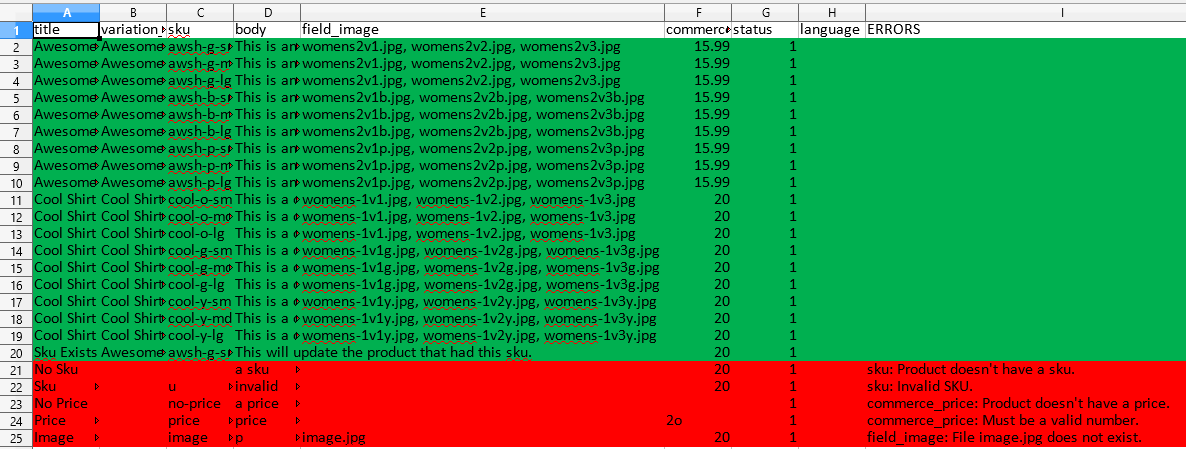
- It provides an exports .xlsx file that contains the results of the import with errors being marked. Those errors can then be fixed on the exported file and re-imported.
- It gives the option to validate the imported file without attempting to create the products. This allows users to do a "dry run" of their import without having to worry about only some of their products importing.
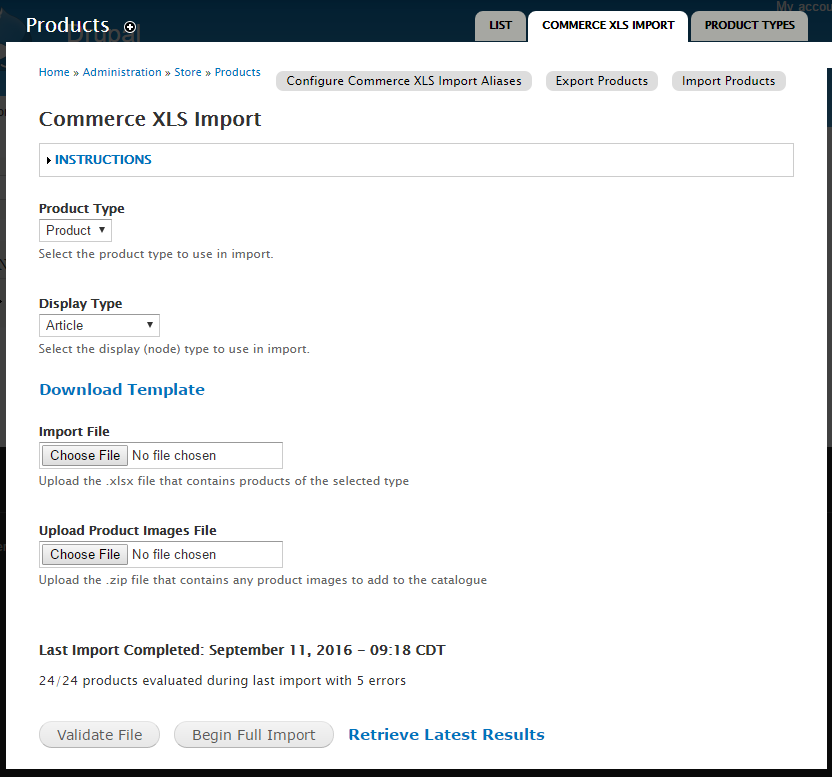
- Import templates are automatically generated for each product type which can be downloaded from the import menu "admin/commerce/products/import_commerce".
- Products and their variations are created at the same time. If the product doesn't exist it is created. If it does exist, the variations are added to it.
Where do I find the product templates and upload the product XLSX?
You can find them all at admin/commerce/products/commerce_xls_import. There's also a tab on the top of the Product menu called "Commerce Import".
How do I upload product images?
You can upload images by bundling them in a .zip file and uploading in the "Upload Image Files" section of the import form when submitting your import file.
Short name
commerce_xls_import
Supporting organizations