CKEditor 5 Plugin Pack is an official set of free plugins extending functionalities of CKEditor 5 for Drupal, maintained by CKSource.
Currently available plugins:
- Auto Image
- Block Indentation
- Bookmarks
- Emoji
- Empty Block (New Feature!)
- Find and Replace
- Fonts
- Fullscreen (New Feature!)
- Highlight
- Layout Tables (New Feature!)
- Link Attributes
- Page Break
- Paste Markdown
- Select All
- Text Transformation
- To-do Document List
- Word count
- Free version of WProofreader grammar and spell checker
Free Premium Features
CKEditor 5 Plugin Pack allows you to use selected premium functionalities from the CKEditor 5 Premium Features module for free, thus it requires this module as a dependency. It does not require a paid license to use these features.
Premium plugin available for free:
- Templates (requires Drupal 10.3)
Configuration and Feature guides
You can find information how to configure each plugin in the Configuration Guide
To learn how to use each plugin, please check out our Feature Guide
Auto Image
The Auto Image plugin recognizes image links in the pasted content and embeds them shortly after they are injected into the document to speed up the editing. Accepted image extensions are: jpg, jpeg, png, gif, and ico.
Block Indentation
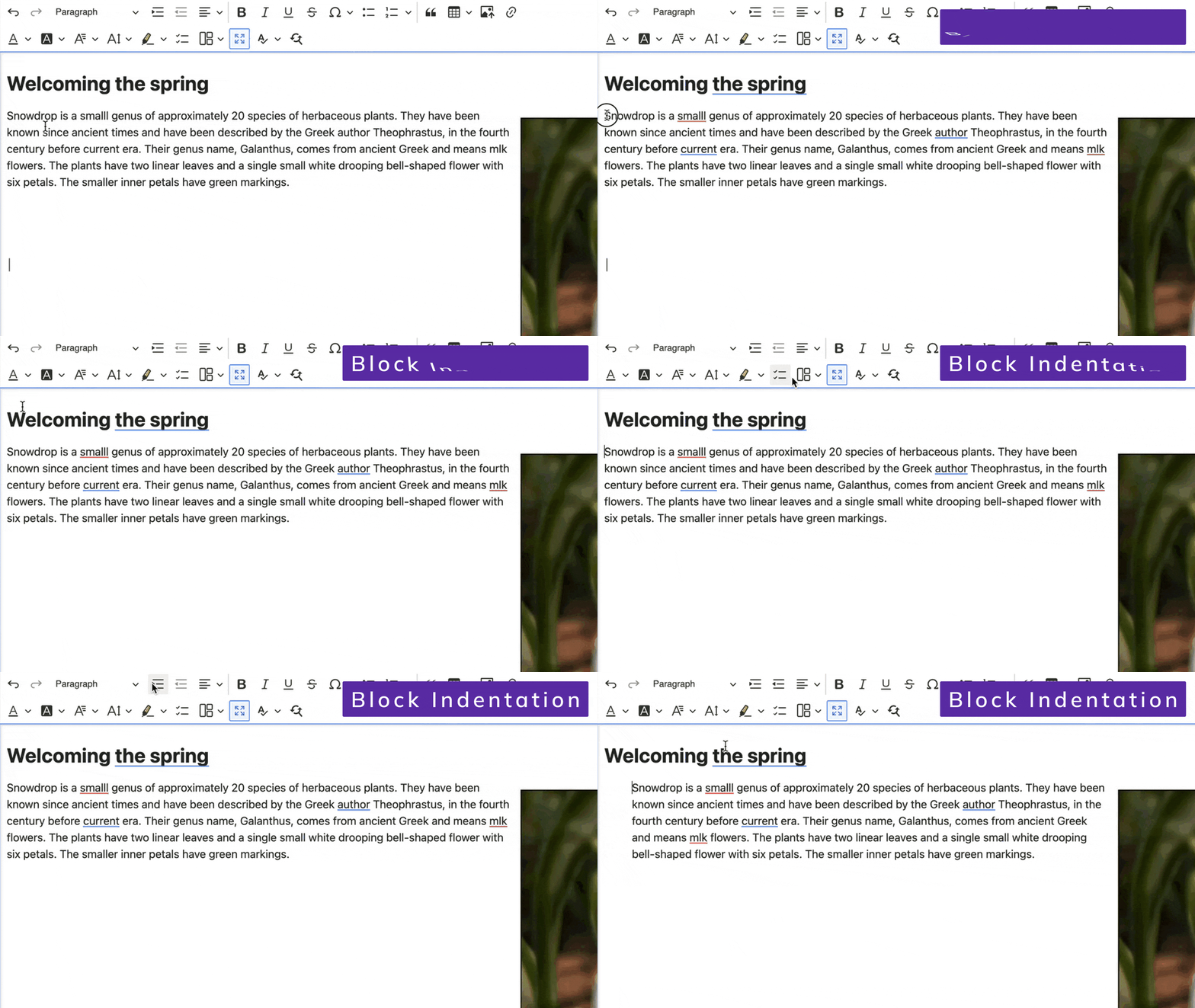
The block indentation feature lets you set indentation for text blocks such as paragraphs, headings, or lists. This way you can visually distinguish parts of your content.
Bookmarks

The bookmarks feature lets you add and manage the bookmarks anchors attached to the content of the editor. These help with accessing important sections of the content and speed up the navigation while editing.
Emoji
The emoji feature lets you add emojis into the content using the toolbar or within the editor.
Requires CKEditor 5 v.44.3.0+ Check out our CKEditor Version Override module to see how you can upgrade CKEditor version manually for your Drupal site.
Empty Block
Empty Block plugin preserves empty block elements in the editor content when you paste or import HMTL with such markup.
Find and Replace
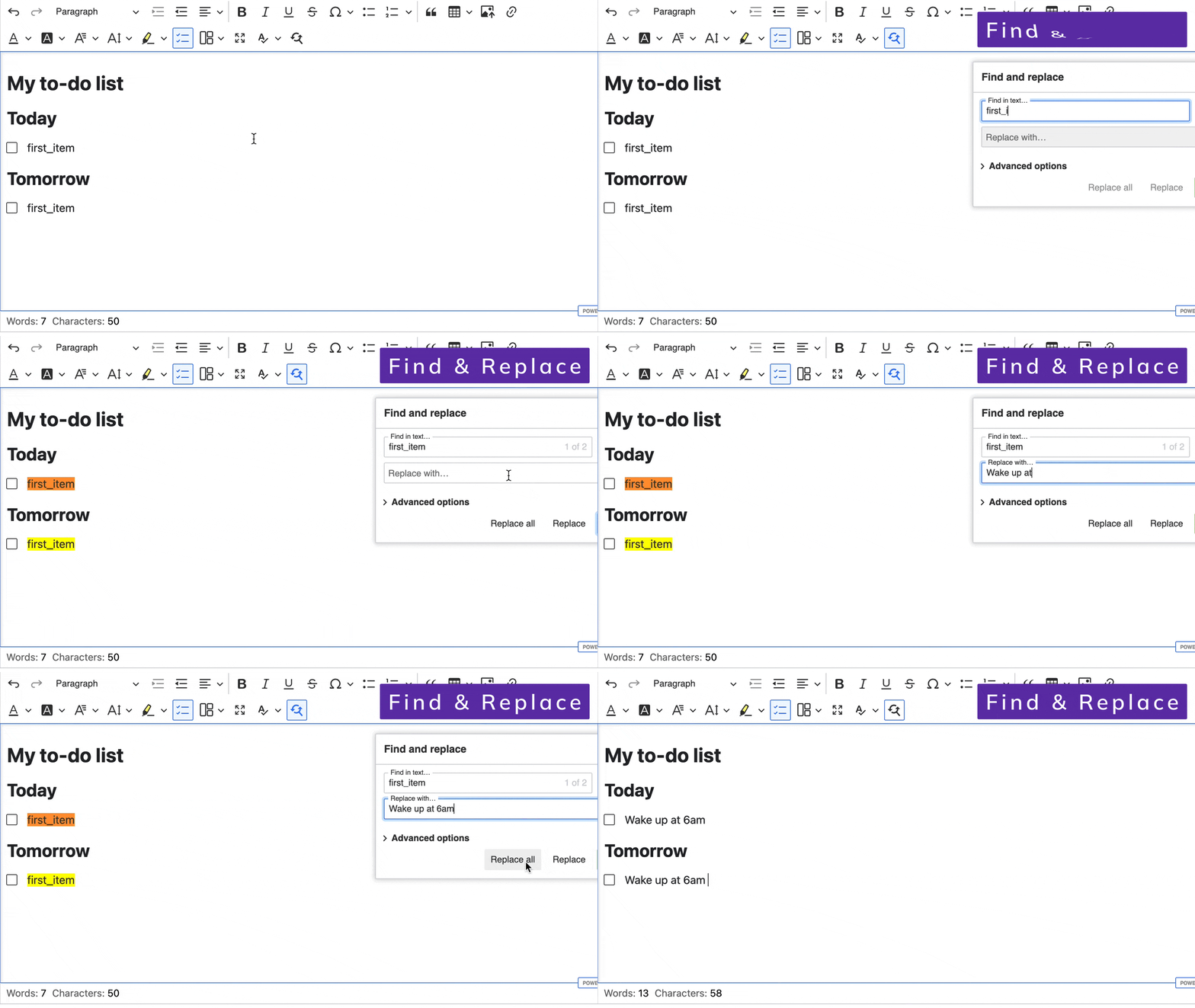
The find and replace feature lets you find and replace any text in your document. This speeds up your work and helps with the consistency of your content.
Fonts
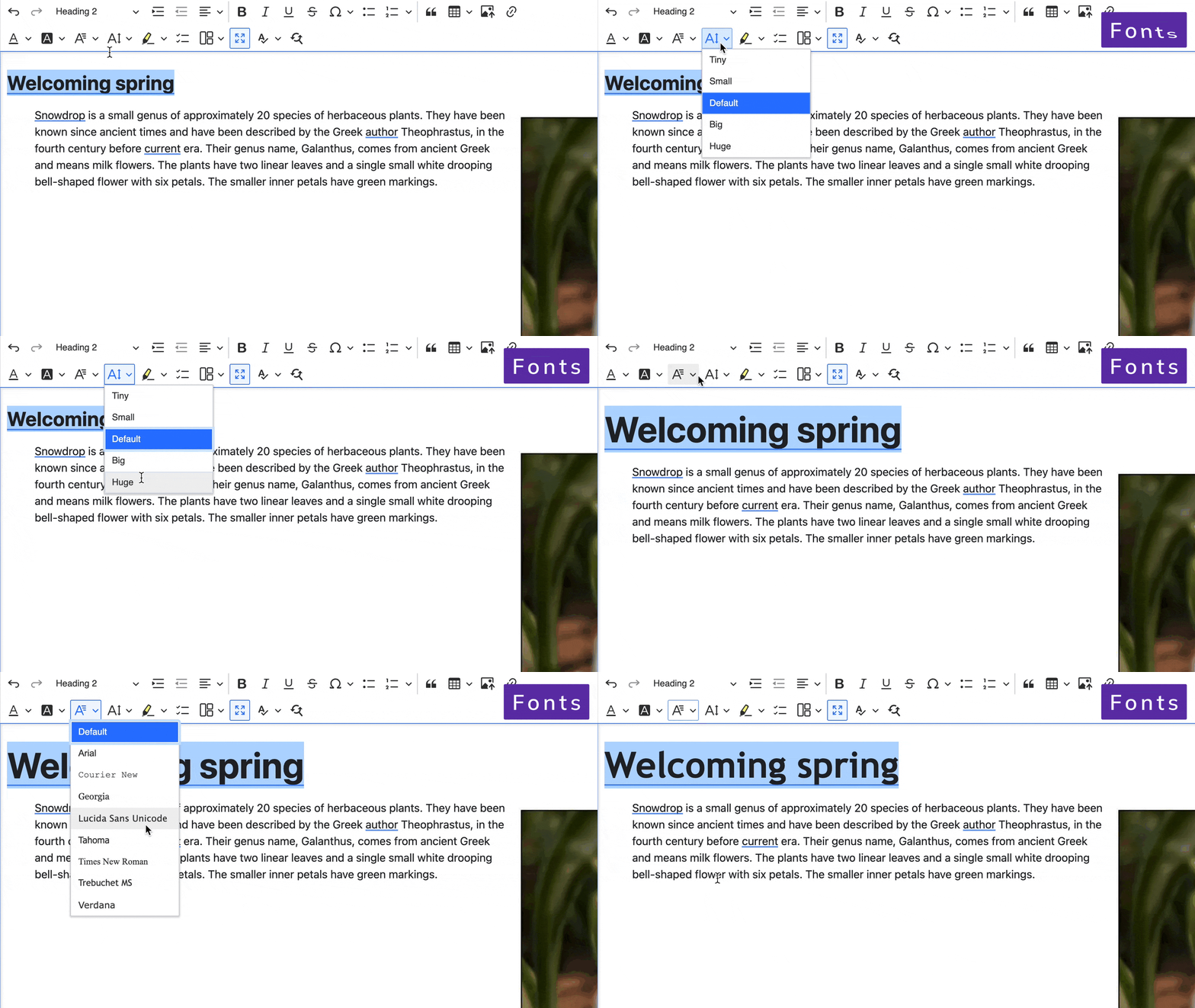
The font feature lets you change font family, size, and color (including background color).
Fullscreen Mode
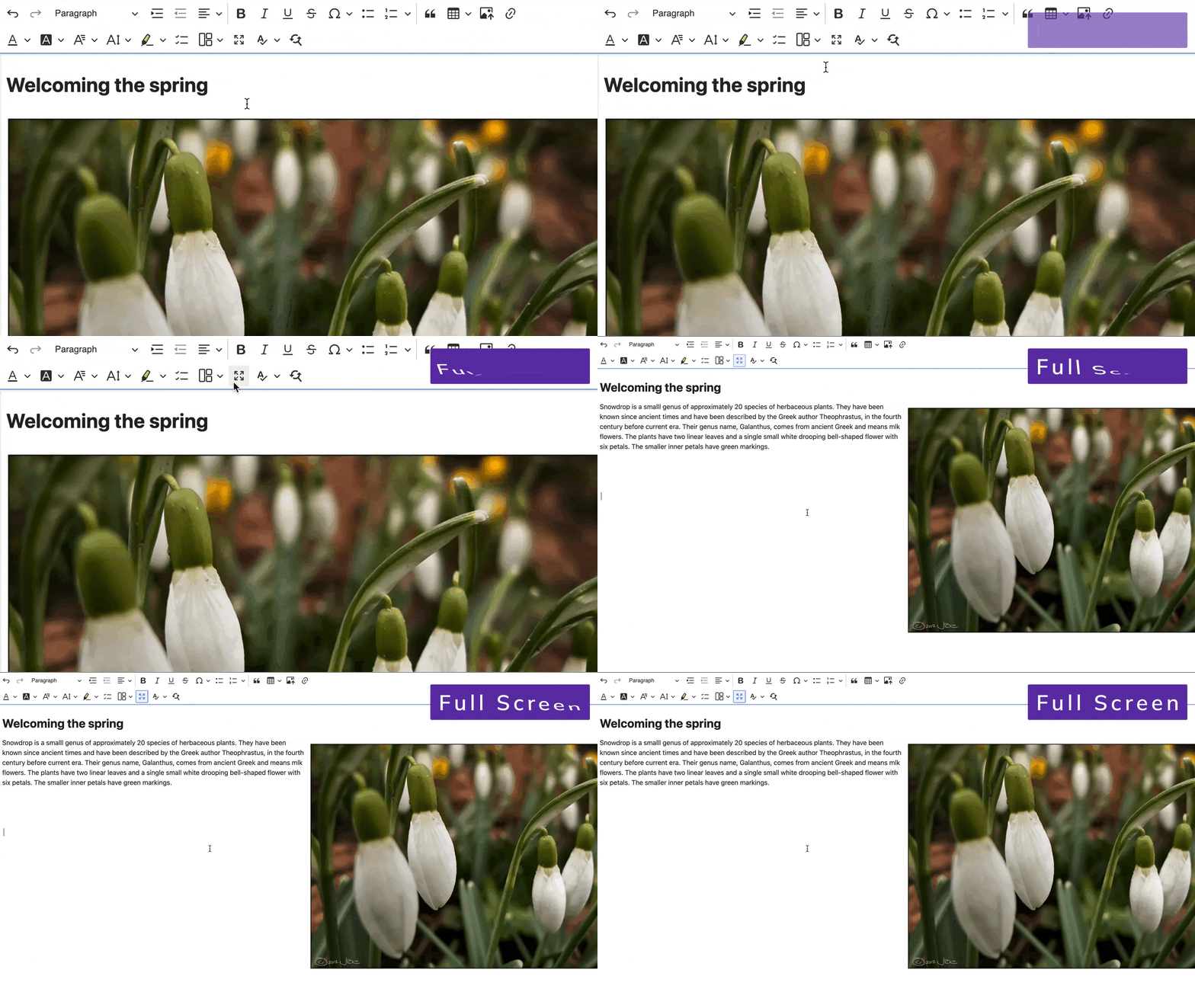
The Full Screen Mode is a free-to-use plugin that maximizes the editing area. It is especially useful when using features like Document outline or Comments which take up extra space around the editor.
Since version 1.4.0 of Plugin Pack, we've replaced the old, custom Fullscreen plugin with an official one released by CKEditor. Learn more about how to migrate to the new plugin here
Highlight
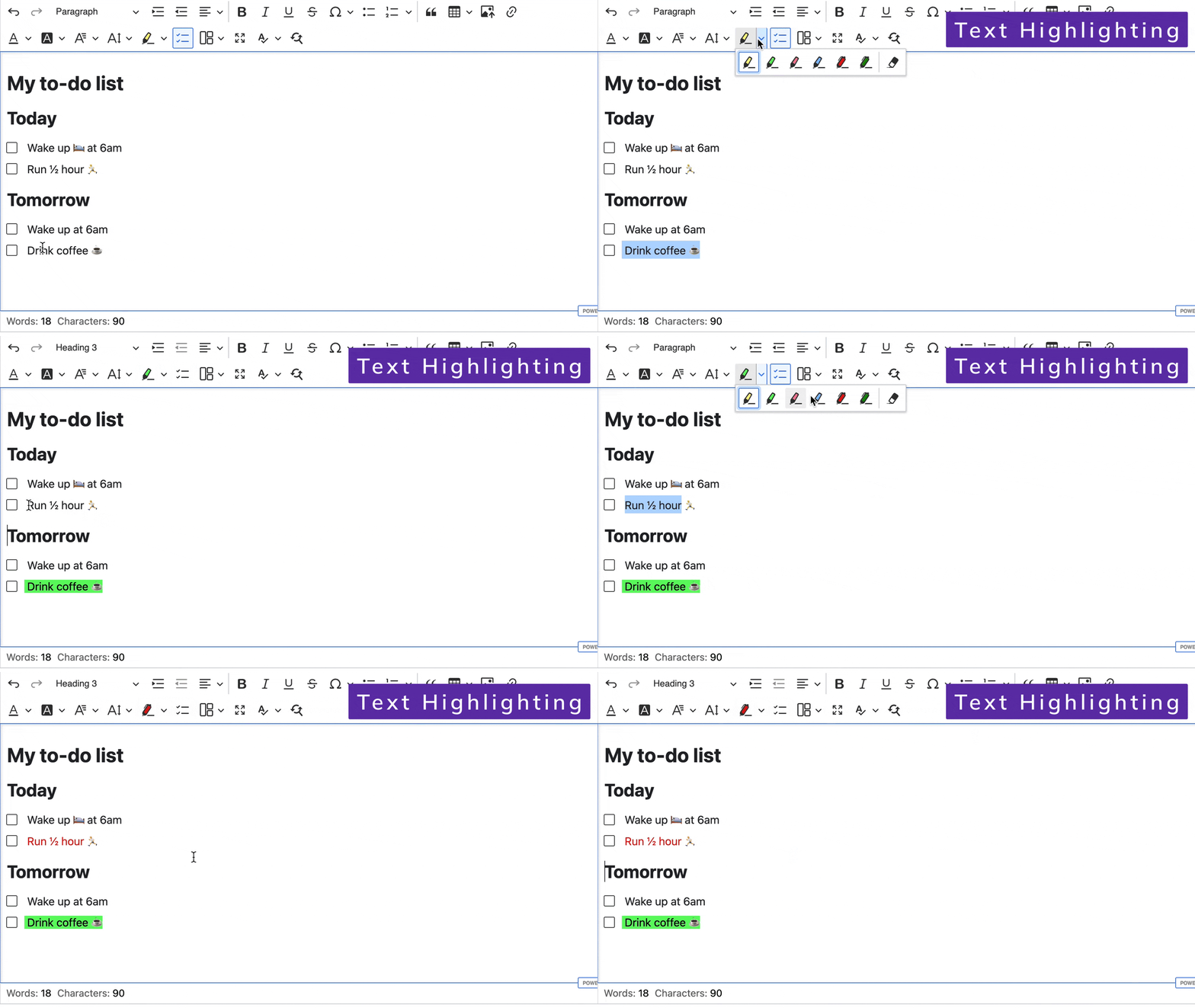
The highlight feature lets you mark text fragments with different colors. You can use it both as a marker (to change the background color) and as a pen (to change the text color).
Layout Tables
Layout tables are used to structure content rather than for presenting tabular data. They are especially useful when you use CKEditor to create emails.
Link Attributes
The Link Attributes feature lets you set custom HTML attributes to links within the editor.
Page Break
The page break feature lets you insert page breaks into your content. This gives you more control over the final structure of a document that is printed or exported to PDF or Word.
Paste Markdown
The paste Markdown feature lets you paste content in Markdown format directly into the editor to be instantly converted to rich text.
Select All
The select all feature lets you select the entire content using a toolbar button.
Templates
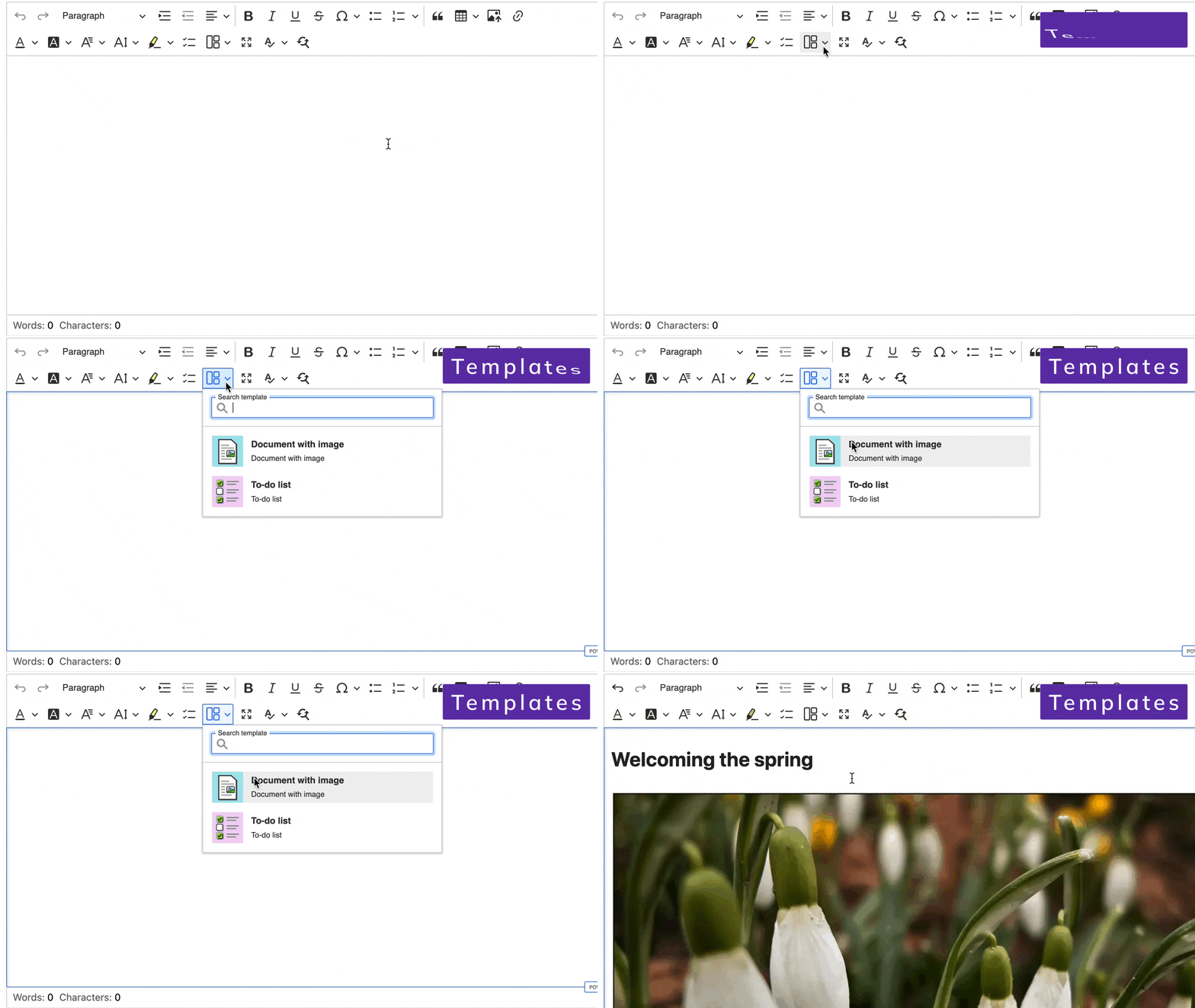
The template feature allows you to insert predefined content structures into the document. Templates can provide both smaller portions of content (like a formatted table) and base structures for entire documents (for example, a formal letter template).
Note: If you are a CKEditor 5 Premium Features user, but your license does not include Templates - please reach out to our support so we can make it possible for you to use this feature for free.
This is a Premium feature available for free in the Plugin Pack.
Requirements: Drupal 10.3+
Text Transformation
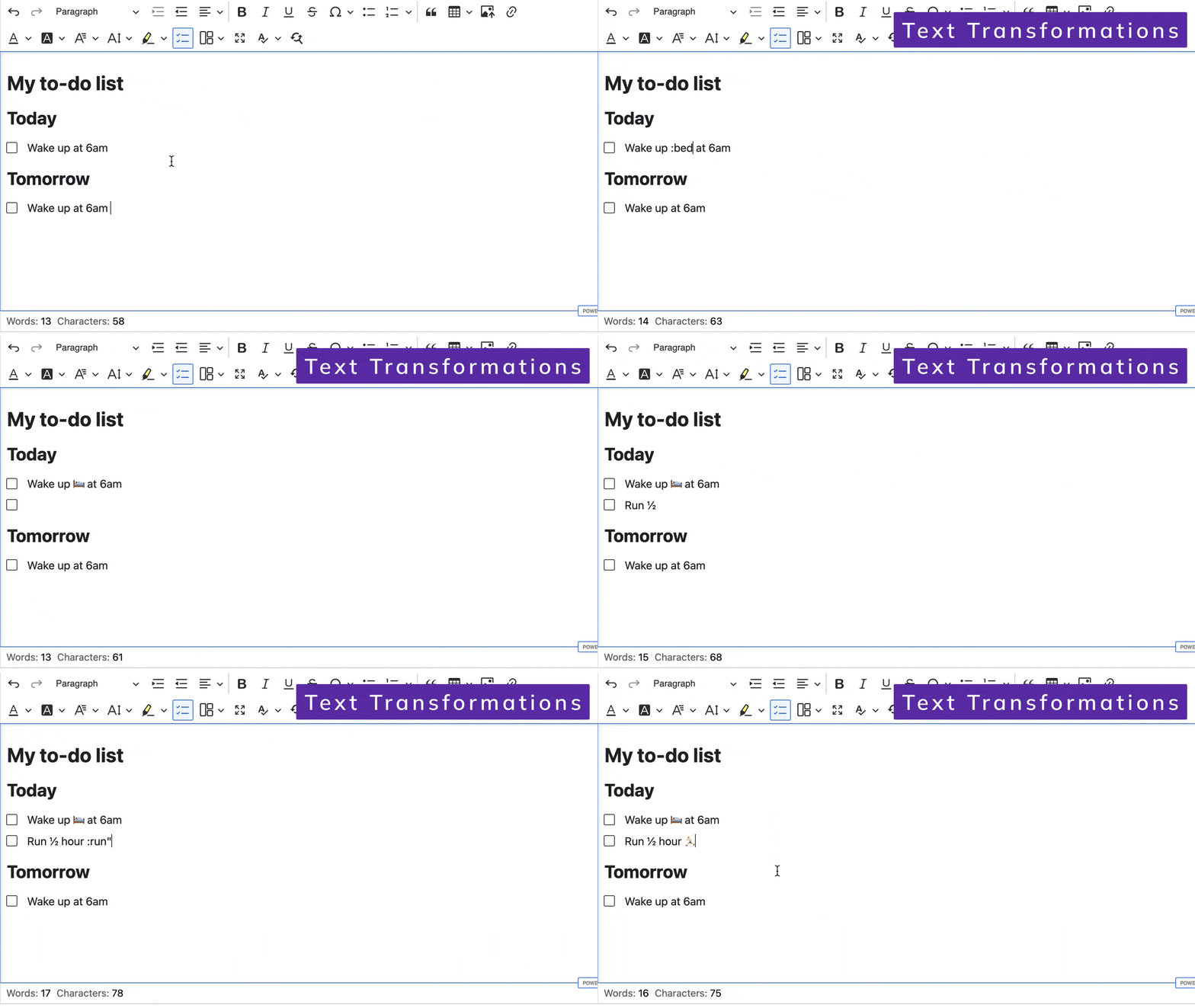
The text transformation feature enables autocorrection. It automatically changes predefined text fragments into their improved forms.
To-do Document List
The to-do list feature lets you create a list of interactive checkboxes with labels.
Requirements: Drupal 10.2+
Word count
The word count feature lets you track the number of words and characters in the editor. This helps you control the volume of your content and check the progress of your work.
WProofreader grammar and spell checker
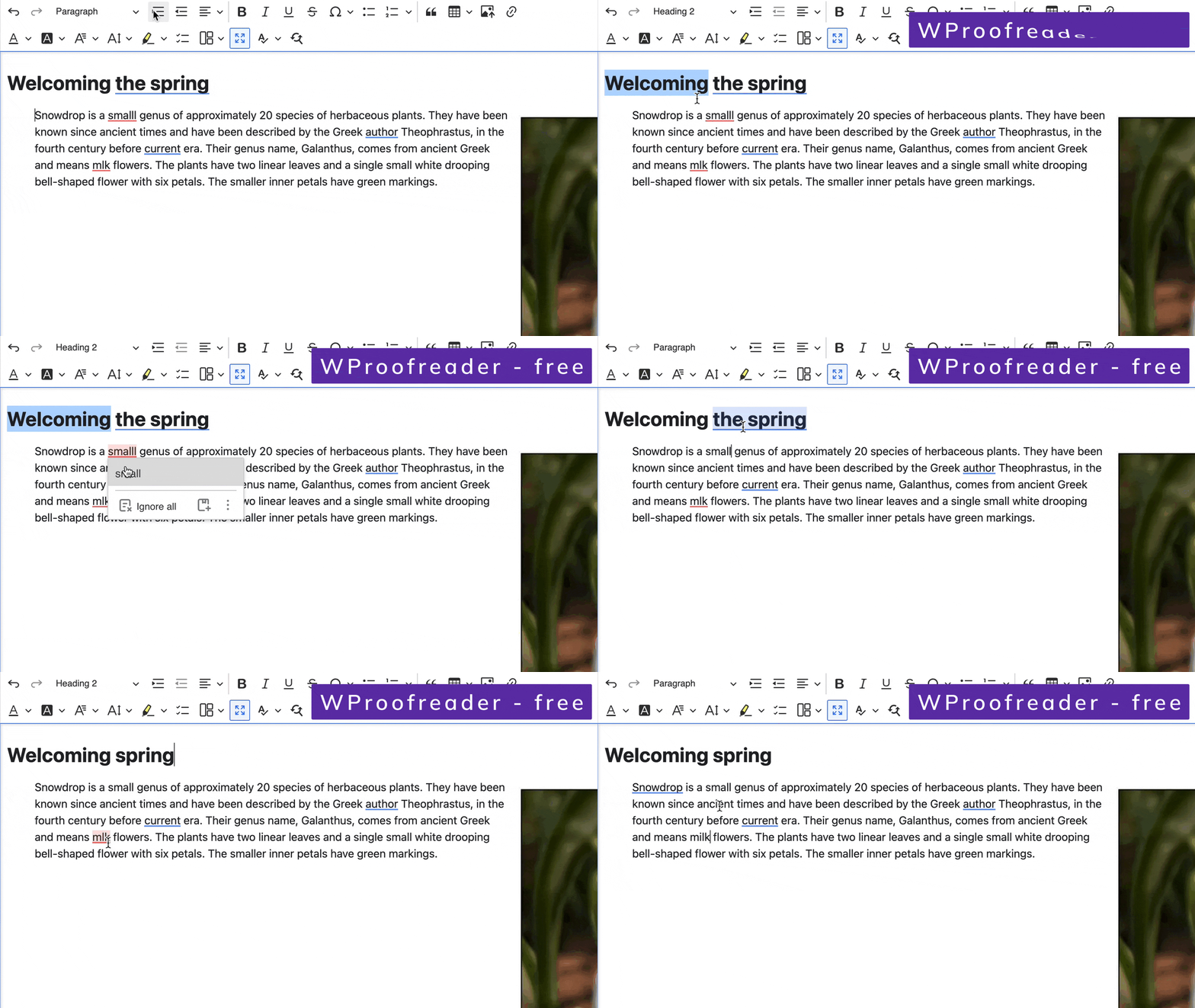
Plugin Pack includes a free version of WProofreader grammar and spell checker. Free version is limited to certain functionalities and 50,000 words checked per day.
You can find exact differences between free and premium versions of WProofreader here.
Special thanks
We would like to say thank you to the authors and maintainers of following contrib modules whose work has been used to lay foundation for some of Plugin Pack functionalities:
- https://www.drupal.org/project/ckeditor_find
- https://www.drupal.org/project/ckeditor5_font
- https://www.drupal.org/project/ckeditor5_highlight
Requirements:
- PHP 8.0+
- Drupal 10 with CKEditor 5 enabled
- To-do list module requires Drupal 10.2+
- Templates module requires Drupal 10.3+