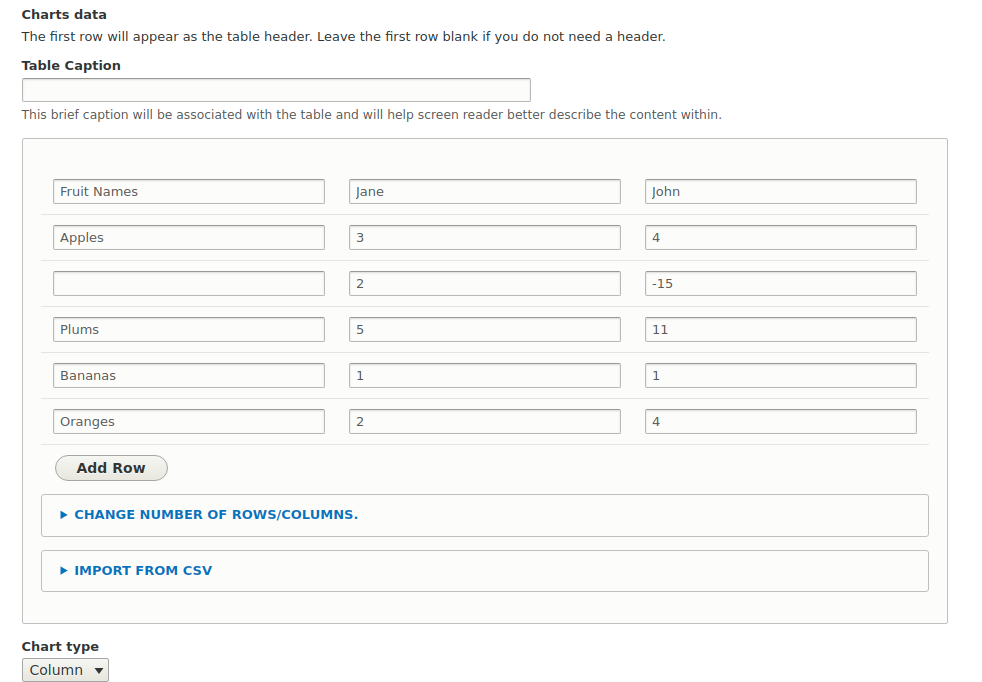

The Charts field formatter module provides a way to build any kind of chart inside an entity (e.g. node, paragraph ..etc) with Highcharts (>=3.3 and <5.x) charts provider.
As any chart data depends on tabular data, this module depends on the TableField module which will let you import your chart data using a CSV file or manual editing.
Dependencies:
- Charts and specifically on Highcharts sub-module.
- TableField
Installation and configuration:
- Enable the module and its dependencies: charts, charts_highcharts, and tablefield.
- Create a field of type tablefield in the entity (node, paragraph, etc) that you want to view the chart inside it.
- Go to the entity manage display and choose Charts in the field formatter.
- Create a new content and you can import any CSV file that has the same structure of charts_example.csv which follows the Highcharts structure.
Notes:
- Make sure to install Highcharts third-party library as described Here.
Short name
charts_field_formatter
Supporting organizations