The AI SEO Link Advisor module integrates Drupal with a range of AI services, such as OpenAI and Gemini, to offer SEO analysis and recommendations. It enables you to set up AI services and conduct SEO evaluations on URLs directly from your Drupal site.
Features
- Choose from AI services like OpenAI and Gemini.
- Configure AI service settings, including selecting different AI models from OpenAI and Gemini.
- Analyze a URL's SEO using the
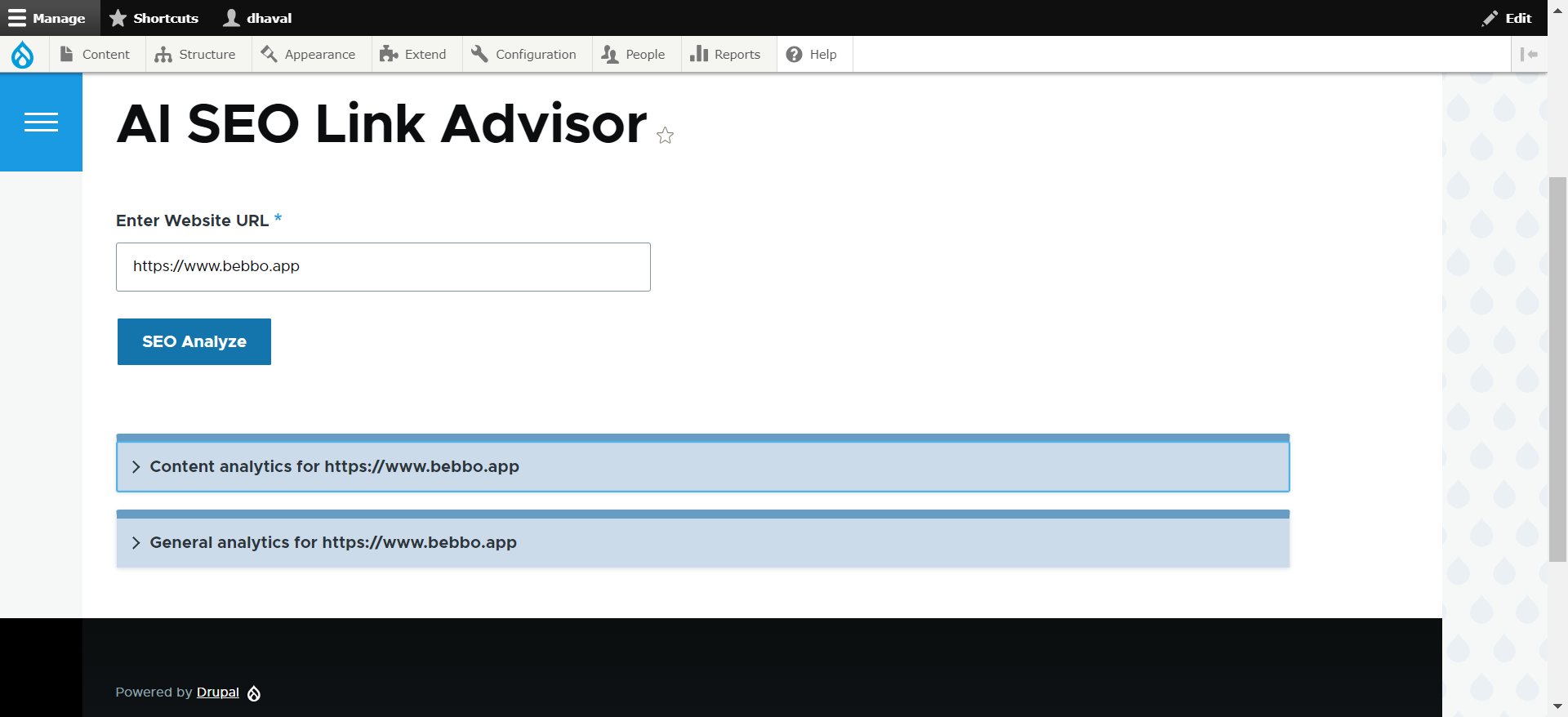
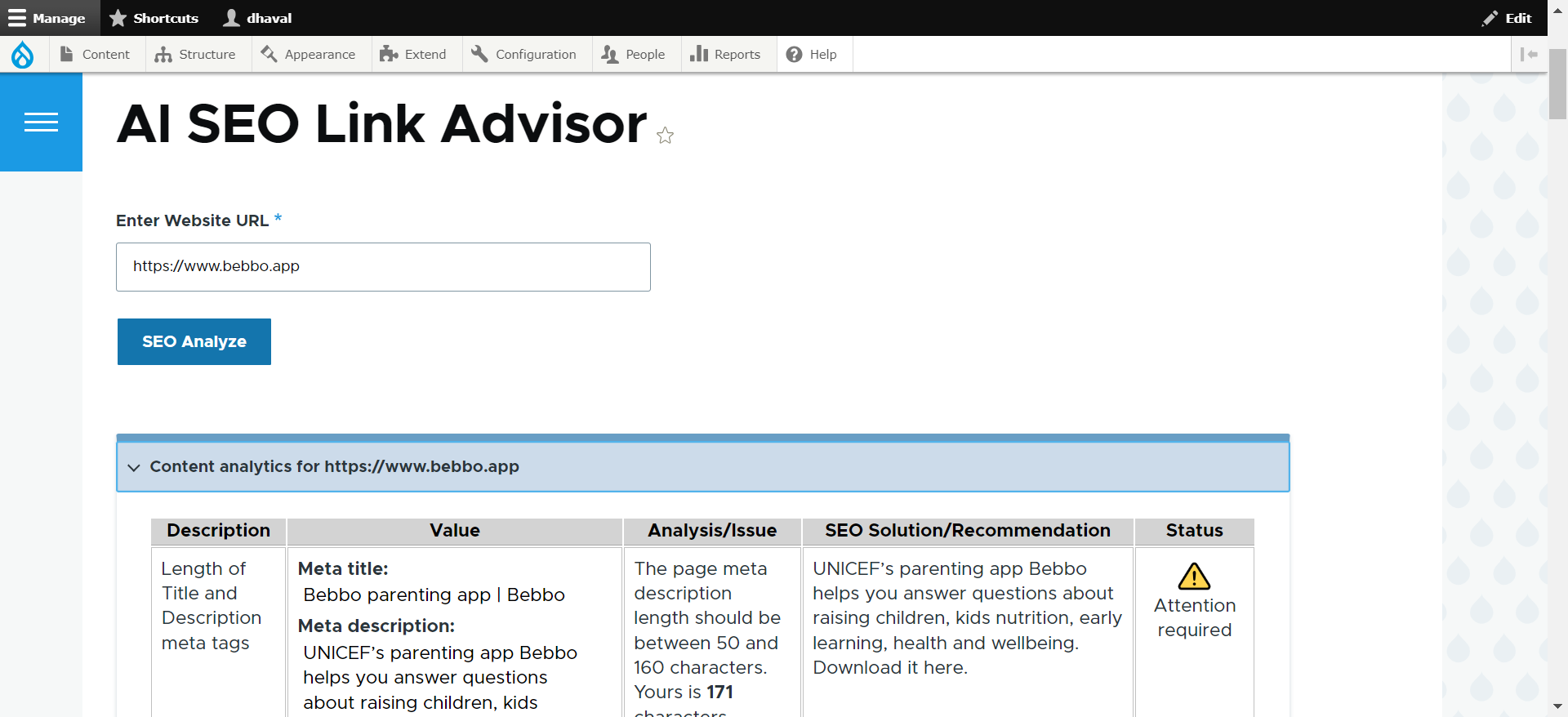
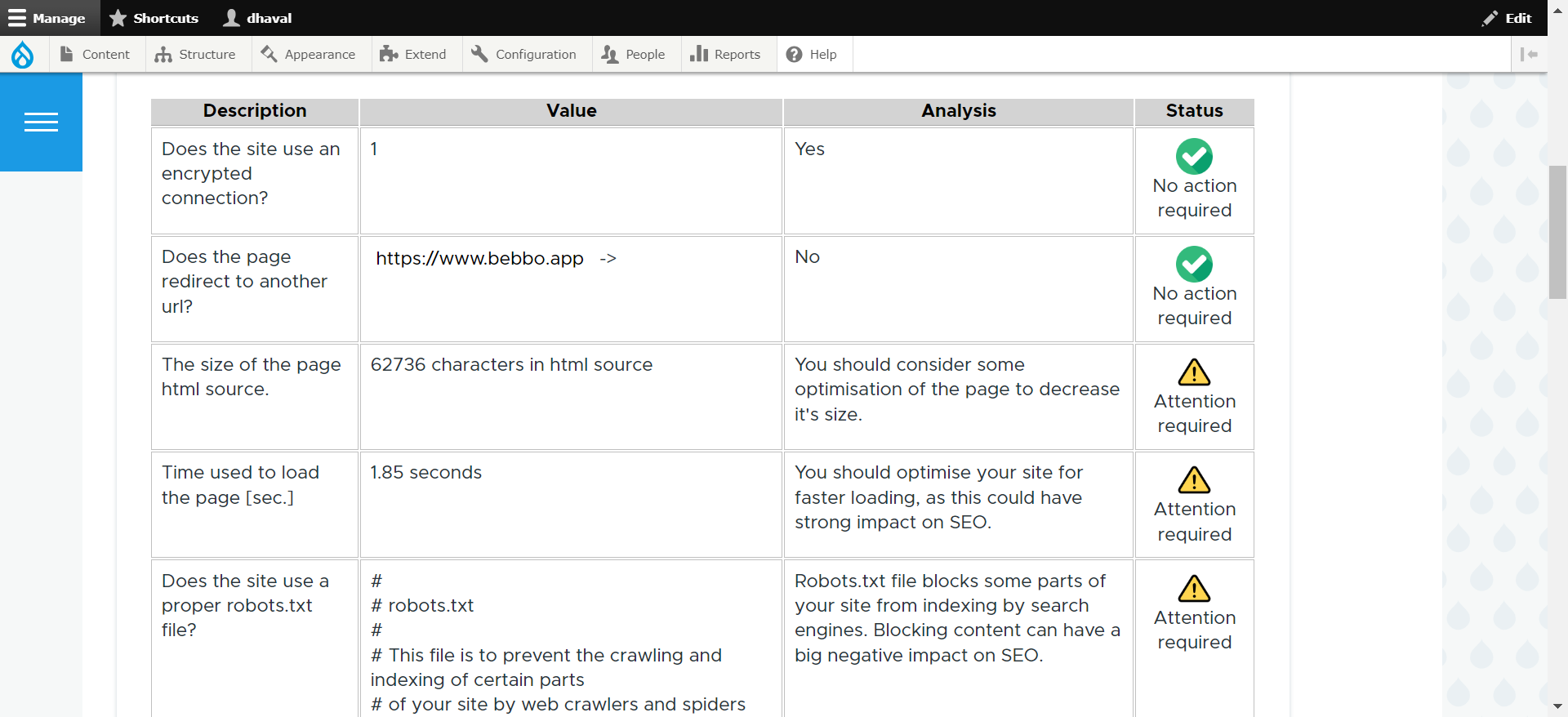
'/seo-linkchecker'page, where users input a website URL to receive content-level and general metrics, along with AI recommendations. - The module can verify if the entered URL is correct or incorrect.
- You can modify the AI service and model settings anytime through the configuration page.
Requirements
- Contributed module - Key
Installation
Using the Drupal User Interface (easy):
- Navigate to the 'Extend' page (admin/modules) via the manage administrative menu.
- Locate the AI SEO Link Advisor module and select the checkbox next to it.
- Click on 'Install' to enable the AI SEO Link Advisor module.
Or use the command line (advanced, but very efficient).
- To enable AI SEO Link Advisor module with Drush, execute the command below:
drush en ai_seo_link_advisor
Configuration
-
Navigate to the AI advisor configuration page:
Administration > Configuration > System > AI SEO Link Advisor -
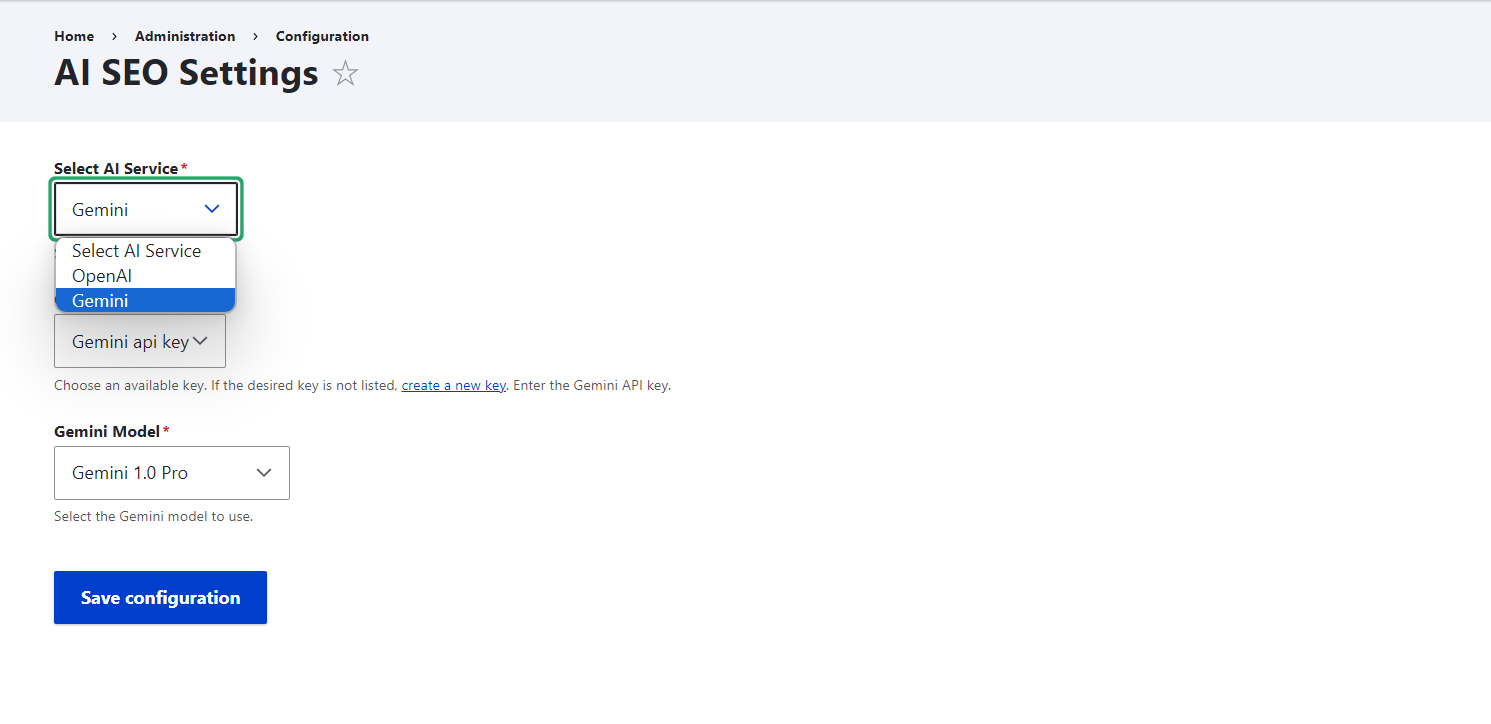
Choose your preferred AI service (OpenAI or Gemini).
-
Input the API key for the selected AI service. Ensure that you generate and store API keys using the
keymodule. -
Select the AI model to use for the chosen service.
Example Configuration
OpenAI
- API Key: Enter your OpenAI API key.
-
Model: Select model from available list.
(supported model Chatgpt 3.5 or 4.0 Turbo)
Gemini
- API Key: Enter your Gemini API key.
-
Model: Select model from available list.
(supported model Gemini 1.0 pro or Gemini 1.5 Flash latest)
Maintainers
Short name
ai_seo_link_advisor
Supporting organizations