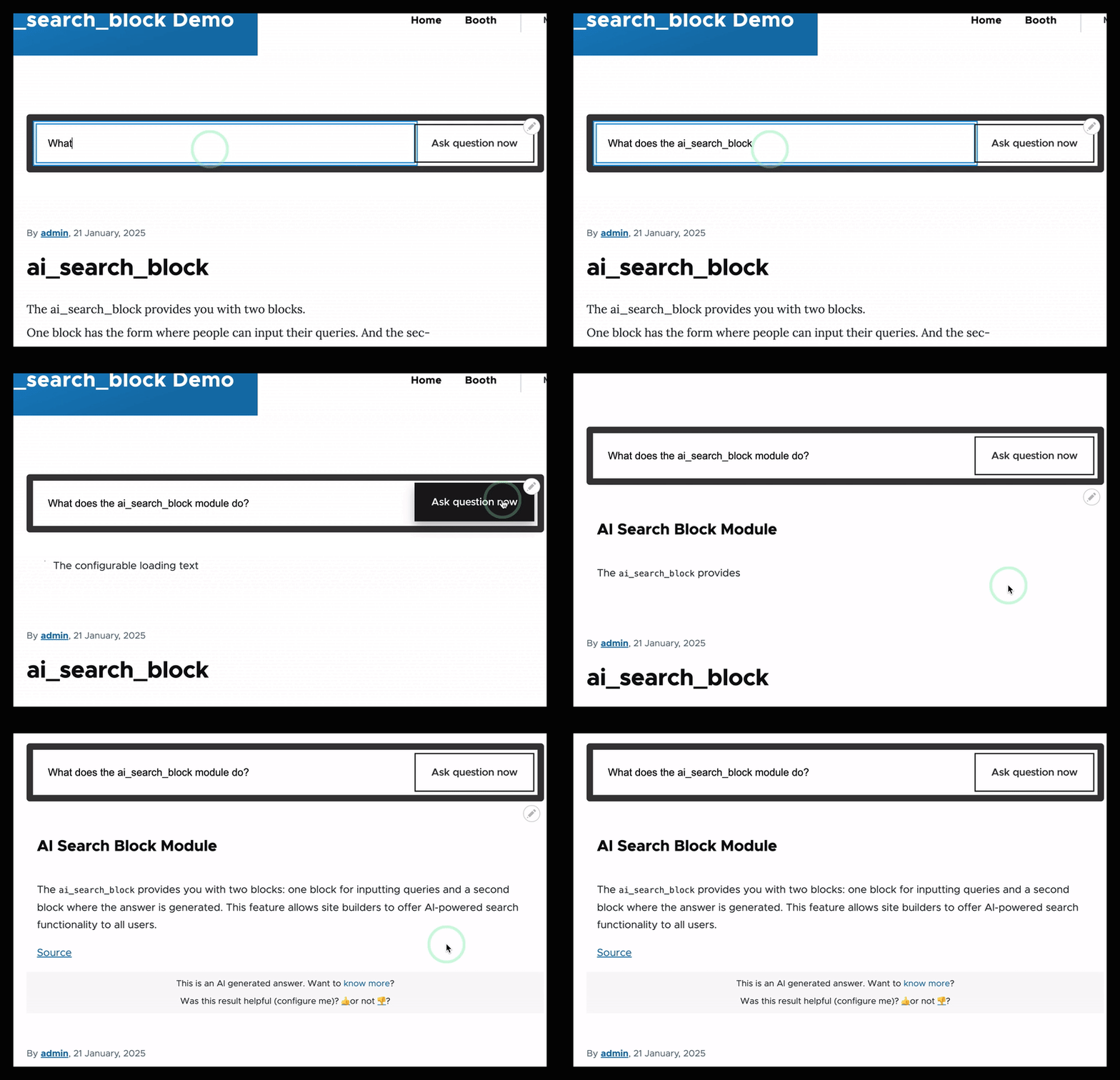
Let users talk with your content without writing custom code. This module provides a block directly on the AI module. It allows you to talk with your content (without using the AI assistants, bypassing those).
Features
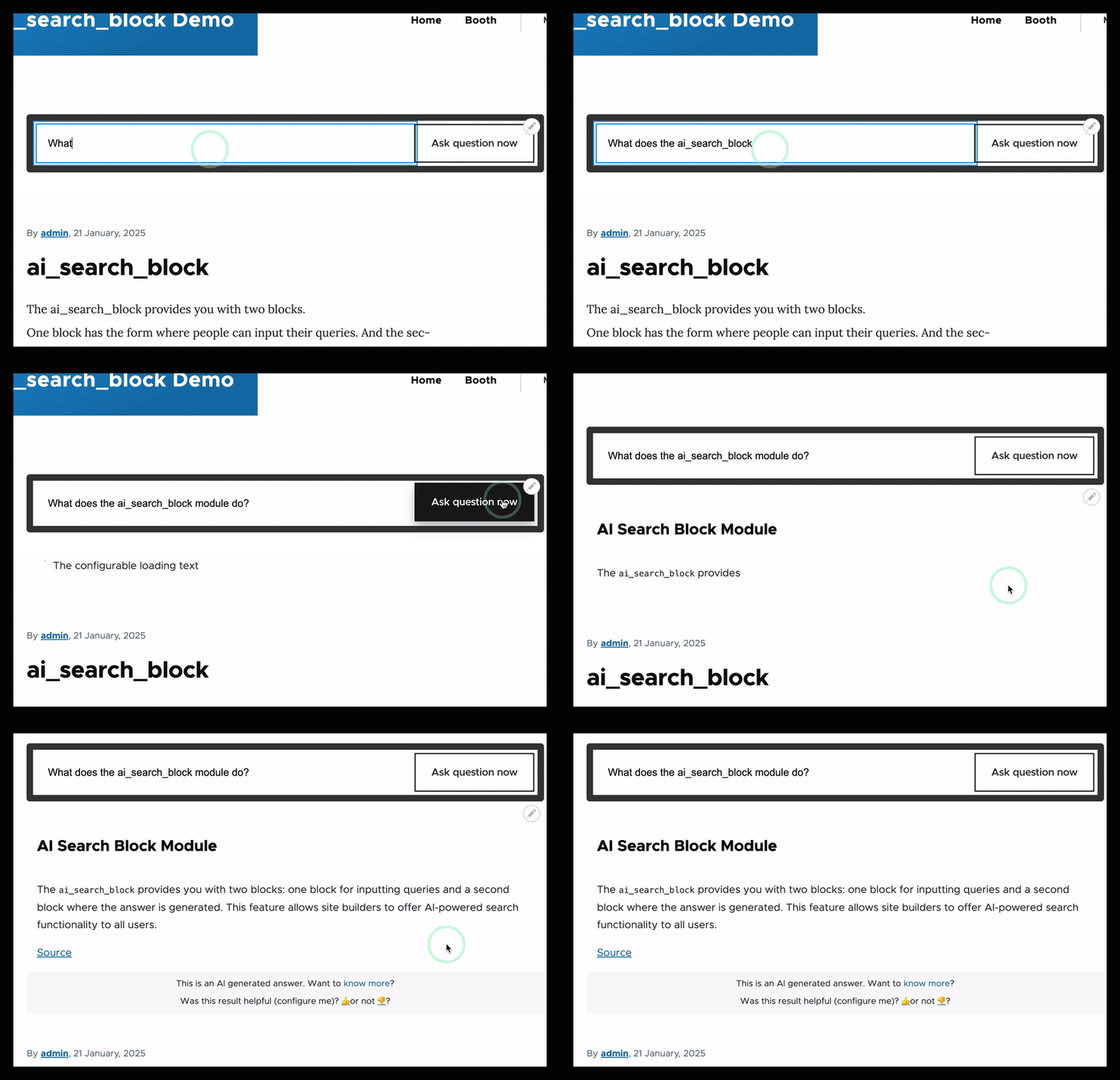
We'll provide a form where a user can type their question, and then the response will be streamed back into a response area in the block.
Need to know
Important: You need to be aware that this is (on purpose) not a virtual assistant. This is talking with your data. If not data is found, no response will be generated (by design).
Requirements
- The ai module installed
- Ai embedding and LLM (chat) model configured
- A vector database installed and configured
- Content indexed to talk with.
Post-Installation
Step 0: You have a Vector DB installed and configured, you have a LLM (provider) installed an configured.
Step 1: add blocks "Ai search" and "Ai search response" into corresponding regions

Step 2: Configure AI search block
Step 3: Select your data source
Step 4: Start searching