Sector(s)
Team Members
Project Team
World Resources Institute
Visit the site
Visit the siteOrganizations Involved
Community contributions
The need to render GeoJSON data with Leaflet uncovered an issue with the Leaflet module’s support for GEO data, which was patched as part of the project. Additionally, the development team submitted a patch to provide simple popup capabilities on a Leaflet map.
The design for wri.org was implemented with Center and Prototype, two complementary themes that serve as the foundation of the project’s theme layer. Center is a base theme with the goal of making markup and CSS classes more consistent and manageable in Drupal. Prototype is a starter theme that sits on top of Center and makes heavy use of Compass and Sass. Prototype aims to provide a framework for implementing a custom design by providing reusable functions, variables, and mixins without making too many assumptions. Over the course of the WRI redesign, the development team ported useful new functions and reusable components back into both themes.
The World Resources Institute is a global non-profit working to protect the livelihoods of people everywhere by responsibly managing the world's natural resources. The institute works closely with world leaders in more than 50 countries to increase economic opportunity and improve human well-being, conducting research and testing programs to secure a sustainable future. A digital platform that effectively disseminates the institute’s findings and recommendations is central to WRI’s communications strategy, as is the ability to powerfully promote the global impact of their programs.
About the project
For the World Resources Institute as a whole, wri.org is just one of many sites being rebuilt or freshly developed in Drupal 7. To help with this, the WRI web team chose a strategy, design, and development partner who could effectively organize multiple projects into a unified execution plan. This redesign was the foundation for establishing best practice, building a comprehensive deployment strategy, and creating a flexible architecture capable of satisfying a broad range of publishing needs.
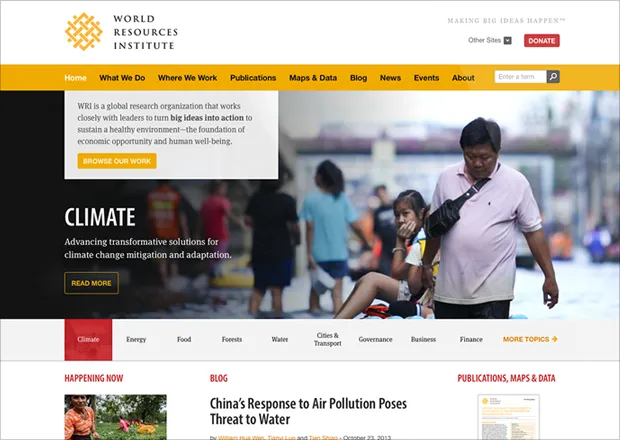
For wri.org specifically, four goals were identified:
- Support WRI’s brand as a global research institution.
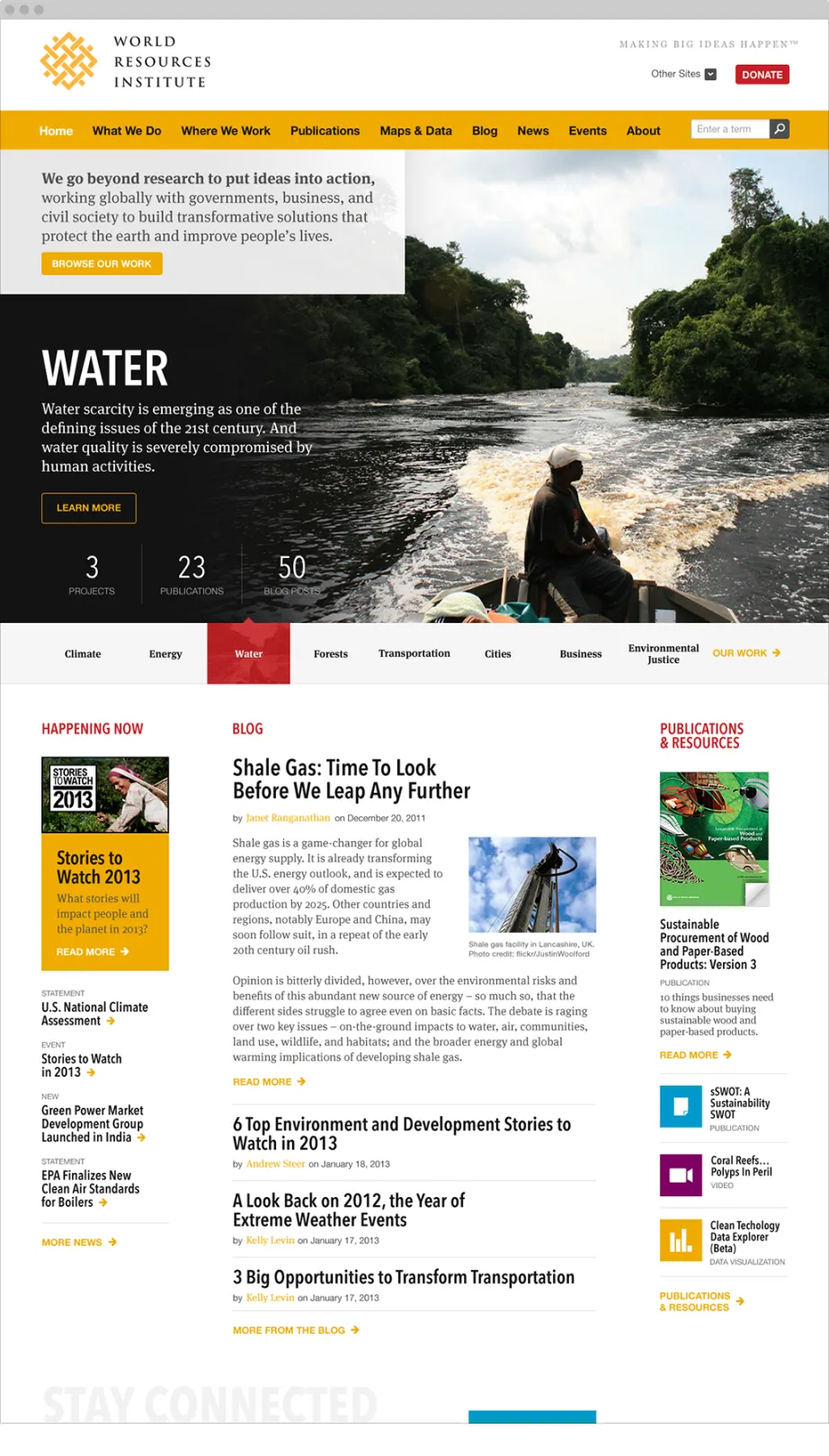
Powerfully communicating global human impact was critical. The institute needed a better way to showcase its work and promote research documents that help drive policy decisions all over the world. - Provide a beautiful experience for mobile users.
WRI fully embraced the need to effectively deliver content to a wide spectrum of devices. As such, responsive design was a central element of the project. - Implement user-centered navigation by topic.
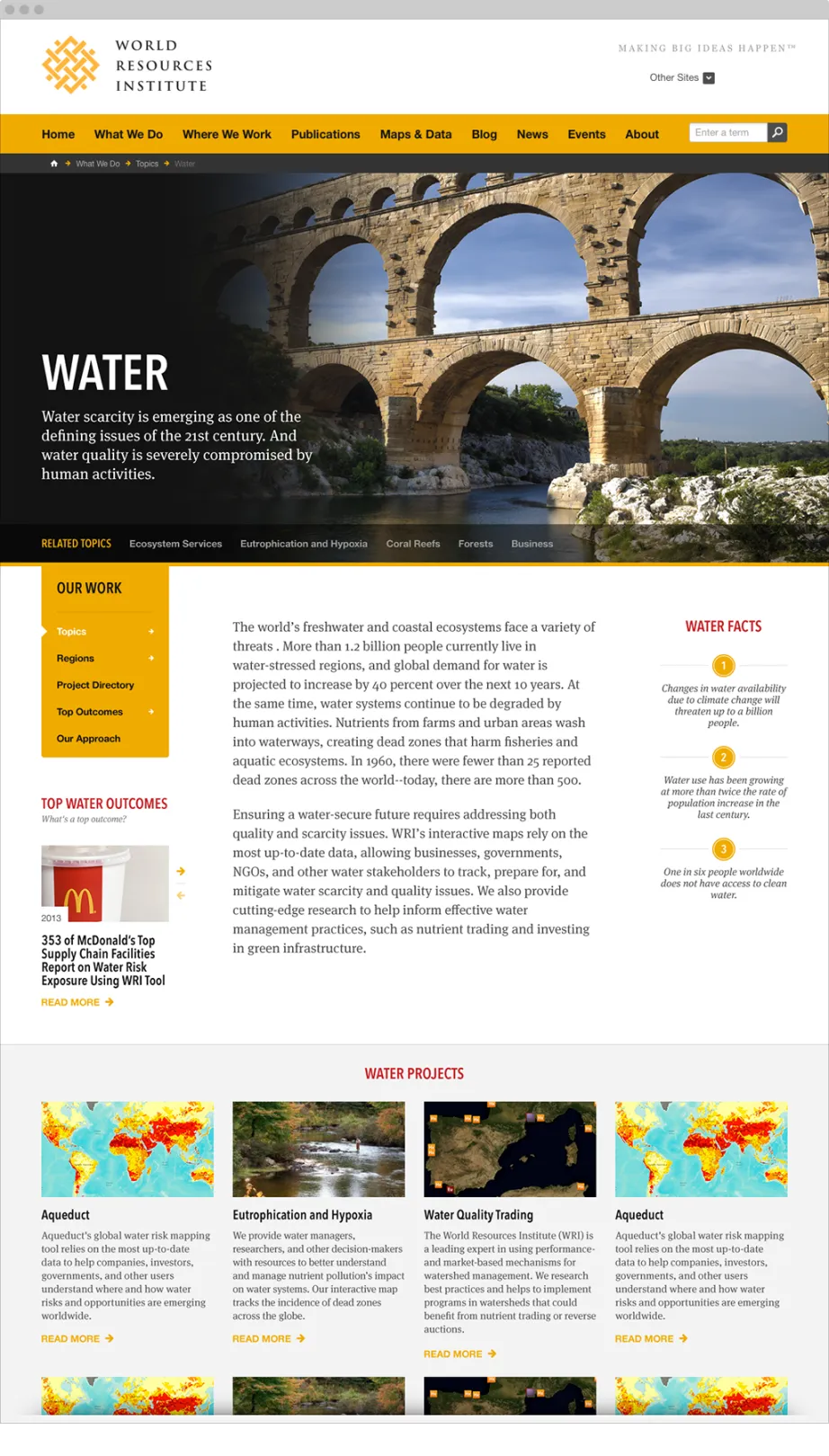
Users needed a way to easily see all of the projects and resources available in key topics – like climate, energy and food. - Increase focus on multimedia.
The redesign needed to better promote data visualizations, maps, and interactive analysis tools.
Why Drupal was chosen
Disseminating research, data and analysis is key to WRI’s mission. As a result, the institute has published volumes of documentation, data visualizations, blogs, and other materials across numerous distinct websites. At the onset of this project, these sites were dispersed across multiple technologies and hosting environments. The cost to maintain this distributed portfolio for the WRI web team had grown to prohibitive levels. At the same time, the organization was actively evolving its communications strategy. WRI identified an opportunity to assess its technology needs holistically. The institute sought a platform capable of flexing to a broad range of publishing needs—without sacrificing maintainability and security. As a research organization with hundreds of programs across dozens of countries, the WRI web team of just three full-time employees needed the ability to easily manage and maintain supporting content, data, and analysis. Drupal was ultimately chosen for its modular architecture, robust feature set, design flexibility, active community support, security, and scalable multi-site architecture. WRI already had some history with older versions of Drupal; their familiarity with the tool was an added benefit.
Technical Specifications
Key modules/theme/distribution used:
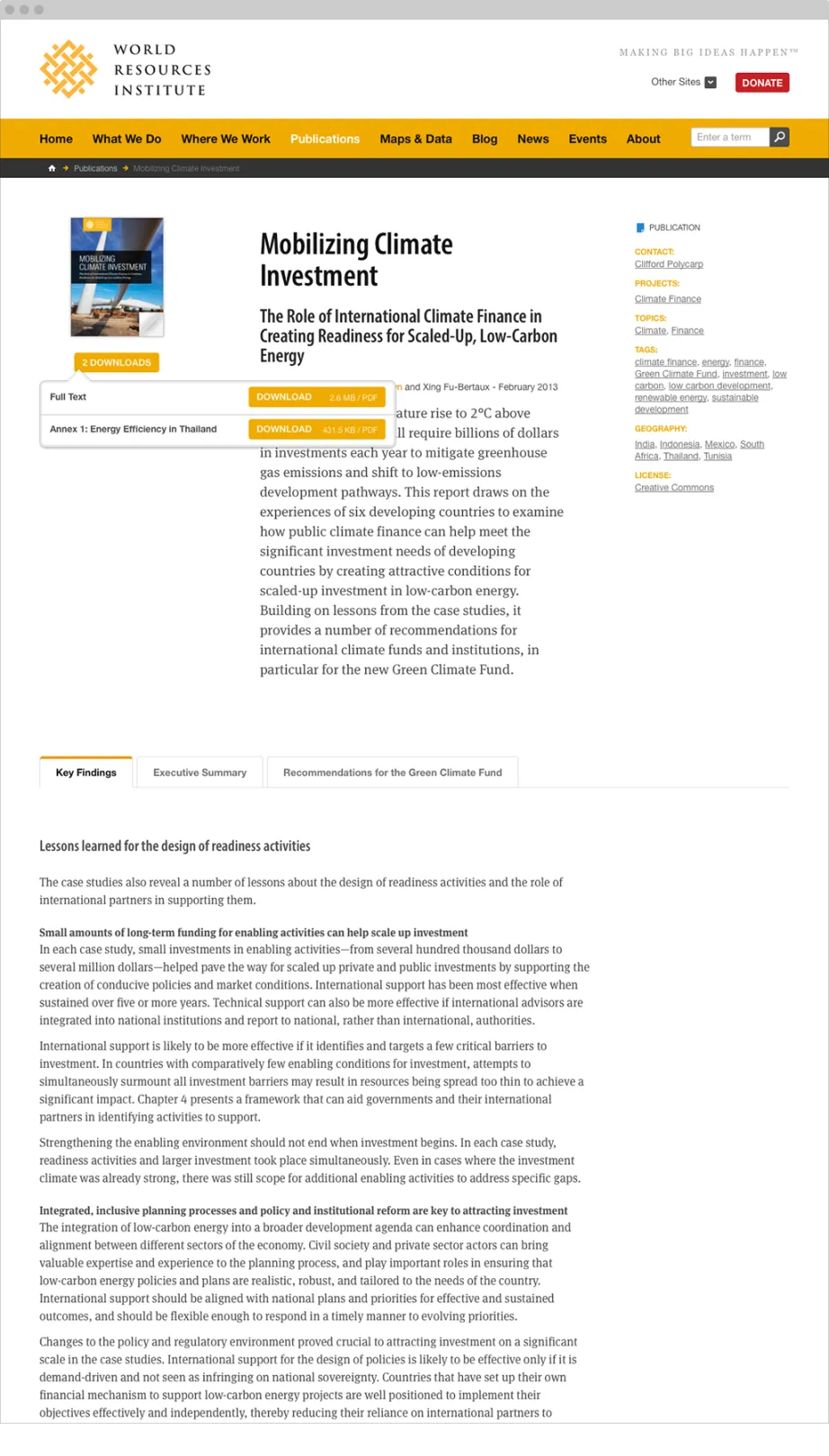
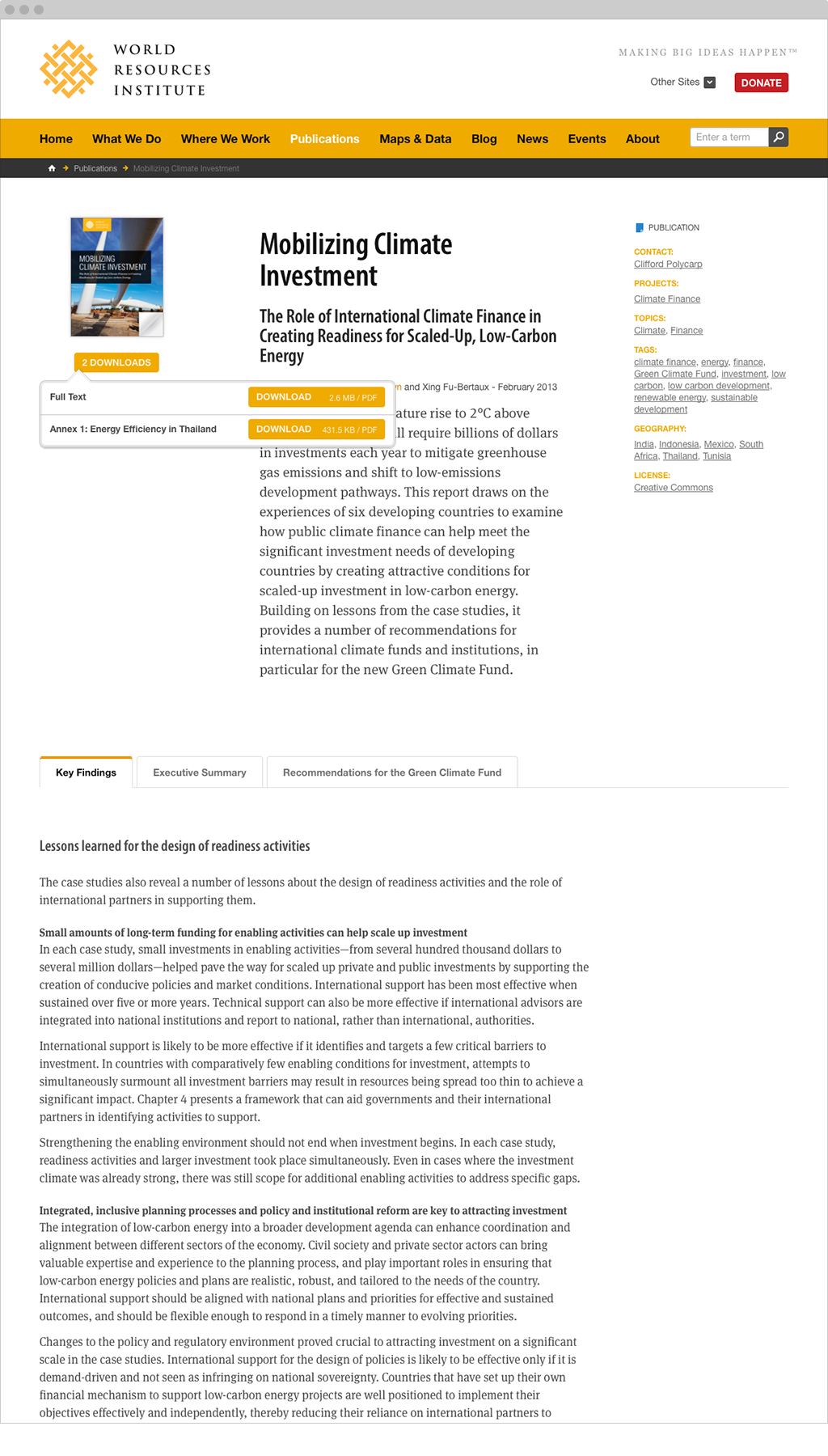
WRI has been producing blog posts, presentations, data sets, charts, graphs, and other research documents of various formats and lengths for over 30 years now. At the onset of this redesign project, all of this content was distributed between the institute’s legacy Drupal 5 website, a Drupal 6 blog, and other sources. Some of the blog nodes had been duplicated onto their legacy site, so during the migration we had to be careful to only bring over one copy of the post. In addition, the legacy site included custom modules, which made the migration process challenging. For example, instead of having a file field on a node, multiple files were linked via a text area field using Markdown. This code had to be parsed in order to get the files as separate file fields in the Drupal 7 site. Our team used the Migrate module along with custom code to move the content into Drupal 7. The Entity Reference module was enabled to relate supporting content—such as blog posts, graphics, maps, and data sets—to WRi’s research publications. In order to direct users to supporting information, as well as to the main Publication, the Views module was used to display groups of content on related nodes.
With content migrated into Drupal 7, it was time to focus on creating an effective interface for three main Content Types: Resources (which include several sub-types like charts, data visualizations and maps), Publications, and Blog Posts. Using the Views module, the development team created a directory page for each of these types with exposed filters for narrowing down the list based on geography, topics, date, and keywords. During the Information Architecture process, the team identified a common structure to be shared across these pages, each displaying a title, description, search form, search results, and filters. Leveraging the Panels module, a reusable structure was created that could be fine-tuned for each Content Type. In order to demonstrate the depth of their research, WRI wanted a method to display related resources, publications, and blog posts throughout the site. Since the number of related items varies based on the selected topic, the team created a custom Panels layout that keeps the design balanced by shifting content dynamically. With this method, the page layout adapts to the format and types of related content, as well as the size of the user’s screen.
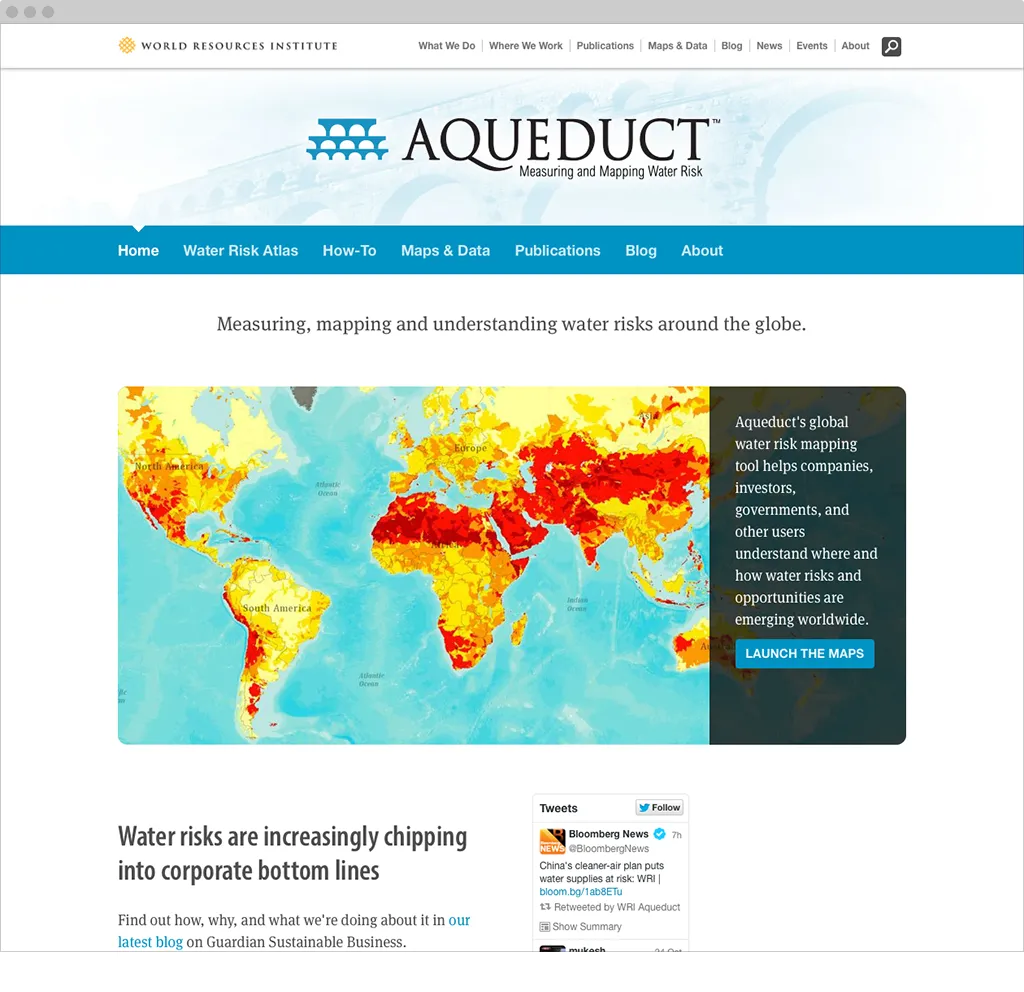
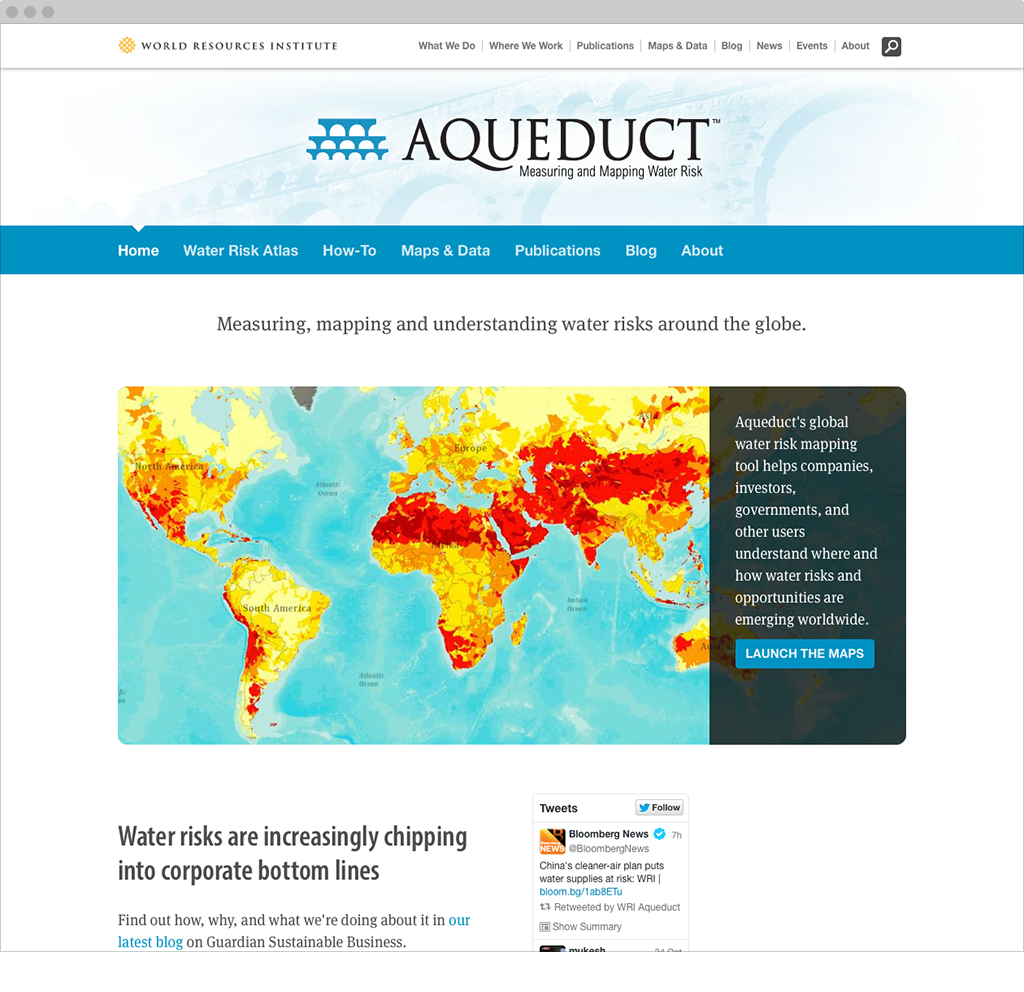
Panels also helped when creating Projects, a custom Content Type in the new system. WRI Projects are displayed differently according to WRI’s internal categorization–levels 1, 2, or 3–which in turn is derived from the funding and scope of the individual project. Level 1 Projects were listed with simple dynamic Views of related content. Level 2 Projects leverage a tabbed structure to include additional information about the project. Level 3 Projects are full-on microsites with a separate customizable theme, navigation, and CSS to adjust colors, background, and the project logo. A Panels-based architecture allowed the team to display projects with varying degrees of complexity dynamically based on the level of a given project and available associated content.
Since so much of WRI’s work is tied to publishing research documents and other resources for users, an effective search interface was particularly important. WRI’s legacy website relied on Google search, which cost significant licensing fees and didn’t allow users to refine their results. We chose Apache Solr to improve the search interface, leveraging facets for a fast, intuitive experience. Drupal’s Apache Solr module simplified configuration options for Solr, allowing the project team to easily control which facets to display and which fields to index.
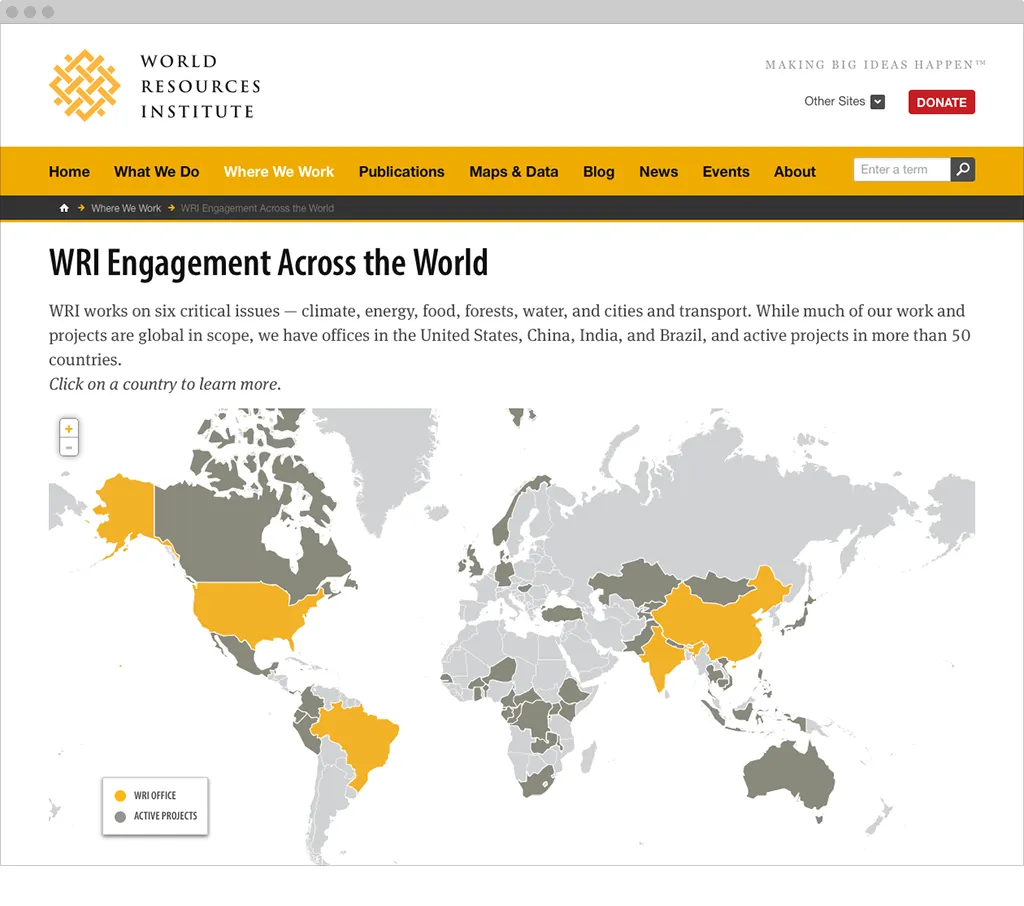
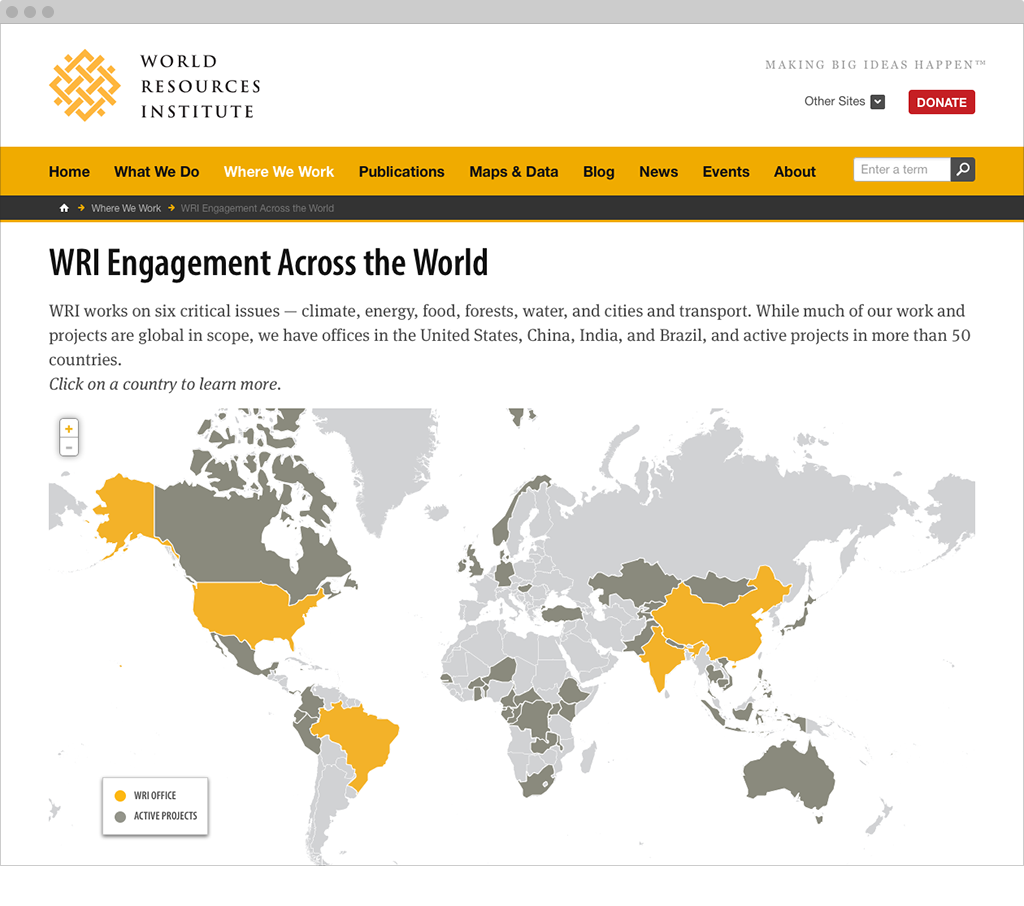
Demonstrating global impact was a key goal for the redesign and was woven into the entire experience. One aspect of this was an interactive map that highlights countries with active projects and locations for WRI offices worldwide. The map was designed with Tilemill, and hosted with Mapbox. To render the map in the browser, the team chose Leaflet—a mobile-friendly JavaScript mapping library—for its simple but powerful APIs and responsive design capabilities. Because WRI’s data was tied to countries rather than points, the team needed to encode and render geographic shapes instead of simple coordinates. To accomplish this, they used GeoJSON outlines from an open source GeoJSON repository. The number of locations where WRI works changes frequently, so the institute needed a simple way to highlight new countries. Countries were structured as taxonomy terms, each referencing GeoJSON outlines for its physical bounds on the map. As new offices or projects are added and categorized by country, they appear automatically. The result is simple and powerful, clearly representing WRI’s presence all over the world.
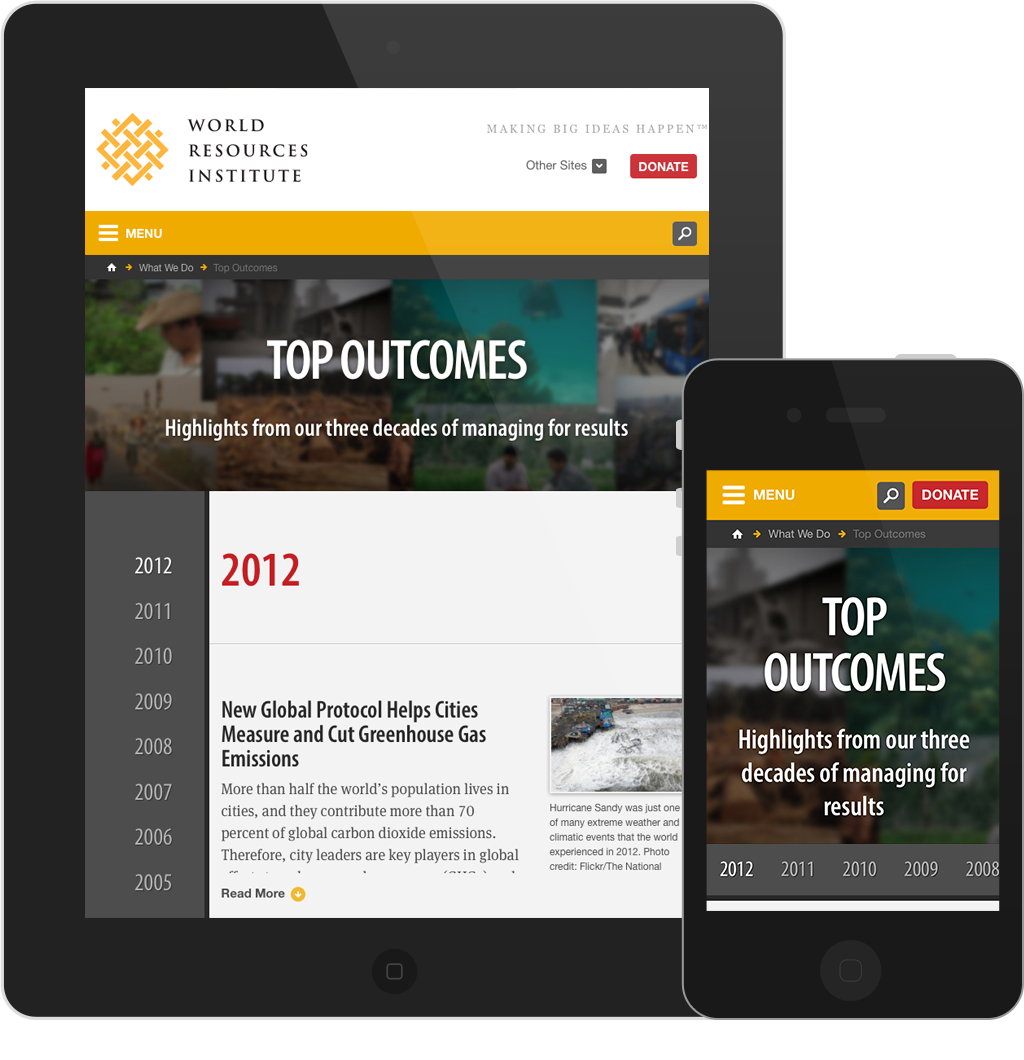
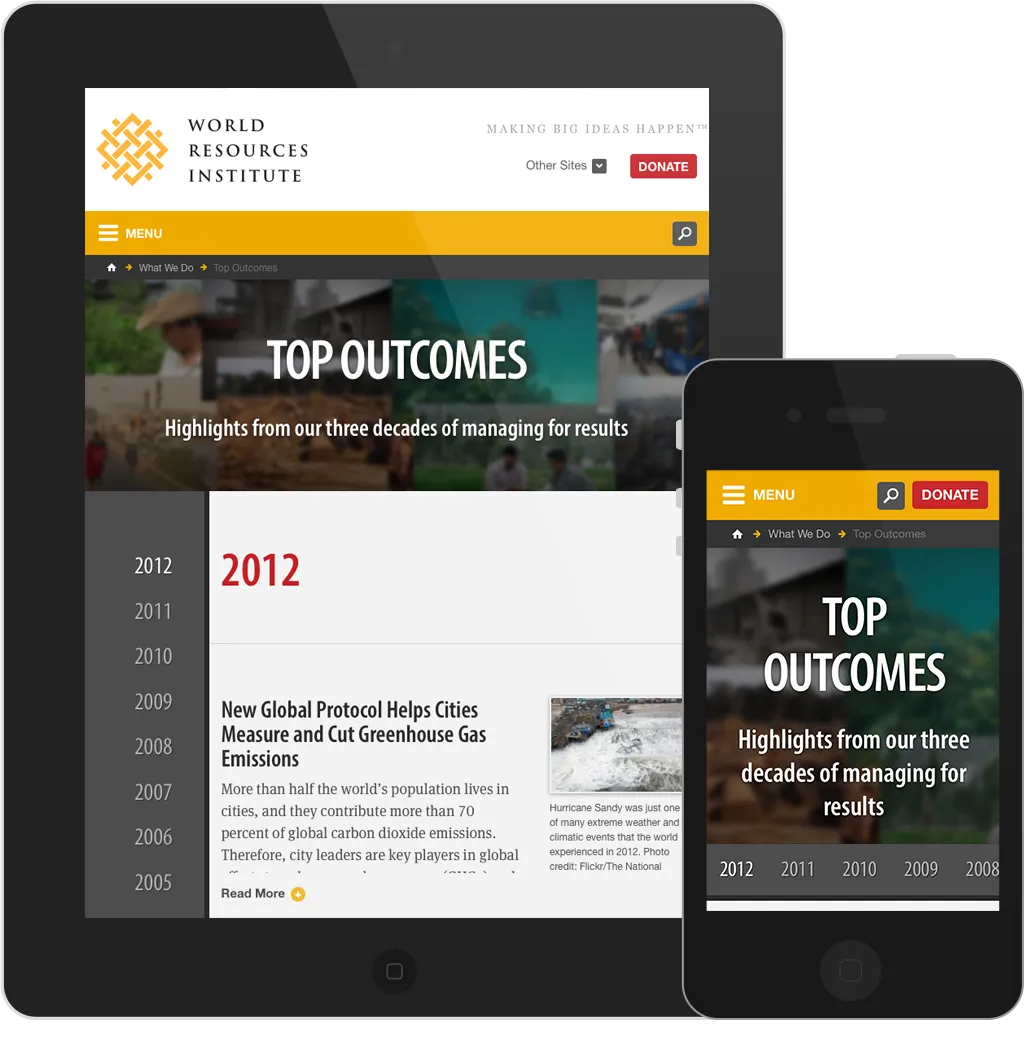
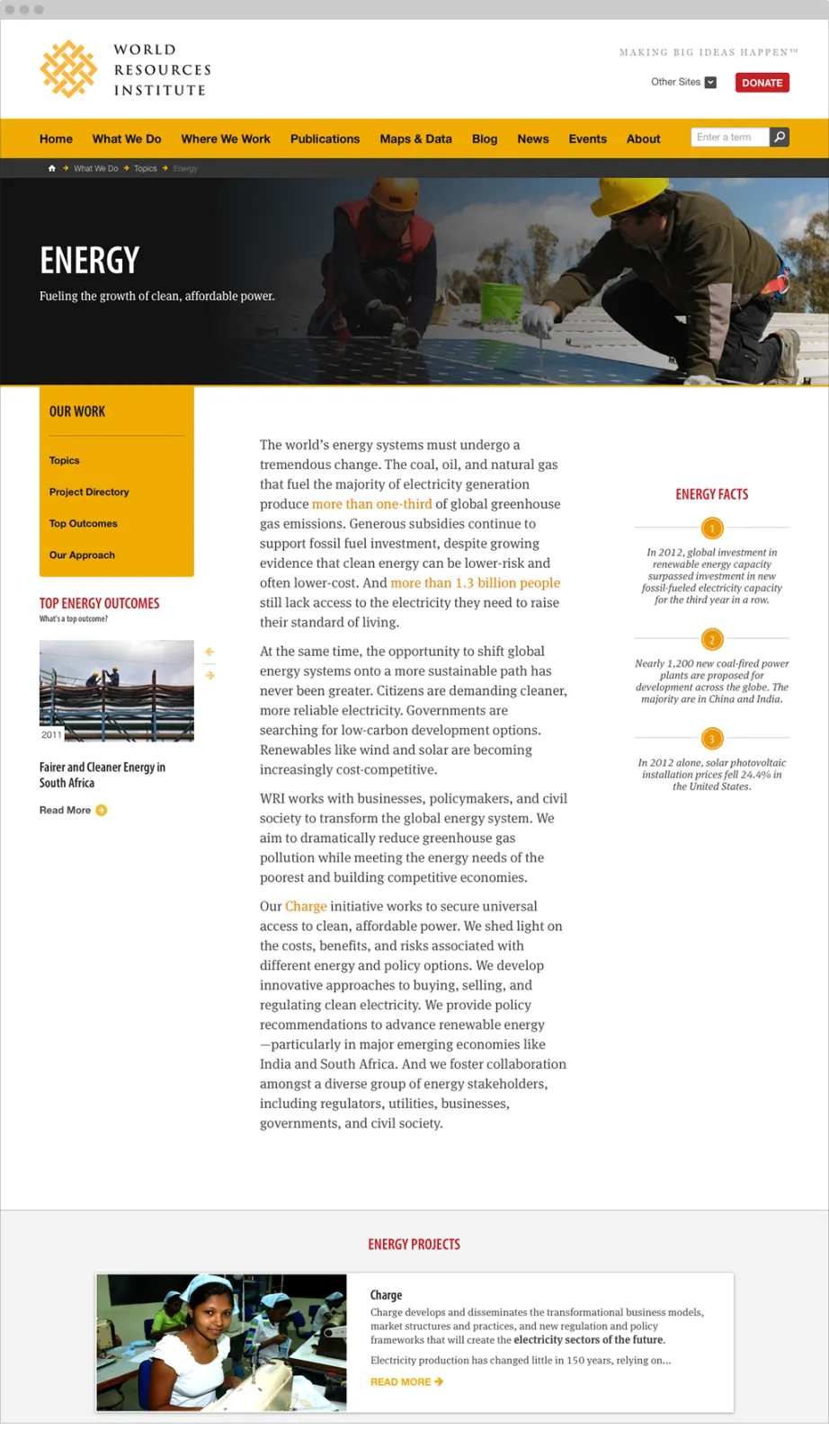
In addition to demonstrating its work globally, WRI sought a way to promote its legacy of impact over time. The development team created a simple but effective chronology of WRI’s impact since 2005 by using the Views module and grouping articles by year. Titled “Top Outcomes,” the timeline uses responsive JavaScript enhancements for an elegant experience, providing users with the ability to quickly grasp the scale of WRI’s work over time.