Sector(s)
Creating a Sense of Place and Experience
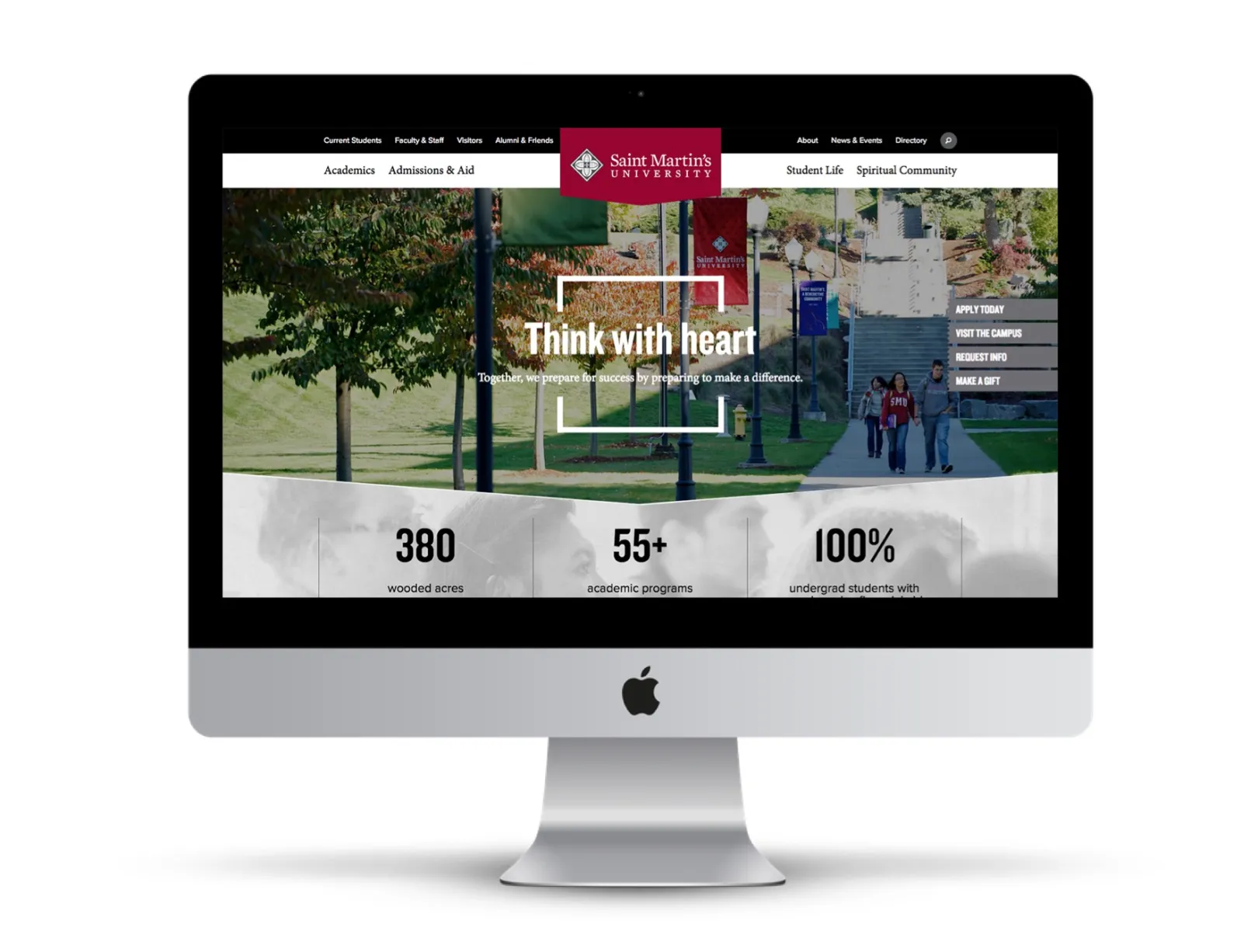
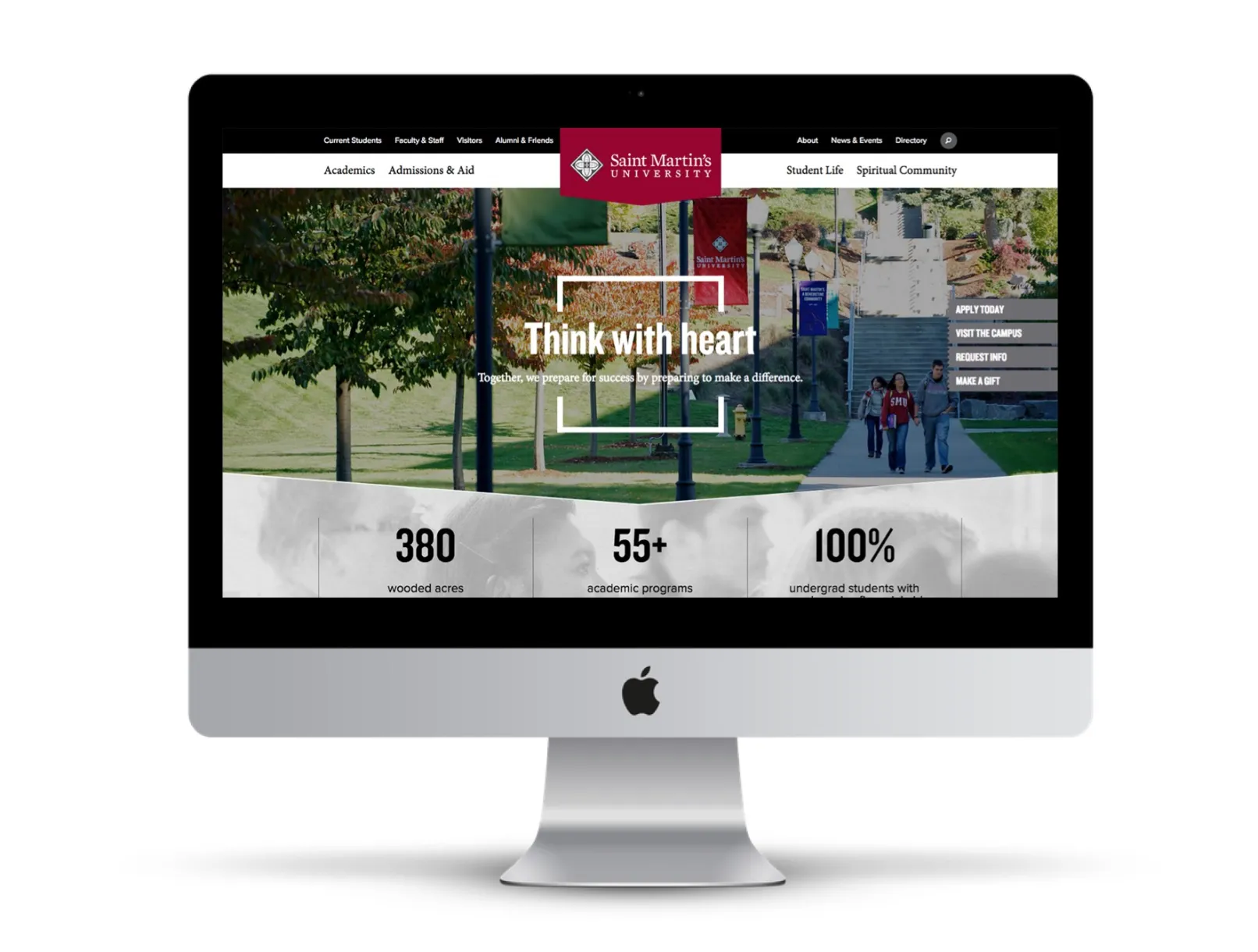
A small liberal arts school outside of Seattle, Washington, Saint Martin’s University offers students a unique experience steeped in a strong Catholic Benedictine presence. They sought a website that could capture the spirit of the campus and clearly communicate it to prospective students.
It was important for the website redesign to clearly define the University brand while highlighting its values, offer better usability for all site visitors, increase inquires, applications, and enrollment, and finally, foster community engagement, interaction, and involvement.
Information Architecture
Redesign application page user pathways using a segmented approach that promotes intuitive navigation.
Content Strategy
Create a visual design that better features messaging and photography communicating the school’s brand while increasing the prominence of persistent calls-to-action on the homepage and program pages, encouraging prospective students to click.
Community Engagement
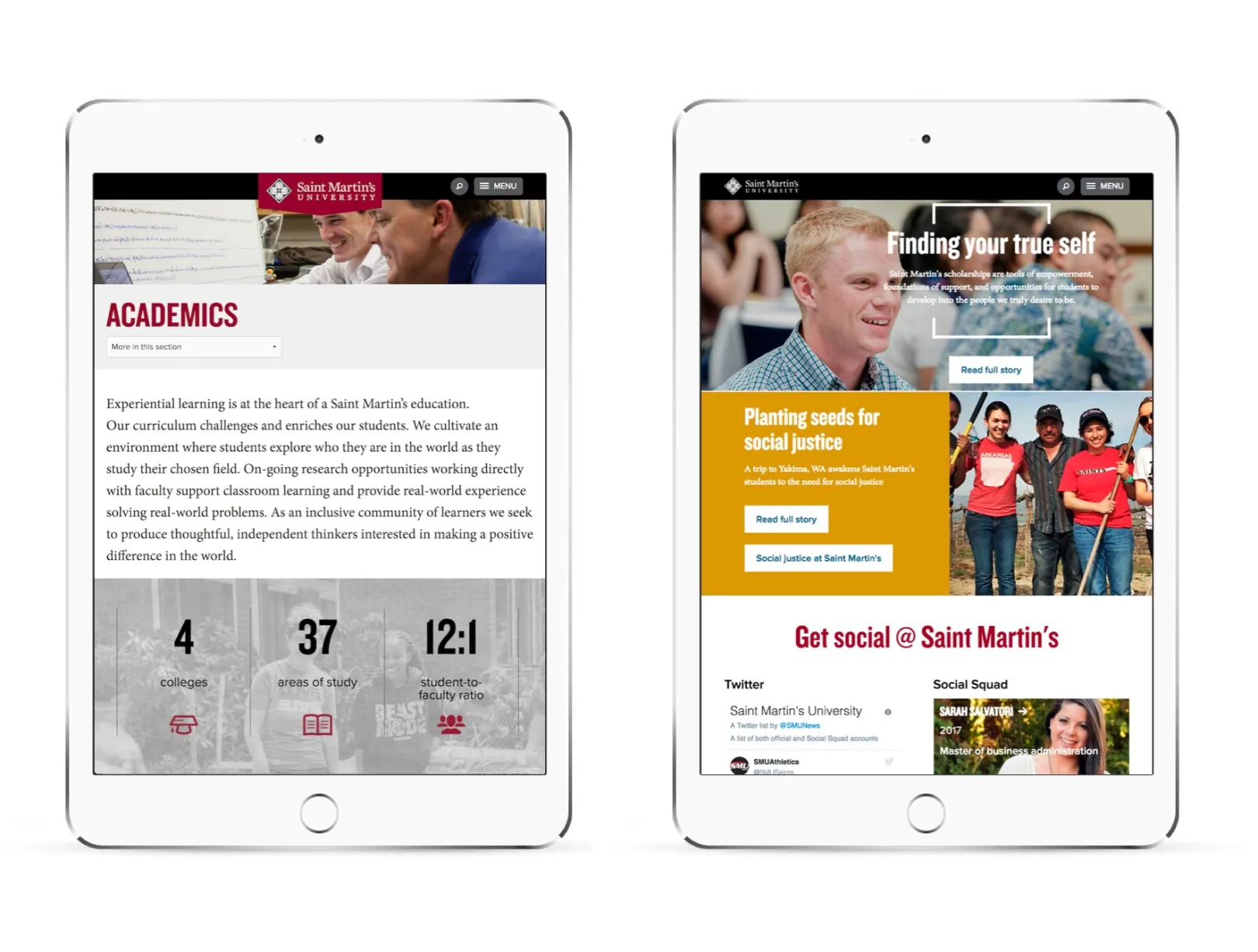
Feature stories from members of the campus community throughout the website while showcasing the student experience.
Mobile Navigation
Design and test multiple approaches to determine and implement best possible solution for mobile navigation and maximization of screen real estate.
Why Drupal was chosen
The Best Publishing Platform for Higher Education
We selected Drupal as the CMS platform because it offered the best solution as a publishing platform. The site strategy is built around content reuse, and Drupal helps a small team of two publish, promote and re-use the content to tell the Saint Martin's story.
Technical Specifications
Drupal version:
Key modules/theme/distribution used:
- Organic groups – used to manage the permissions and structure of over 100 different sections and subsites
- Context OG and UI – improve the usability of admin
- Dif – view and compare revision
- Views – intensive use of views to allow for content re-use across the site
- Blocks – manage contextual content