Sector(s)
Project Team
Project Manager: Ingrid "Inky" Talbot
Sitebuilder, Frontend Developer: Stew West
Backend Developer: Bryan Gruneberg
Frontend Developer: Lisa Thesen
Sitebuilder, Frontend Developer: Nelly Moseki
Sitebuilder, Frontend Developer: Adam Romyn
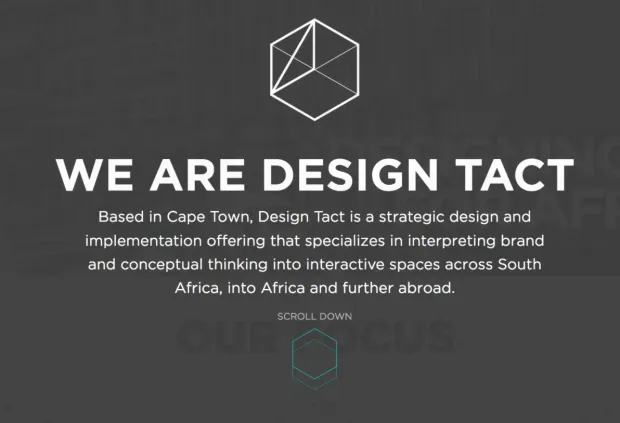
Design Tact specialises in strategic design and implementation from start to finish with a network of specialists in strategy, content, SEO and development. Their primary focus areas are interior/architectural design, graphic/brand design and digital marketing.
About the project
We were approached in October 2016 and requested to rebuild Design Tact's existing website to give it a new lease on life. The main goal was to simplify the website and provide as much relevant information as possible with fewer clicks. It was also important to ensure that all Google Index information is retained. In other words, all URL patterns should remain the same, or to have a redirect.
Our ultimate goal was to make sure things are flexible, straightforward and more user-friendly by adding some subtle interactions/animations, while still keeping it simple, elegant and classy. We also needed to make sure that their Google (SEO)/Metadata is as much the same for the new site as for the old one.
With the relaunch of the site, their focus is on the African market, so throughout the project, we had to stay aware of bandwidth access with regards to image loading and devices.
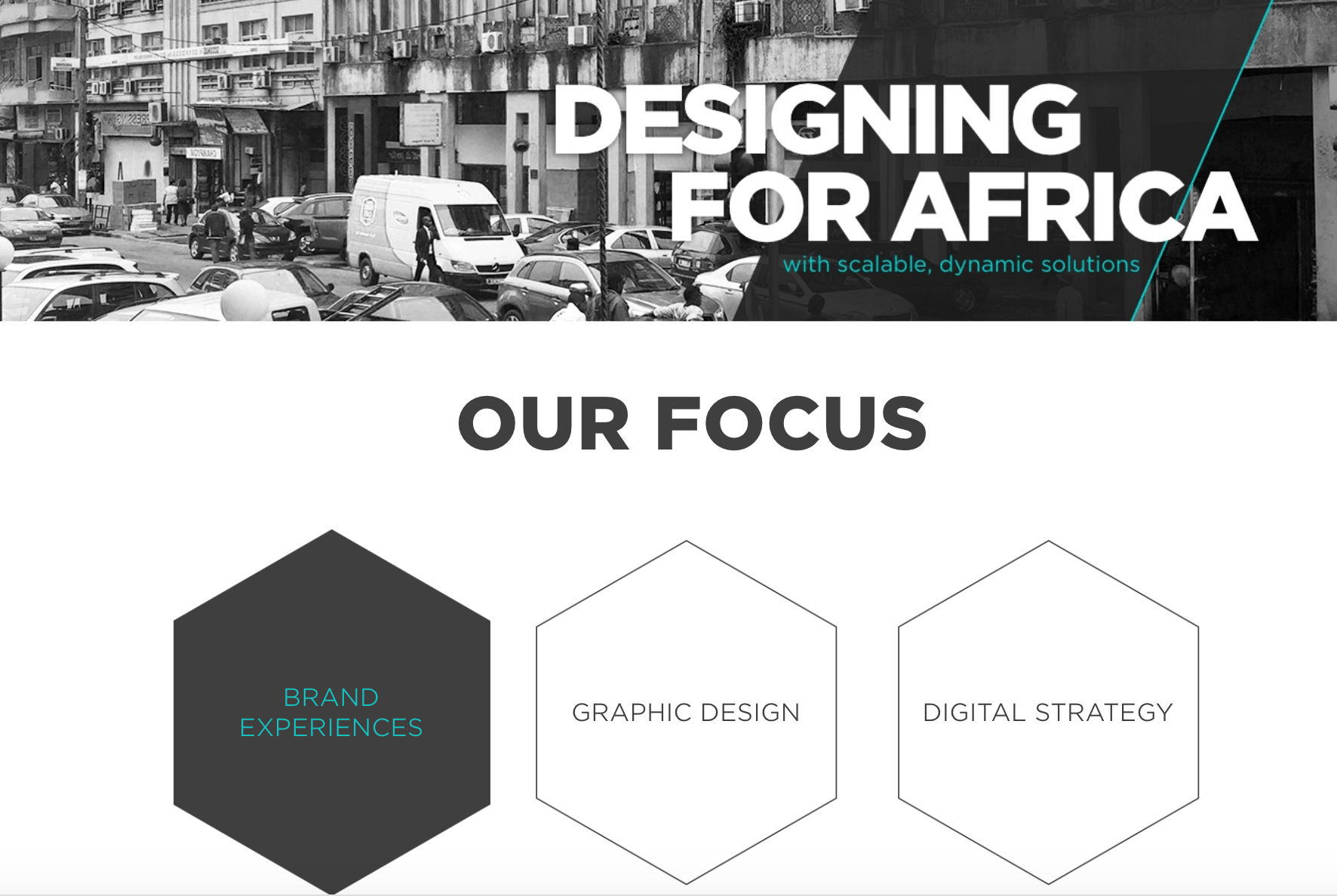
The old website was on Drupal 7, and with the design provided by the client, we rebuilt it on Drupal 8. The new site has:
- A landing page that appears only once per visit for a specific user.
- Exciting new branding.
- Information pages, with some tabbed content display.
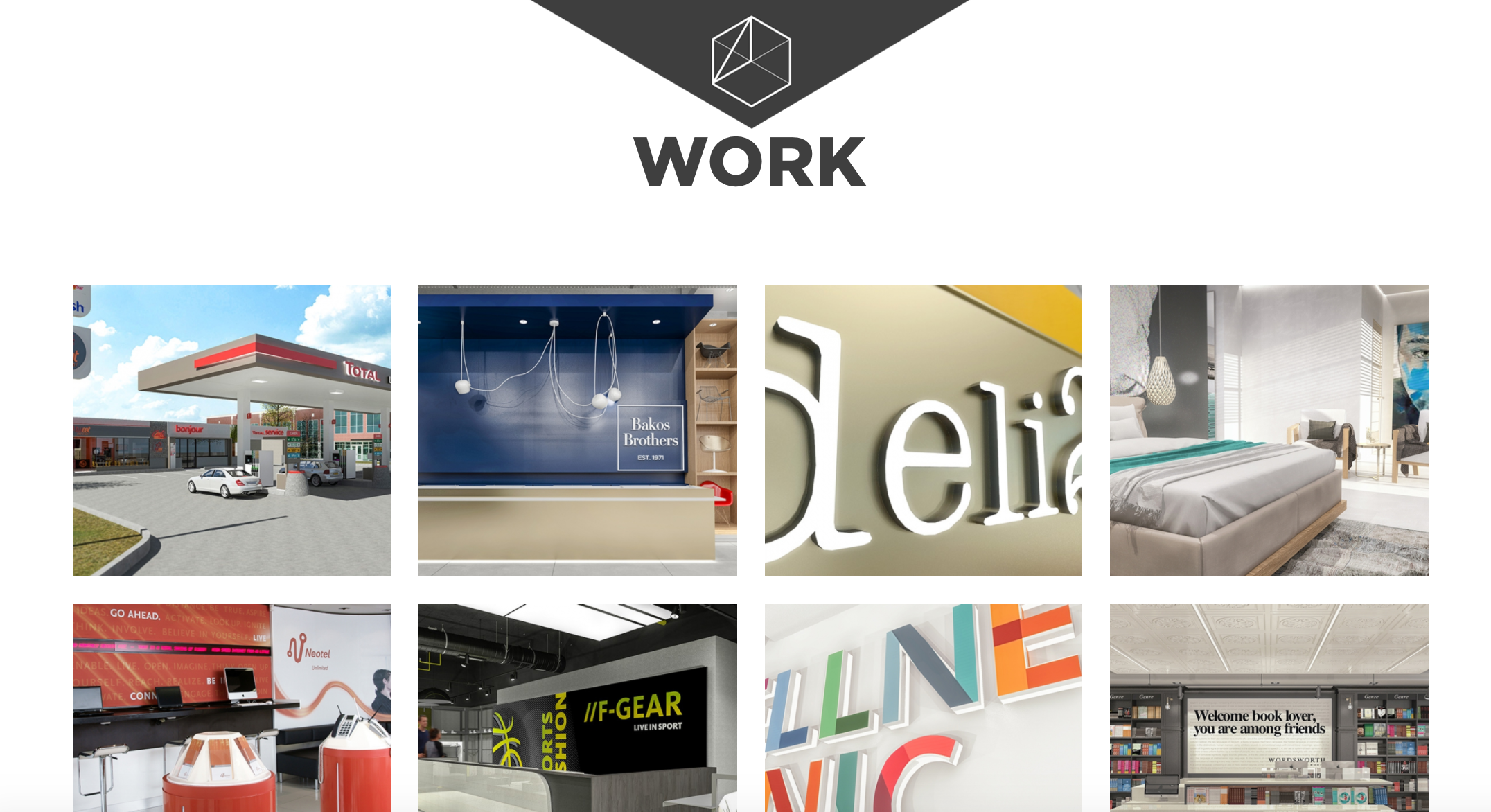
- Updated portfolio listing and content type, with paragraphs and media options.
- Highlighted portfolio items on the homepage.
- Imported blog from external subsite, with listing and paragraphs and media options to match portfolio
- Taxonomy is used to group content by country, city, various other topics.
- Support for YouTube videos.
- Flippy-pager between previous/next items in blog and portfolio.
To keep the backend simple and easy to use and maintain we used the paragraph module system to create the containers for the content and making sure that the client can edit all the text areas themselves.
For an effortless mix of content and images, we also used the paragraph module system to allow for the content flexibility in terms of text and image/video on the website, for example, the blog and portfolio (mixing/moving around of text, image and video for a specific piece of content.
The project had a few learningful, fun challenges that not only helped us grow in our personal capacity but also professionally as a team. Our biggest challenge was to try to make sure that we translated the client’s design pdf into an interactive and responsive site.
To mention a few:
- Getting the hexagons to line-up in responsiveness across all screen sizes.
- The overlay on the homepage that slides away as the user scrolls down.
- Figuring out how animations and interactions should work together to achieve the best result.
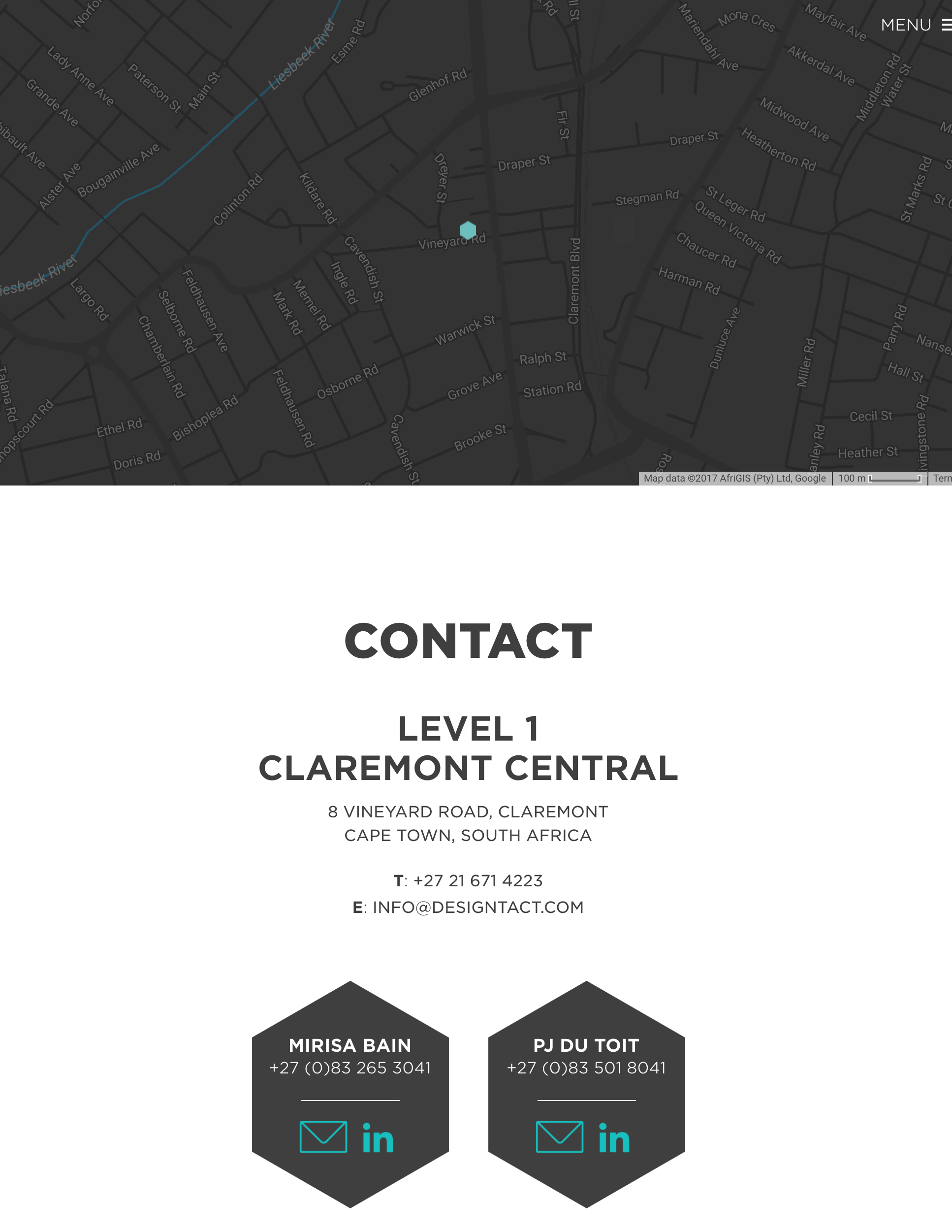
We also got to play around with some pretty cool stuff like Snazzymaps.com for the custom Google map so that it’s not the standard colours on the contact us page.
Why Drupal was chosen
The previous Design Tact website was on Drupal 7, and as the redesign was quite a fair change, it was decided to migrate the site to Drupal 8.
Technical Specifications
Drupal version:
Key modules/theme/distribution used:
Paragraphs:
To allow for flexible content for both Portfolio and Blog pages, so that the client can load a selection of images and text. It was also used to create the tabbed content on the home and about page.
Flippy:
As a pager between Portfolio and Blog content. It was made to work hard for the portfolio content, where we are rendering Title and terms, and targeting them separately for different styling.
Splashify:
This was used to create the one-time overlay on the home page. The first time a user visits the site, an overlay appears, which slides neatly away as one starts to scroll. A lot of custom javascript was added, though, for animation, but Splashify provided the initial one-time functionality.
Simple hierarchical select:
All Portfolio content was tagged with a location. As the client does a lot of work across Southern Africa, it was necessary to tag the content with Country and City. SHS allows us to display the list of nested content.
Views Infinite Scroll:
This is a fairly standard module in our toolbox these days, allowing users to load more content in a list - e.g the Portfolio and Blog content
Redirect and Redirect 404:
It's important for the client, to know that their old links shared across the internet are not lost forever, so Redirect was an important piece, in making sure that their links remained.
Redirect 404 was added as an easy way for the client to keep track of hits to the site and being able to add the redirects as needed, for those that may have been missed.
Block Access:
This allows us to give the client limited access to edit the content within blocks, but not be able to reorder the block layouts.
Focal Point:
A very useful tool to ensure all images are cropped in around a sensible point.